Microsoft has finally held a big Windows event, its first since May 2024, and it turned out to be about much more than routine updates. On October 7 in San Francisco, the company teamed up with NVIDIA to show a laptop built for local AI, a rebuilt Windows 11 search, and a Copilot app that acts more like a real assistant. Here is the main stuff, without the fluff.
Surface Laptop Ultra, the most powerful Surface yet
The star of the show is a laptop built around NVIDIA’s RTX Spark platform. It starts at $2,599, pre-orders are already open, and shipping begins on October 16. The top configuration offers up to 128GB of unified memory, so the machine is designed to run large AI models right on the device.
A few more details stood out during the presentation.
- Microsoft says the cooling system has 2.5 times the thermal capacity of other Surface laptops.
- The laptop keeps more than 99% of its performance when running on battery.
- A new Magnetic Connect system brings MagSafe-style magnetic charging over USB-C without losing any USB-C functions.
- Demanding tasks such as Blender, ComfyUI and gaming were shown running on the device.
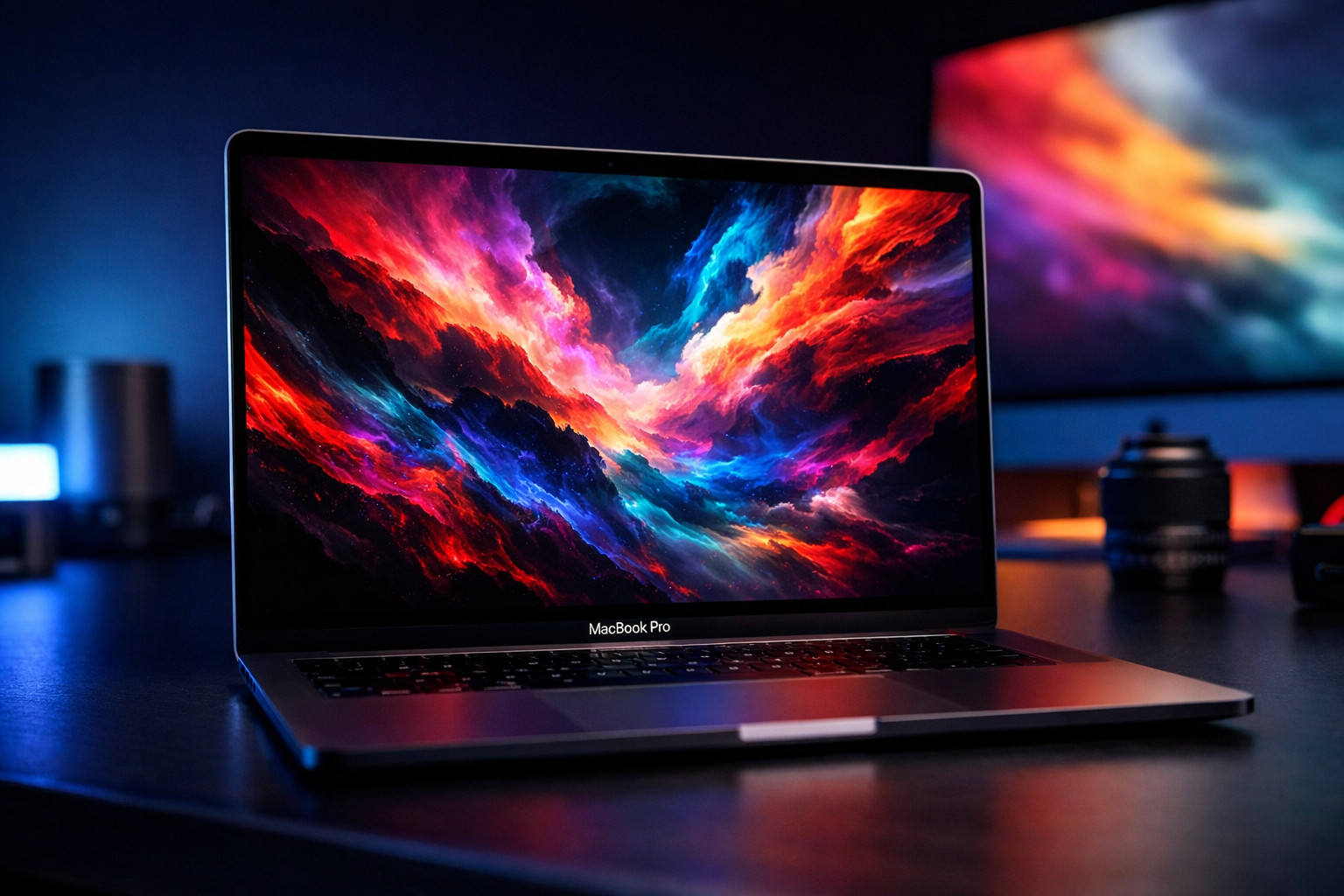
Microsoft is also going after Apple directly. A new campaign targets the MacBook Pro and offers up to $1,000 for trading in an old device toward a Surface Laptop Ultra.
More laptops with RTX Spark are on the way
Surface is not the only name in the game. Microsoft showed several other laptops that will ship with RTX Spark very soon, which means this is a whole Windows ecosystem push rather than a single exclusive product.
Surface RTX Spark Dev Box for developers
For people who need more than a laptop, Microsoft opened pre-orders for a compact desktop system called the Surface RTX Spark Dev Box. It costs $5,999 and comes with 128GB of unified memory and up to one petaflop of AI compute. It is aimed at developers who want to build and run demanding AI workloads locally.
Windows 11 Search can now do things for you
This is the change most people will actually notice. Microsoft is rebuilding Windows Search on WinUI 3 and rolling it out to Windows Insiders first. The new version brings several improvements.
- The interface is cleaner and shows all results in one list.
- Search is smarter and handles typos and synonyms better.
- File previews are richer, so you can see what is inside without opening anything.
- Web results appear right inside Search.
- You can type requests like “turn on dark mode”, “turn on Bluetooth” or “minimize all my windows”, and the system completes them directly.
Microsoft is also working on Phone Link actions and plans to bring the new search experience to the Start menu next year.
A redesigned Copilot app
The Copilot app has been reworked with dedicated Home, Code and Autopilot sections. The new version adds several abilities.
- Copilot can access your local files on the PC.
- It can perform actions in Windows on your behalf.
- It can work with AI models that run locally on the computer.
- Copilot Code can create Windows apps and widgets.
Keeping AI agents under control
When AI agents get access to files and the network, security becomes a serious question. Microsoft’s answer is a technology called Execution Containers, which gives agents controlled access to resources such as files and networking. It is built around three principles, containment, identity and manageability.
Windows ML and third-party AI
For developers, Microsoft demonstrated Windows ML, a platform for deploying AI runtimes across CPUs, GPUs and NPUs. Support for llama.cpp is coming soon, which gives developers another way to experiment with newer models on their own machines.
The company also confirmed that Meta Muse is coming to Windows as a native app. Perplexity showed its Portable Computer experience handling complex tasks with local models, without burning through cloud
Більше новин в телеграмі