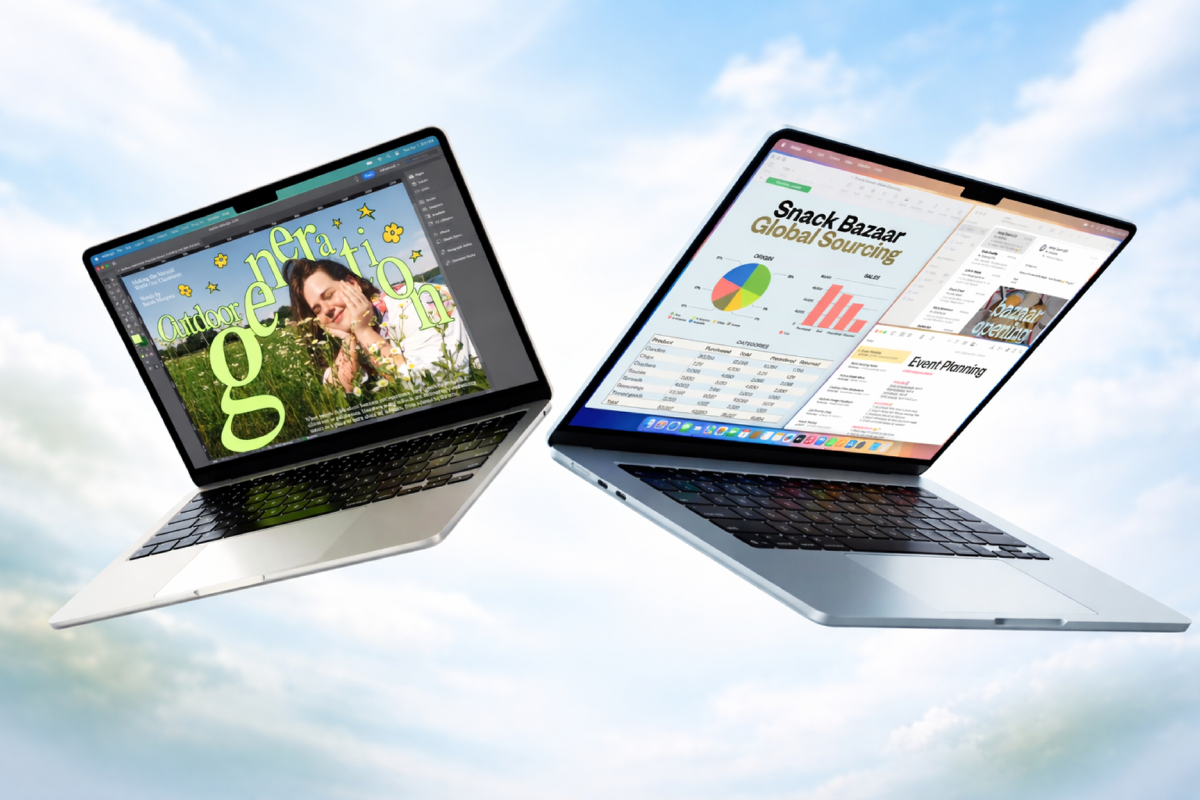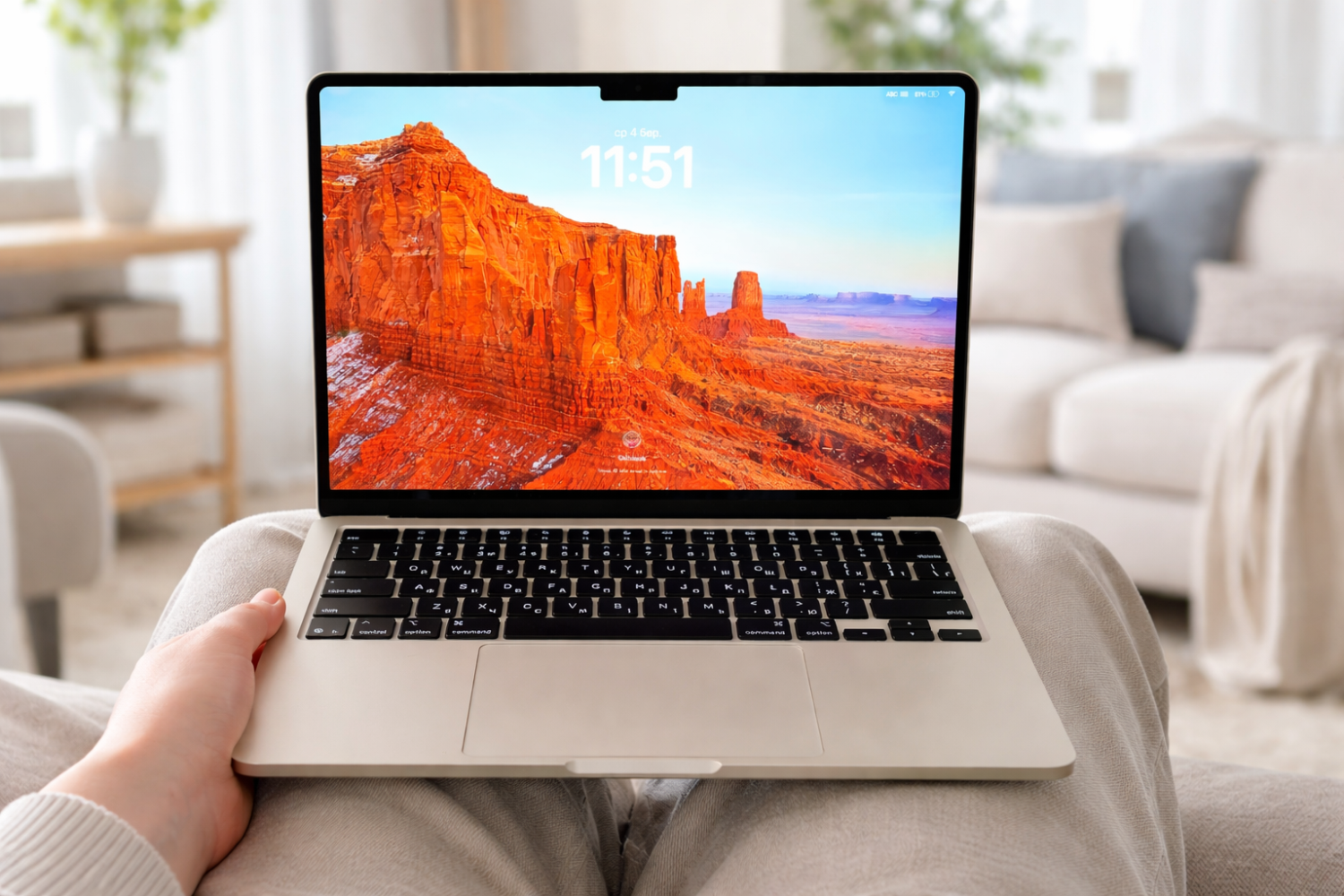
We all understand that the price of Macs was bound to increase. And this was influenced not only by the amount of RAM now actively used for AI. The global upheavals taking place around the world could not help but affect price stability either. And yes, the price of the base Mac has gone up by $100. But what exactly has changed?
M5 Chip and MacBook Air Performance
Yes, the chip has changed — it is faster and more powerful. And you may actually use that power. But have you fully unlocked the potential of the previous generation chip? Most likely, around 80% of users do not even realize what their Mac is truly capable of.
According to Apple, the new M5 chip delivers up to a 15–20% CPU performance increase compared to M4 in single-threaded tasks, with even greater gains in multi-threaded scenarios. Graphics performance has also improved thanks to an updated GPU architecture with enhanced memory bandwidth. The new-generation Neural Engine accelerates machine learning tasks and Apple Intelligence, enabling faster AI request processing and local model performance.

Apple introduced the iPhone 17e with MagSafe and doubled the base storage
Double the storage, half the price. The new iPhone 17e is here to redefine the "budget" flagship. Featuring the powerhouse A19 chip, a stunning 48MP Fusion camera, and a massive 256GB base storage, it’s everything you love about the iPhone 17 for just $599.
When it comes to performance, most people focus on numbers. But the real question is different: will you actually feel the difference in real-world use? MacBook Air M5 is indeed faster. According to Apple, CPU performance improves by up to 15–20% compared to M4, and the gap becomes even more noticeable in multi-core workloads.
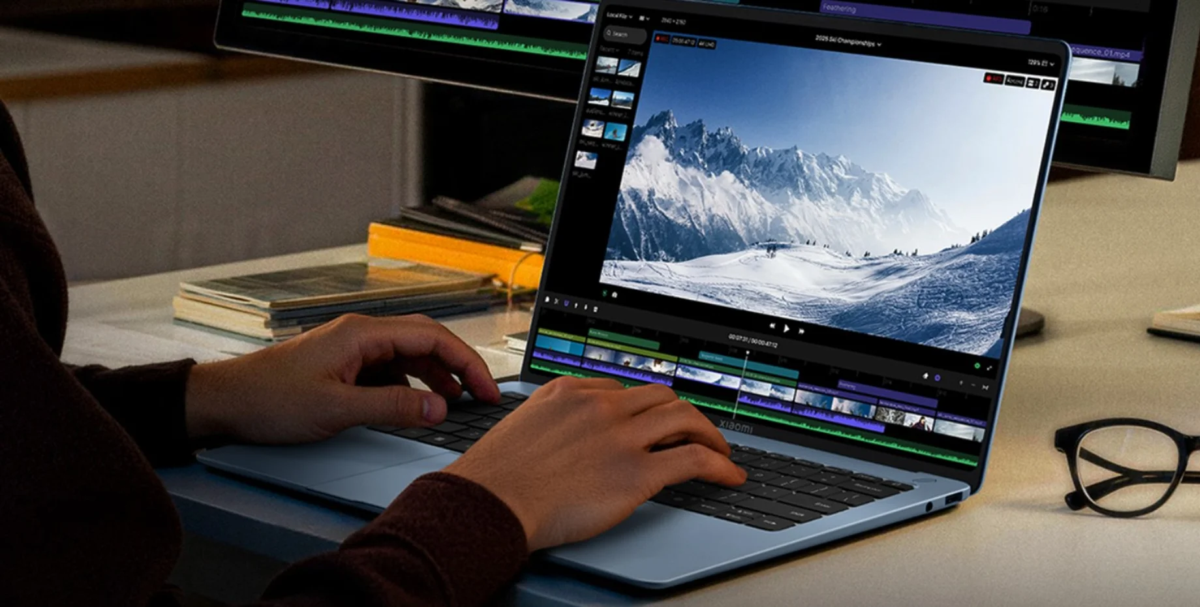
But let’s be honest. If you work in a browser, write texts, edit light video, or process photos in Lightroom or Photoshop, the M4 already handled that without issues. The M5 reveals its strengths when working with heavy projects, 4K video, complex layers, large libraries, or when actively using AI-based features.
- faster project compilation;
- more stable multitasking performance;
- less heat under sustained workloads;
- accelerated AI processing via the Neural Engine.
The difference is real. But it is evolutionary rather than revolutionary. If your MacBook Air M4 runs smoothly, you will not experience a dramatic leap. If you are coming from an older Intel model or M1, however, the M5 will feel like a completely different level.
SSD Storage
Today, you are effectively paying that extra $100 for storage. Not only has the base capacity increased to 512GB, but it has also become faster. One of the main frustrations for many users — file read speed — has improved.

Lexar ES3 1TB External SSD, USB 3.2 Gen2 Portable SSD, PSSD Up to 1050MB/s
Lexar external SSD ES3 supports USB 3.2 Gen 2 with speeds up to 1050MB/s read
and 1000MB/s write, allowing you to transfer large files quickly and work more efficiently
whether you are editing photos, exporting video, or managing large projects.
Performance may be lower if your Mac or other system does not support USB 3.2 Gen 2.
Apple states that the base configuration of MacBook Air M5 now includes a 512GB SSD, and sequential read and write speeds have increased compared to the previous generation thanks to more advanced NAND modules and an updated controller. This directly impacts system boot times, opening heavy projects, and working with large video files.
According to official Apple data, the base MacBook Air M5 comes with 512GB of SSD storage. Versions with 1TB, 2TB, and 4TB are also available. The internal storage is built on a more advanced architecture, with sequential read speeds reaching approximately 3000–3500 MB/s and write speeds up to 3000 MB/s depending on configuration.
This directly affects how quickly large projects open, how fast video exports complete, and overall system responsiveness. This is where the most noticeable difference from the previous generation appears.
Storage can always be expanded later. For example, by connecting an external drive.
You can also purchase cloud storage. But let’s be honest: MacBook Air is designed for mobility — to carry it easily, open it in a café or on a train, use it in class or at a conference. Extra gadgets are not always convenient, and you also have to remember to bring them. In that case, it makes sense to buy a sleeve that always carries your essentials: external drives, adapters, hubs.
Yes, 512GB is not 4TB. But for most users, it will be more than enough to store their files. And that is already a significant advantage.
Unified Memory
Considering the dramatic rise in memory prices, 16GB as a base configuration is already quite good. I would even say Apple managed to maintain reasonable pricing. According to official information, MacBook Air M5 ships with 16GB of unified memory in the base model, with options to upgrade to 24GB or 32GB in higher configurations. Apple Silicon’s unified memory provides higher bandwidth and lower latency compared to traditional memory architecture.
If you have not switched to Affinity Photo or Pixelmator yet and still edit photos in Photoshop or work with 4K video in DaVinci Resolve, both the chip and the memory configuration will be sufficient.
As for Apple Intelligence, it also consumes both RAM and storage. According to Apple, Apple Intelligence features operate locally on the device and through Private Cloud Compute, distributing workloads between the device and secure cloud infrastructure. This does affect memory and storage usage.
How important are those features to you? What exactly do you use your MacBook for?
If you rely on text editors, you most likely use GPT or Gemini. Since Siri is still not particularly intelligent, you probably are not issuing complex commands from your Mac. Photoshop has its own AI tools. And if you want to save space and maximize system performance, consider whether you really need to actively use Apple Intelligence.
By disabling it on your Mac, you may reduce background system load and free up some resources. But that decision is entirely yours.
Turn Your MacBook Time Into Learning
MacBook Air is designed for mobility — you open it in a café, on a train, in an airport lounge, or between meetings. And many professionals today combine work with learning during those small moments of free time.
Instead of scrolling social media, more users are switching to audiobooks. Audible gives access to thousands of bestselling books on technology, productivity, psychology, and business that you can listen to while traveling, walking, or commuting.
Right now Audible offers a free trial that lets you start listening immediately and explore their catalog without commitment.
As an Amazon Associate we may earn from qualifying sign-ups.
MacBook Air M5 vs M4
This is where the most important question begins. Is it worth upgrading from M4 to M5?
If you have a MacBook Air M4 with 8GB of memory and a 256GB SSD, the new M5 base configuration looks significantly more appealing. 16GB of unified memory and 512GB of storage provide more breathing room and fewer limitations. And this is not just about numbers. It is about a system that runs more calmly, without constant storage management.
If you already have an M4 with 16GB and 512GB, the situation is different. In everyday use, you will barely notice a difference. Yes, the chip is faster. Yes, the SSD is slightly quicker. Yes, AI tasks are handled more confidently. But this is not the kind of leap that makes you say, “How did I ever live without M5?”
- you are upgrading from an older Intel Mac;
- you use an M1 and work with video, graphics, or design;
- having 16GB/512GB in the base configuration is important to you;
- you actively use heavy projects and AI tools.
- you already own an M4 with a solid configuration;
- your MacBook is mainly used for browsing, studying, or office work;
- you are fully satisfied with current performance.
MacBook Air M5 is not a revolution. It is a logical, careful refinement of the platform. It is better. But the real question is not whether it is faster. The real question is whether you actually need that extra power right now.
More news on Telegram


More interesting articles
Більше новин в телеграмі