What will change and which bugs will be fixed
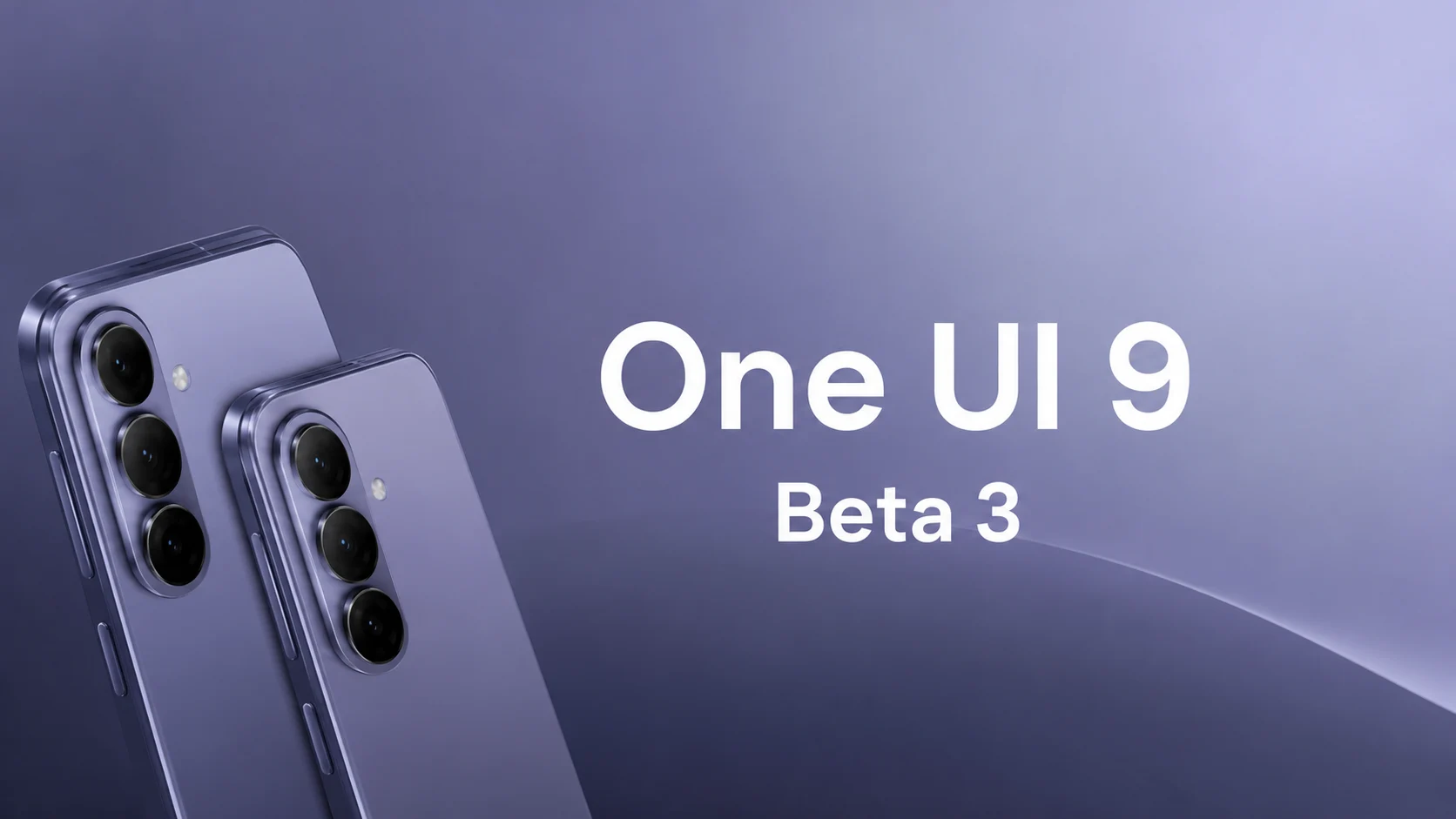
While the first beta version of One UI 9 introduced visual changes and the second focused purely on stabilization, Beta 3 is set to combine critical bug fixes with interface refinements.
Flexible Quick Panel customization. This refers to the volume slider – users will be able to move it freely, customizing its position independently of other quick menu elements.
The media player has also been updated to a more modern visual style. It now features a cleaner layout and improved readability. In the status bar, the size of icons and text has been increased to make information easier to read, especially on large screens.
New media player: cleaner and more modern
Previously, the player widget in the notification shade tried to pack too many elements at once: a large album art cover, a wavy progress line, the track name, track skipping, shuffle, and repeat buttons. This created visual clutter.
Now, the media player interface has been “decluttered”:
- the focus is placed on the essentials: the track name and artist name have become clearer, while secondary buttons (like, shuffle) have been hidden or minimized;
- track control has been improved: the time progress slider has become thicker and more responsive to touch — making it much easier to hit the right moment in a song on the go.
Status bar: readability on large displays
Modern screens are getting taller and longer, and pixel density (PPI) is increasing. As a result, tiny icons at the very top of the display (the status bar) sometimes forced users to squint to read the numbers.
In the third beta of One UI 9, this issue has been addressed radically:
- enlarged indicators: battery level icons (especially the percentage inside or next to it), network signal, and Wi-Fi icons have become noticeably larger;
- focus on the clock: the system time font has become bolder and sharper, making it easier to read information with peripheral vision;
- optimization for Fold and Ultra: on large screens, this layout no longer looks empty — elements scale proportionally to ensure the top panel looks balanced.
Overall, the system is getting rid of microscopic elements, relying instead on clean space, large fonts, and ease of perception.
The menu has also been changed, becoming neater thanks to reorganization and section optimization.
1. Reduction of submenus (“flat” design)
Previously, to find a required toggle, one had to “dig” 3–4 levels deep (for example: Settings ➔ Display ➔ Eye comfort shield ➔ Adaptive color palette). Now, Samsung groups related functions on a single screen. The menu has been cleared of visual clutter by combining rarely used items into a single logical block.
2. Visual separation into cards
Instead of an endless continuous list of rows, the settings sections are now more clearly separated into individual block cards with rounded corners. More space has been added between these blocks, helping the eye immediately catch the required category (for example, a separate block for connections, and another for security and privacy).
3. Simplification of names and icons
Some technical terms in menu item names have been replaced with simpler, more straightforward ones for the average user. The section icons themselves have been redesigned: they have become more minimalist and received a unified design code to avoid a chaotic look.
4. New security logic in the power menu
Optimization has affected even the device power-off screen. In One UI 9, the separate “Lockdown mode” button was removed and its functionality was integrated directly into the default power menu. Now, if you simply invoke this menu and close it, the smartphone will automatically disable biometrics (fingerprint and face) and require a PIN code only. This prevents attackers from forcing a user’s finger onto the screen to unlock it.
5. Improved search
Since the sections themselves have been reorganized, Samsung has completely redesigned the internal search algorithm within settings. It now understands synonyms and contextual queries much better if you don’t remember the exact name of a feature.
In short: the interface has been stripped of the unnecessary, fonts and icons have been made larger (which is especially convenient for large screens), and menu items have been rearranged so that the most important settings are always at hand rather than hidden deep in the system.
- minimalism in the menu: the settings interface has become Expanded testing and release plans
- last year’s flagrams: in the near future, the beta testing program is planned to expand to owners of the Galaxy S25 lineup. There are no exact dates yet, but the expansion traditionally happens immediately after the build stabilizes on current models;
- first out-of-the-box devices: the stable version of One UI 9 will be received first by the new foldable smartphones, Galaxy Z Fold 8 and Galaxy Z Flip 8, which will be unveiled at the summer Galaxy Unpacked event;
- update for other models: for already released devices, the stable update will begin rolling out a few months after the official summer announcement.
Detailed list of models expected to get One UI 9?
Since the official release of the new system will take place in the summer at Galaxy Unpacked, Samsung has not yet published a final list. However, based on the company’s official update policy (4 years of major updates for most devices and 7 years for flagships, starting with the Galaxy S24), a clear list of models guaranteed to receive One UI 9 can be formed.
Here is a preliminary list of devices that will definitely update:
Galaxy S Series
- Galaxy S26 / S26+ / S26 Ultra (will ship with One UI 8.1 / 9 out of the box)
- Galaxy S25 / S25+ / S25 Ultra
- Galaxy S24 / S24+ / S24 Ultra
- Galaxy S24 FE
- Galaxy S23 / S23+ / S23 Ultra
- Galaxy S23 FE
- Galaxy S22 / S22+ / S22 Ultra (this will be their final major update)
Foldable Smartphones (Z Series)
- Galaxy Z Fold 8 / Z Flip 8 (will receive the stable version first)
- Galaxy Z Fold 7 / Z Flip 7
- Galaxy Z Fold 6 / Z Flip 6
- Galaxy Z Fold 5 / Z Flip 5
- Galaxy Z Fold 4 / Z Flip 4 (final major update for this generation)
Galaxy A and M Series (Mid-range segment)
Samsung actively supports its mid-range hits, so the update will be rolled out to:
- Galaxy A55 5G / A35 5G
- Galaxy A54 5G / A34 5G
- Galaxy A73
- Galaxy M55 / M35 / M54
Galaxy Tab Tablets
- Galaxy Tab S10 / Tab S10+ / Tab S10 Ultra
- Galaxy Tab S9 / Tab S9+ / Tab S9 Ultra
- Galaxy Tab S9 FE / Tab S9 FE+
Більше новин в телеграмі