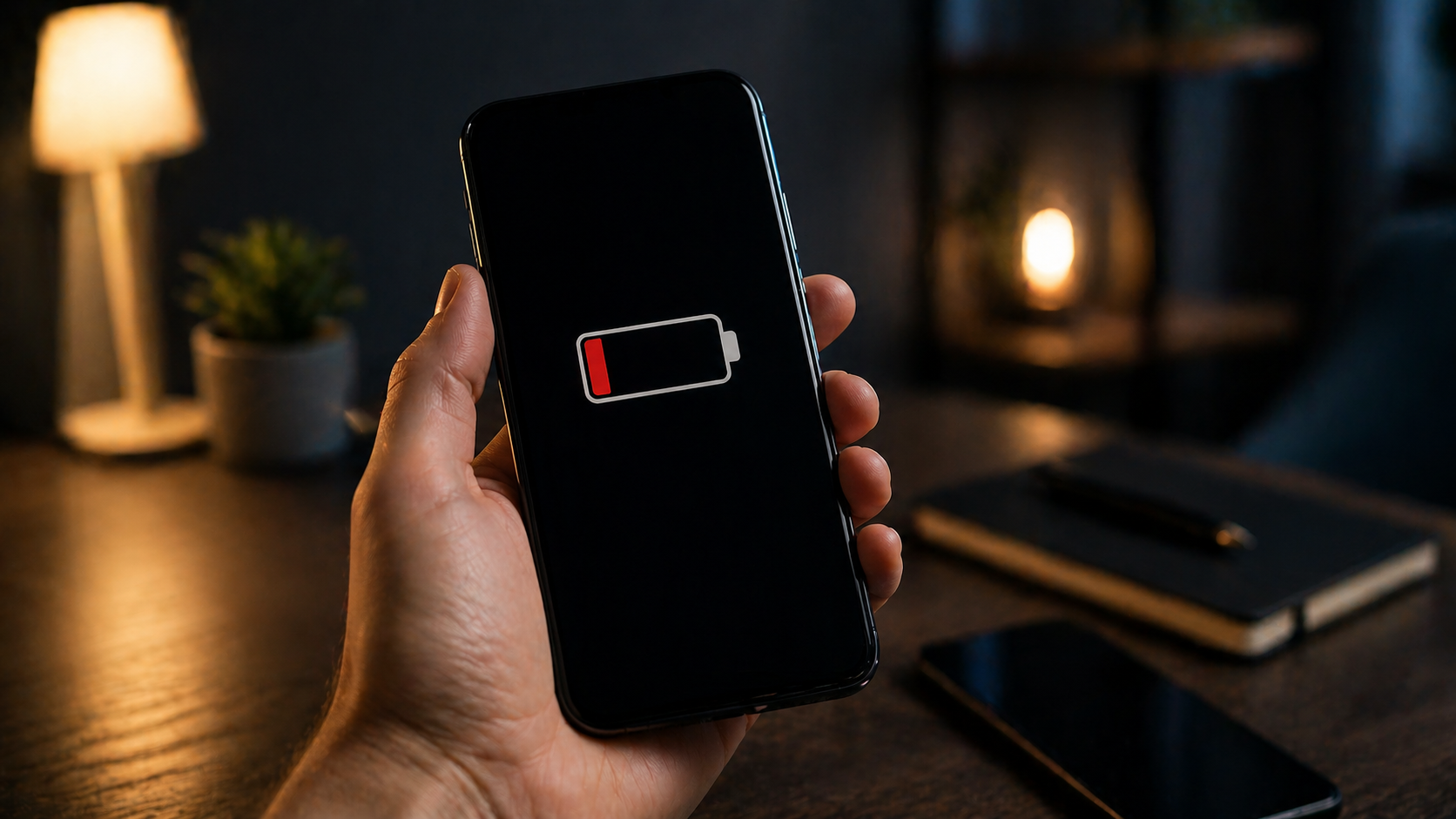
Why your phone drains battery at night without being used
The biggest mistake is assuming your phone does nothing at night. In reality, this is when the system gains access to resources and runs processes postponed during the day.
This means overnight drain is not the same as daytime battery usage. Here, it’s the system — not the user — consuming power.
- the device doesn’t enter deep sleep mode;
- processes start automatically;
- the system uses night as a processing window;
- scheduled services become active;
- the phone works without user interaction.
The key difference is lack of user control, which makes the drain seem random.
The phone fails to enter deep sleep mode
Normally, the device should minimize power consumption at night. If this doesn’t happen, the system keeps running.
This is caused by processes preventing full sleep mode.
- CPU remains partially active;
- network modules stay on;
- system frequency isn’t reduced;
- services keep exchanging data;
- power usage stays above minimum.
If your phone doesn’t “sleep,” it drains battery without use.
Apps prevent the system from sleeping
Closing an app doesn’t stop it. Some continue running in the background.
This leads to constant system wake-ups.
- apps send background requests;
- sync runs automatically;
- services check for updates;
- CPU wakes repeatedly;
- system never stabilizes.
This is a hidden but major cause of overnight drain.
The system processes data at night
Phones process data, not just store it. Photos are analyzed, apps optimized.
Nighttime is used for these tasks.
- photo analysis;
- search indexing;
- recommendation updates;
- app optimization;
- system algorithms.
These invisible processes consume battery.
Poor signal indoors increases battery usage
At night, your phone stays in one place with potentially weak signal.
It constantly tries to maintain connection.
- continuous network search;
- switching connection types;
- unstable Wi-Fi;
- modem working harder;
- higher power consumption.
This is a common external cause of overnight drain.
Night updates and backups
Updates run at night by design.
This uses CPU, storage, and network.
- system updates download;
- apps install;
- backups run;
- cloud sync happens;
- optimization runs.
This explains unexpected battery loss overnight.
How to check what drains your phone overnight
Don’t guess — check the data.
Your phone shows battery usage details.
- Open battery stats.
- Check night usage.
- Find high-consuming processes.
- Compare multiple days.
- Draw conclusions.
This approach gives clarity, not assumptions.
Overnight drain is about system behavior, not battery health
Battery loss at night doesn’t mean the battery is bad.
It’s about background system activity.
Control it — and you control battery life.
Amazon Prime deals

Більше новин в телеграмі