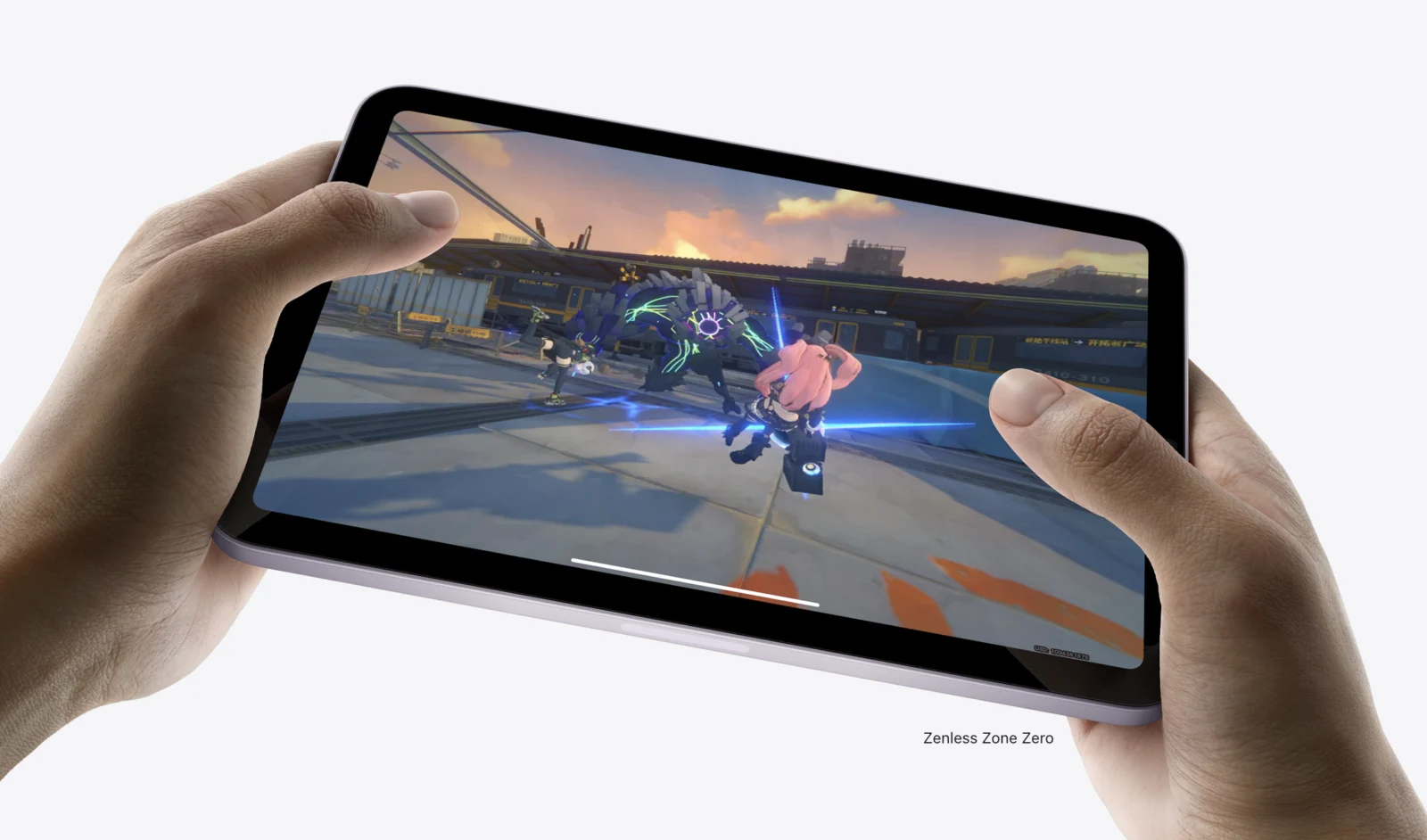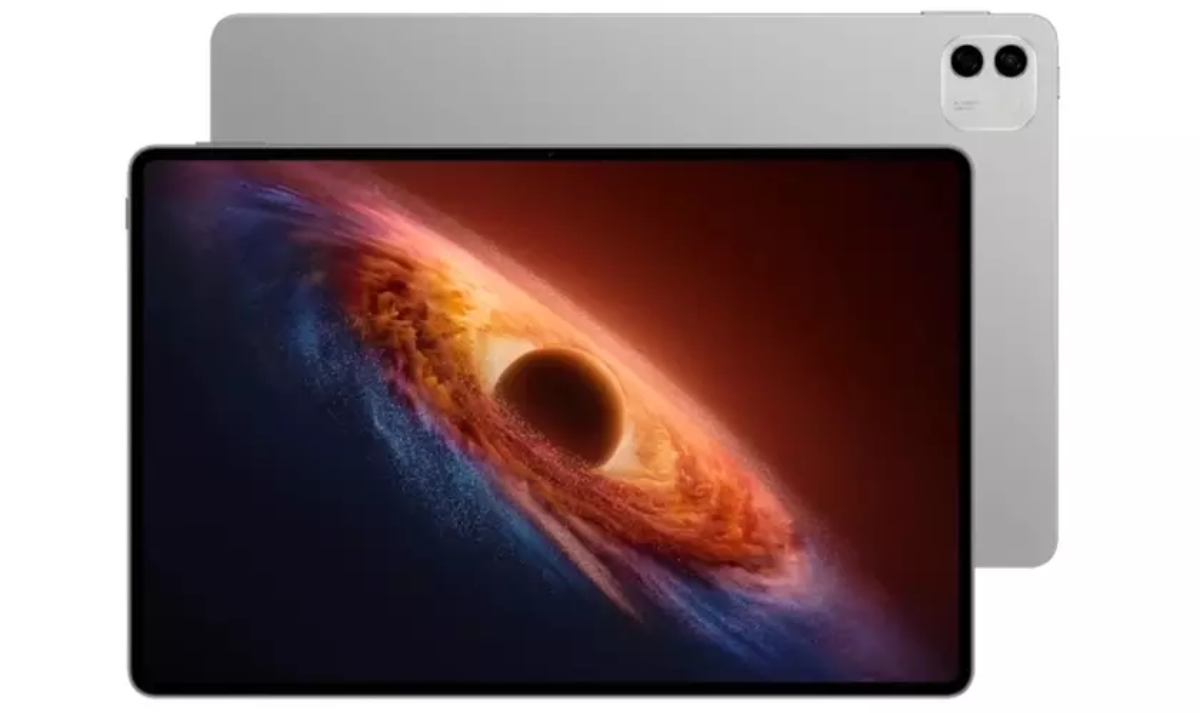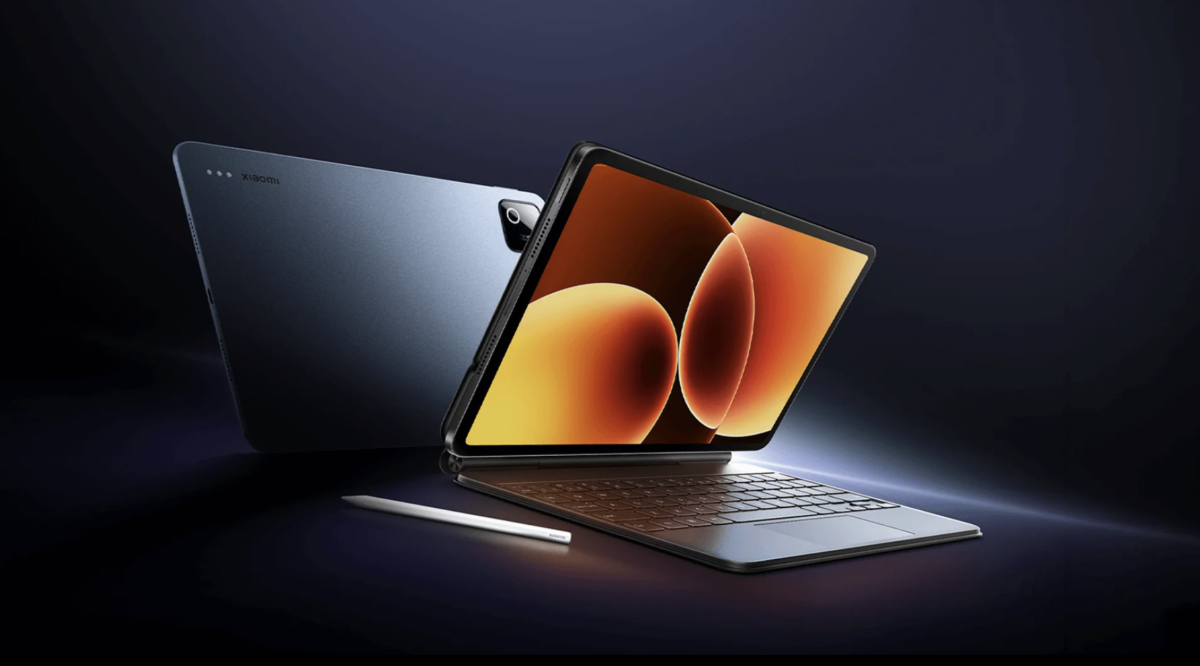
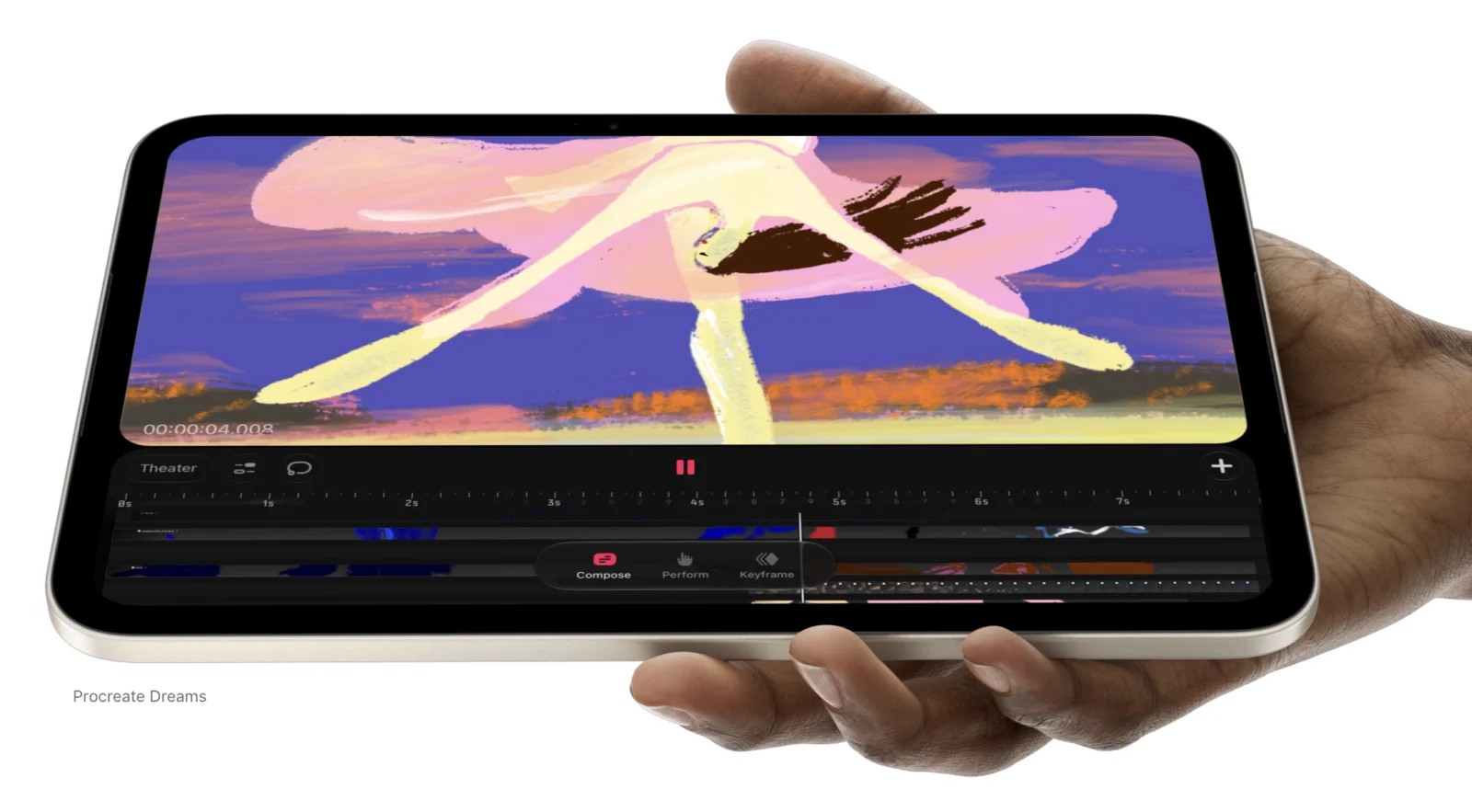
The iPad mini 8 has plenty of specs, and we’re not going to walk through them. What matters more is what you can actually do with it every day, and where it will let you down.
The bezels are thin, the refresh rate is 60 Hz, and you’ve probably read that already. We know all of it, and we’ve taken it into account. But nobody buys a tablet for its numbers. They buy it for what it lets them get done. So let’s go through it, one use at a time.
Does 60 Hz Ruin Movies on an OLED Screen?
No. Movies and TV shows are shot at 24 or 30 frames per second, so 60 Hz has more than enough headroom. You notice the jump to 120 Hz when you scroll through a feed or play fast games. In video, the difference simply isn’t there.
An OLED panel, on the other hand, suits film well. Blacks are deep, colors are rich, and the screen size is comfortable to hold on a train, on the couch, or in the kitchen while dinner is on the stove.
Writing and Reading: Where It Shines
Notes
This is where the iPad mini 8 feels at home. Taking notes is easy, whether you write by hand or type. You can hold it in one hand, it doesn’t take up half the desk in a lecture hall, and it doesn’t weigh down your bag.
Reading
Books, articles, and PDFs for work or school look natural at this size. It’s a device you actually want to carry around, which means it will be with you far more often than a big tablet gathering dust on a shelf at home.
Documents You Need to Check or Sign
The biggest strength of the iPad mini 8 is that it’s always within reach. Slip it into a pocket, and within seconds you can open a contract, skim an invoice, or sign a form. You can do all of that on a phone too, but you end up squinting and zooming into every line. Here the text is readable as it is, and signing feels far less cramped.
In short, nearly everything you do on an iPhone, you can do on the iPad mini 8, just on a bigger screen.
Where It Won’t Help
It isn’t built for content creators. Better to say that plainly.
Photography
You can take photos with it, but you probably won’t want to. That’s what your phone is for.
Video Editing
Light apps like VN or CapCut can handle a short clip. DaVinci Resolve won’t run on it, though, and anything from Adobe will be a struggle.
Working on Websites
If you edit websites, expect a rough time on the iPad mini 8, and not because of the screen size. The tablet simply doesn’t have enough RAM. With so little memory, everything freezes, page elements jump around, and the editor chokes on the smallest tasks. Working like that is miserable.
iPad mini 8 vs. iPhone
It might look like the tablet just duplicates your phone. In essence it does, with one difference: the screen is larger, so reading, writing, and signing are all more comfortable.
Video editing, though, is still easier on an iPhone, and it offers more options. The camera is right there, mobile editors are everywhere, and everything lives on one device. So the iPad mini 8 doesn’t replace your smartphone. It sits next to it as a second screen for the calmer jobs.
The Chip Is Powerful. So What?
There’s one thing we’re not sure about. The chip in the iPad mini 8 is very strong, and it may be capable of much more than we’ve described here. We could easily be wrong, and the tablet may turn out better than it looks right now. Still, the RAM limit isn’t going anywhere.
For now, these are our assumptions, based on how similar devices behave. Once independent reviewers publish their tests, we’ll see what they show and correct this article if we need to.
Who Should Buy It
The iPad mini 8 will suit anyone who reads a lot, takes notes, works with documents, and likes watching movies in a compact format. If you want a device you can carry everywhere without thinking about the weight, this is exactly that.
If you edit video, design layouts, or build websites, look for something more powerful with more memory. On the iPad mini 8, you’ll hit the limits fast.
Більше новин в телеграмі