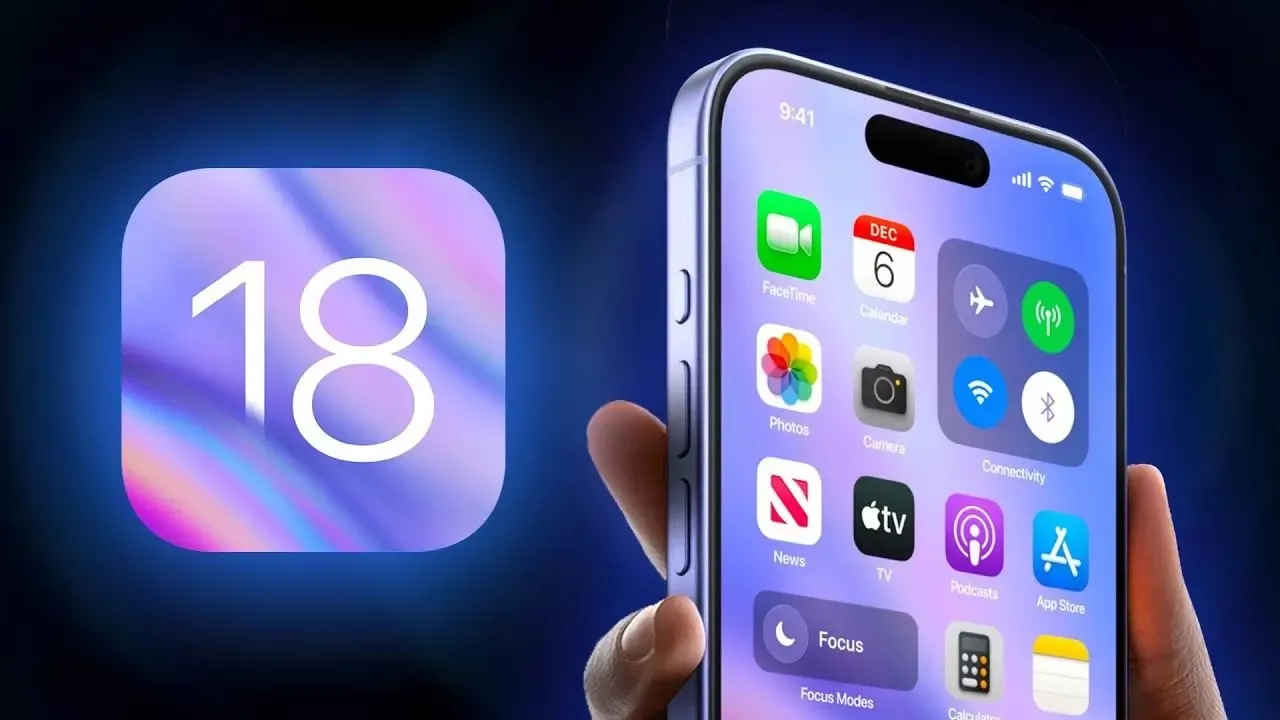
Apple has just released a new security update for iOS 18.3.1, only two weeks after the launch of iOS 18. What exactly does this update fix, and should you install it right away?
As an Apple user, I always anticipate new updates, hoping for expanded functionality. However, I never install beta versions—I don’t want to risk my iPhone or MacBook. But when it comes to **security updates**, I install them without hesitation. They often fix critical vulnerabilities across different versions of iOS.
What’s New in iOS 18.3.1?
According to the security update documentation published on Apple’s website, iOS 18.3.1 and iPadOS 18.3.1 address a serious security flaw.
The main fix targets a vulnerability in iOS accessibility features, which hackers were actively exploiting.
This flaw allowed attackers with **physical access** to an iPhone or iPad to disable **USB Restricted Mode** even on a locked device.
What is USB Restricted Mode?
For those unfamiliar, USB Restricted Mode is a security feature requiring an iPhone or iPad passcode before allowing connections to a computer or another device via USB. If bypassed, hackers could potentially extract user data from the device.
“Apple is aware that this vulnerability may have been exploited in highly targeted attacks against specific individuals,” the company stated.
Installing security updates is crucial to reducing the risk of cyberattacks. Alongside iOS 18.3.1, Apple has also released updates for macOS 15, visionOS 2, and watchOS 11, although no specific security details have been disclosed for these platforms.
Apple’s Commitment to Older Devices
Unlike some Chinese manufacturers that stop supporting their devices after just **2-3 years**, Apple continues to provide security updates even for much older models.
For instance, the company also released iOS 17.7.5 to patch the same exploit on older iPhones and iPads. If you have a compatible device, make sure to update by navigating to **Settings > General > Software Update.
Should You Update iOS Now?
If you’re hesitant to update from iOS 18.2 or earlier, that’s understandable. Sometimes, it’s wise to wait until a major update stabilizes across all devices.
However, security updates with a third decimal (like 18.3.1) are essentia. They don’t introduce major new features but focus purely on fixing vulnerabilities. That’s why I believe these updates should always be installed as soon as possible.
Would you update immediately or wait for feedback? Let me know in the comments!
Більше новин в телеграмі