The first public beta of iOS 27 is officially out. I’m not installing it, to be completely honest. And I’ve already written about why I no longer play around with beta versions. Still, there are more than enough reviews out there today to answer the big question: can the iPad finally replace a real work machine? Let’s start with the core issues on the most powerful iPad Pro models. Mine is the base-model iPad M5. It has plenty of horsepower; the hardware and RAM are more than enough to make it a literal laptop once you attach a keyboard. But the iPad’s problem has never been the hardware—it’s the actual operating system Apple forces onto these devices.
iPadOS 27 on iPad Pro: a mountain of AI marketing vs. crashing apps
The bottom line is that the main changes in the system still haven’t touched the very issues that make working on this thing an agonizingly slow process. And yes, even basic text editing—the primary reason people buy this tablet—fails to work properly. Pages, Apple’s flagship text editor, was so bad I had to replace it with the Google Docs app. But even Google Docs only works decently in its browser version. The app is incredibly clunky; trying to highlight text, especially a large block, without a physical keyboard is absolute torture. And if you do use Pages, trying to strip the formatting out of a text selection is practically impossible.
I tried setting up Shortcuts to clean the text formatting, but it doesn’t work. The exact same thing goes for spreadsheets—whether it’s Google Sheets or Apple’s native Numbers. What I see on my computer screen in a desktop browser looks completely different on the tablet. Photo editing and exporting to the right format is a whole other nightmare. You have to buy third-party software just to get basic tasks done. In my case, that’s Affinity Photo. While the Mac version recently went free, iPad users have been completely left in the cold.
And while drag-and-drop used to work seamlessly across the board—allowing you to easily drag a paragraph or an image from Google directly into your text—today it only works reliably within Safari. Speaking of which, Google Search itself, even just the Google Discover news feed, is acting up. Websites load every other time, and I constantly run into “no internet connection” errors. Meanwhile, the actual sites are perfectly fine, and Safari has zero issues opening them.
Here is another massive glitch: open Telegram or Viber, and where do you think the quick-type keyboard bar ends up? For some bizarre reason, it jumps up and just freezes right in the middle of the screen.
In 26.4, the native YouTube app started freezing constantly. In Safari, it opens fine again. So, in reality, almost all the essential work apps—excluding software for digital artists, which I am not—run like garbage. And now I’m left with a dilemma: what actually changed with the arrival of iOS 27?
Siri? Who actually needs it?
What is the actual news here? “Siri got smarter and can now dig through your phone.” You didn’t need to build a massive AI model for that; all Apple had to do was implement a proper programmatic keyword search, especially since they had basically already built the foundation for it years ago. Siri will be there, but not for us. Sure, you can toggle it on to see what the hype is about. I installed the very first versions. Honestly? Trying to edit photos using Siri voice commands was an awful experience. Maybe I’m missing something, but it just didn’t click.
So, what did they actually add?
Hooray! They finally gave us a transparency slider and an undo button for screen layout changes.
Hooray for new wallpapers!
Hooray for new Maps features.
Dear Apple, you’ll probably never read this. But don’t you think your cosmetic interface tweaks and gimmicky AI toys are completely missing what actual users have been asking for?
Oh, I almost forgot. The “circle to search” feature. On my Samsung, I turned that feature off within the first week. I have absolutely zero desire to stream my active screen straight to Google. They’ve already… overstepped as it is.
Did anything actually turn out well?
The headphone firmware update and the new system equalizer options are genuinely nice.
Developers also got a dedicated build environment for iPadOS. If anyone is curious about what that means, I can write about it later. But other than that, that’s pretty much it. Despite the endless articles hyping up a “massive list of changes,” I haven’t seen a single update of actual value.
I’m not asking Apple to turn the iPad into a MacBook. But I didn’t buy a $2000 device just to watch Netflix! We are forced to install these useless, bloated updates simply to keep the device secure. That’s it. There isn’t a single piece of actual, functioning productivity features that would make me want to risk bricking my tablet by installing another buggy beta.
If you aren’t ready to potentially kill your primary device, don’t do it.
And here is the summary of the update list below for those who want a quick look (because I’m definitely not wasting time writing about rounded app icons):
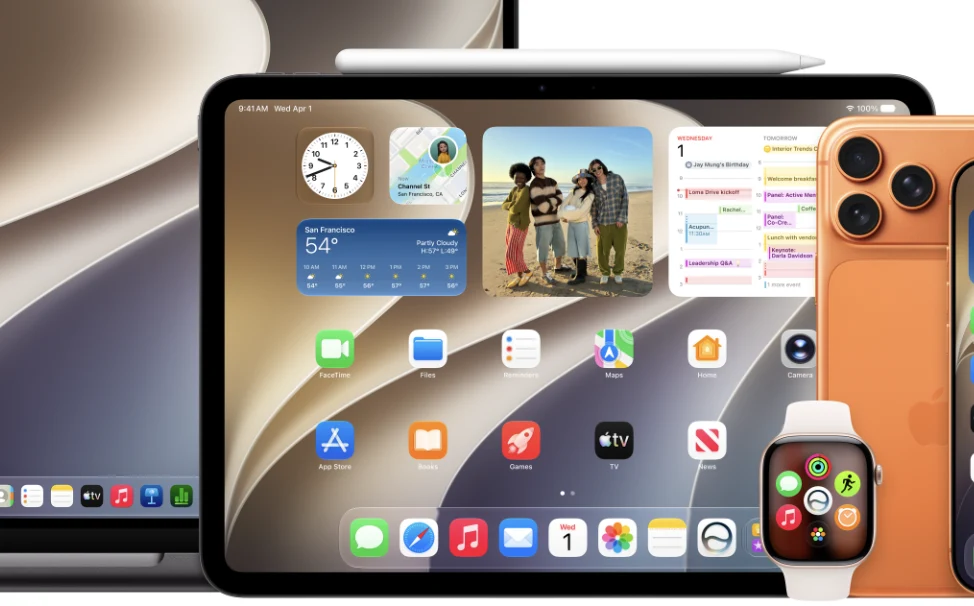
- Design refinements and Liquid Glass interface updates.
- Slightly improved performance. Viewing and transferring files from the iPad to external drives is now up to 5 times faster (though not on all configurations).
- Smoother network handoffs. Your iPad now automatically selects the best available Wi-Fi connection.
- Accessibility. VoiceOver gets new features for detecting and understanding physical surroundings.
- The ability to write down an event description and have it instantly added to your Calendar.
- New photo slideshow transitions.
I’m out of words. Let’s discuss in the Telegram comments.
Більше новин в телеграмі