The $999 question: is the base model finally enough
In the US market, every tech conversation starts and ends with the price tag. For years, the base model MacBook Air came with a silent tax: a $200 upgrade required just to get 16GB of RAM. In 2026, that era is officially over.
With the MacBook Air M4 starting at $999 and often appearing at lower prices during retail promotions, the key question becomes practical rather than theoretical. Is the entry-level configuration finally sufficient for everyday work?
By standardizing 16GB of unified memory in the base configuration, Apple removes the need for immediate upgrades. Basic multitasking no longer requires additional spending, and the base model no longer feels constrained by memory limits.
Everyday use: how MacBook Air M4 behaves outside benchmarks
I have been using MacBook Air M4 as my main laptop in everyday work, not as a test device. It is the machine I open in the morning, carry with me during the day, and rely on for real tasks rather than benchmarks.
My daily usage reflects typical work conditions. I keep more than a dozen browser tabs open, run messaging apps in the background, and work with photo editing software at the same time. On earlier Air models, this required constant attention to running apps. With MacBook Air M4, that tension disappears.
The base 16GB of unified memory changes the experience immediately. Switching between applications feels natural, animations remain smooth, and the system keeps pace without pauses or visible delays.
Consistency over peak numbers
What stands out is not peak performance but consistency. The laptop responds instantly when opening apps or switching tasks, without forcing changes to workflow.
The M4 chip plays a central role here, but its impact is felt through stability rather than benchmarks. Even during heavier Photoshop sessions, the system does not dim the display or reduce performance to manage heat.
The laptop remains silent under load and shows no signs of protecting itself from everyday workloads. It simply continues working at a steady pace.
Technical characteristics in real-world context
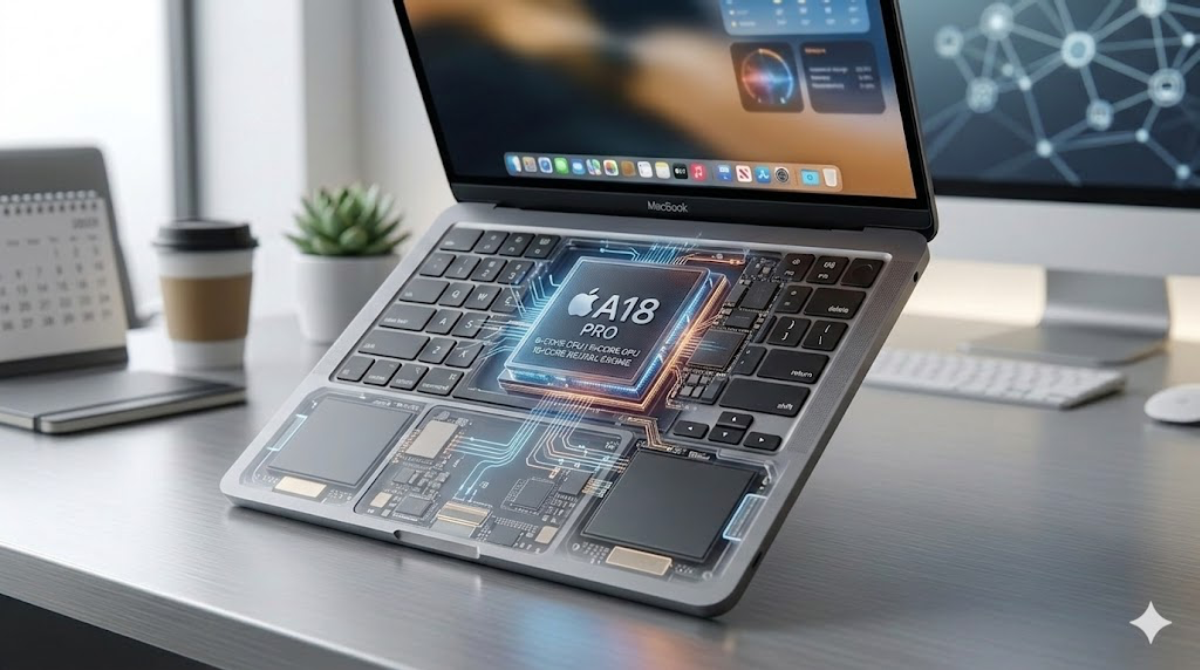
Looking at the specifications helps explain this behavior. The M4 chip combines a 10-core CPU with four performance cores and six efficiency cores, paired with a 10-core GPU that supports hardware ray tracing.
Memory starts at 16GB of unified memory, and this base configuration matters more in practice than it appears on paper. It removes the need to constantly manage running applications.
In daily use, the Liquid Retina display remains one of the strongest elements. I am using the 13.6-inch version, and brightness, color accuracy, and clarity work equally well for long reading sessions and photo editing.
Ports and workspace planning
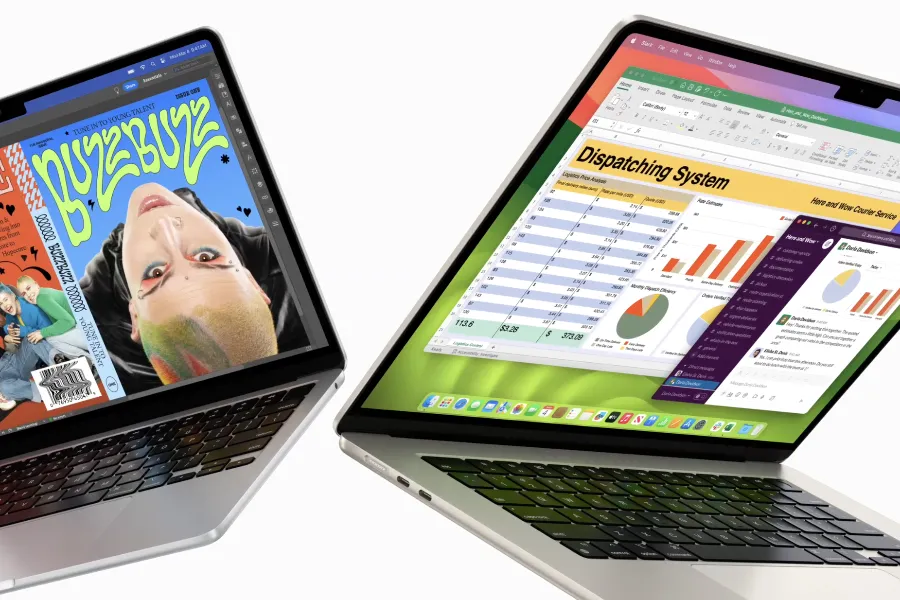
Ports remain unchanged in layout, with two Thunderbolt 4 ports and MagSafe for charging. MagSafe plays a practical role by freeing a Thunderbolt port that would otherwise be occupied.
Once MacBook Air M4 is used as a real workstation, physical connectivity requires planning. Two Thunderbolt ports are sufficient for mobile use, but become limiting when external displays and storage are involved.
This becomes obvious when connecting two external monitors. Adding external storage or wired peripherals quickly turns into a balancing act, even though the laptop itself handles the workload without hesitation.
Using a hub as part of the workflow
At this point, a USB-C hub stops being optional and becomes part of daily use. I solved this with a compact hub from Anker, prioritizing stability over port count.
This link is an Amazon affiliate link, which means I may earn a small commission at no extra cost to you.
At this point, a USB-C hub stops being optional and becomes part of daily use. I solved this with a compact hub from Anker, prioritizing stability over port count.
Once connected, displays remain stable, external drives stay mounted, and charging remains consistent during long sessions.
With a single cable connected, MacBook Air M4 becomes the center of a full desktop setup. This approach fits the device well: minimal by design, but capable when supported by the right accessories.
Real battery life in everyday and professional tasks
Battery life is an area where real usage matters more than stated numbers. On days focused on browser work, documents, and communication tools, I can comfortably work across two full days without charging.
When switching to heavier workloads such as DaVinci Resolve, video exports, or RAW photo processing, power consumption increases. In these cases, battery life typically falls between five and seven hours.
What matters is consistency. Performance does not change when running on battery, export times remain stable, and screen brightness stays consistent until the battery is nearly depleted.
AI workloads in daily use
I do not use MacBook Air M4 as a dedicated AI system, but machine learning tasks are part of daily workflows. Image processing, noise reduction, background separation, and system-level optimizations increasingly rely on on-device processing.
The Neural Engine in the M4 chip handles these tasks quietly in the background. I notice this most in photo editing and video previews, where AI-driven features operate continuously without slowing the system.
These processes feel integrated rather than layered on top. There are no spikes in heat or drops in responsiveness during normal use.
Dual external displays in practice
Support for two external displays removes a long-standing limitation of the Air lineup. I now use two external monitors while keeping the built-in display active.
One screen is used for timelines or editing panels, the second for previews or reference material, while the laptop screen handles messaging and email.
This setup turns a compact laptop into a functional workstation without forcing compromises in daily workflow.
Final thoughts from daily use
MacBook Air M4 does not feel like a dramatic redesign. It feels like a correction of long-standing limitations.
The move to 16GB of base memory changes how freely I can work, and the M4 chip delivers performance that remains predictable throughout the day.
From my experience, this is the first Air model that never forces me to think about its limits while working. That is why it stands out as one of the most meaningful upgrades the Air lineup has seen in years.
Більше новин в телеграмі