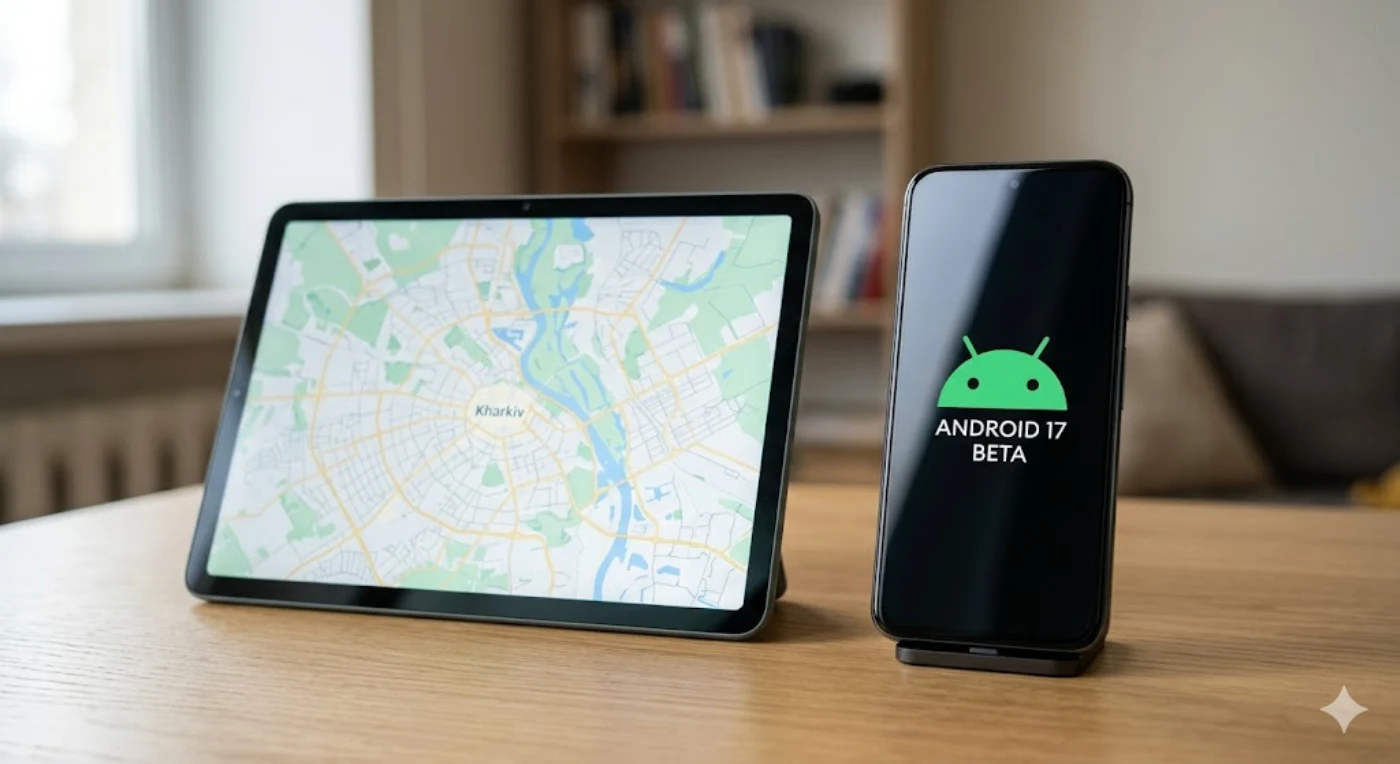
This year, Google has fundamentally changed its usual update calendar. The final release of Android 17 (AOSP) is completely ready and has been shifted to the first half of the year, with the operating system itself already rolling out to the first devices.
Android 17 Release Highlights: New Schedule and Beta Testing Stages
In parallel, the Android 17 QPR1 Beta (Quarterly Platform Release) program has kicked off. Since the base version of the OS is already in release status, developers and enthusiasts are currently testing the first major quarterly update package. The current test build (Beta 4 for June 2026, version number CP31.260522.006) marks the final stage of stabilization before additional features and security patches become available to everyone.
Third-party manufacturers (Samsung, Xiaomi, OnePlus) use this exact stable Android 17 code as the foundation for building their own custom interfaces.
Source: Android Developers Release Notes
What’s in the Release: Three Main Technological Vectors
According to Google’s technical documentation, the update focuses on three fundamental improvements that directly impact the daily user experience.
1. Transition to the Adaptive-First Standard (Adaptation for Any Screen)
Android 17 eliminates inconveniences when working with applications on tablets, foldables, and in desktop modes on large monitors.
The End of the “Letterboxing” Era
Previously, tablet and foldable smartphone users frequently faced an issue where software (such as certain social media clients or railway booking services) opened as a narrow vertical “sausage” in the middle of the display, leaving massive empty black bars on the sides. This happened because the interface, designed exclusively for phones, lacked the capability to stretch.
How it works: The system forcefully ignores aspect ratio constraints written into the app code (specifically hardcoded maxAspectRatio or minAspectRatio). Now, Android independently expands the application container to the full available screen width, forcing interface elements to rearrange and fill the usable area.
Forced Ignoring of Fixed Orientation
A common problem: you have docked your tablet on a stand in horizontal (landscape) mode, open an app, and it forcefully rotates the interface 90 degrees, making you tilt your head.
How it works: The platform blocks software requests to set a fixed orientation via the manifest (screenOrientation). If the user is working horizontally, the window will open the exact same way, even if the developer never designed a landscape layout for it. The system applies automatic scaling and alignment of components.
Freeform Multi-Window Scaling
In Android 17, Desktop Mode and multi-window capabilities reach the level of full-fledged desktop operating systems (like macOS or Windows).
Dynamic resizing: Users can grab any corner of a window and stretch it to arbitrary proportions.
On-the-fly interface reaction: Instead of simply stretching the image (which would blur the text), applications instantly switch between three system width classes: Compact (smartphone layout), Medium (for foldables/mini-windows), and Expanded (full tablet or desktop interface).
Why Is an Exception Made for Google Play Games?
The only software category that Android 17 does not alter forcefully is heavy 3D and 2D games. Games utilize fixed graphics engines (such as Unity or Unreal Engine), where coordinates of objects, control elements, and virtual joysticks are rigidly bound to a specific resolution or grid. Forcefully changing their proportions would lead to critical distortion of models or the disappearance of buttons beyond the screen boundaries. For these, native developer scaling tools are preserved.
2. Native “Continue On” Feature
This is a new technology for the seamless transfer of tasks between different Android devices within the same account. When you start working on a smartphone, an intelligent prompt (deep link) automatically appears on your tablet’s taskbar. With a single tap, you can open the exact same application on the large screen right where you left off. If it isn’t installed on the second device, the system will automatically redirect you to the corresponding web version of the site.
3. Ultra-High Smoothness Without Reboots (Activity Recreation Updates)
Previously, during many system changes (e.g., connecting a physical keyboard, switching color modes, or activating a touchscreen in desktop mode), Android completely restarted the active application “from scratch.” This resulted in micro-stutters or the loss of entered data.
In Android 17, the system no longer redraws the interface entirely under such conditions. Applications receive parameter updates “on the fly” through background configurations, making the transition between modes completely seamless.
Which Smartphones Will Get Android 17 and When?
Manufacturers are already adapting the new OS for their proprietary interfaces. The situation by brand is as follows:
Google Pixel
Smartphones from Google are traditionally the first to receive the stable operating system. The official rollout of the final Android 17 version has already begun for the following models:
- Pixel 6, 6 Pro, 6a (received Android 17 as part of the final phase of their 5-year support plan).
- Pixel 7, 7 Pro, 7a, Pixel Fold.
- Pixel 8, 8 Pro, 8a (covered by the newer 7-year OS update guarantee).
- Pixel 9, 9 Pro, 9 Pro XL, 9 Pro Fold.
- Pixel 10, 10 Pro, 10 Pro XL, 10 Pro Fold.
Samsung (One UI Skin)
The current stable version, One UI 8.5, is built on Android 16. The new Android 17 will form the basis for the next platform — One UI 9. On May 12, 2026, Samsung officially launched the open beta testing program for One UI 9 for the Galaxy S26 series.
- Will receive the update over-the-air (OTA):
- Flagships: Galaxy S26, S25, S24, S23 series (including Ultra, Plus, and FE versions).
- Foldable devices: Galaxy Z Fold 7, Z Flip 7, Galaxy Z Fold 6, Z Flip 6, Galaxy Z Fold 5, Z Flip 5.
- Mid-range segment: Galaxy A55 5G, A54 5G, A35 5G, as well as the newer A56 and A36.
- Will launch with One UI 9 (Android 17) out of the box:
- The next generation of flexible smartphones: Galaxy Z Fold 8, Z Fold 8 Wide, and Z Flip 8, whose official presentation will take place at Galaxy Unpacked on July 22, 2026, in London. They will feature all adaptive system functions on day one of purchase without needing to download beta versions.
Xiaomi (HyperOS 3.3 Skin)
For devices within the Xiaomi ecosystem, this massive update will arrive as part of the new HyperOS 3.3 platform.
- Current status: The Developer Preview program is already active for global version owners of the Xiaomi 17, 17 Ultra, and 15T Pro. Stable builds for the international market will begin rolling out at the end of the fourth quarter of 2026 and will continue into early 2027.
- Who will get it: Xiaomi flagship series from the 13th to the 17th lineups, Redmi Note 14/15 and Redmi K70/K80 sub-flagships, as well as POCO devices from the F6, F7, X6 Pro, and X7 series.
OnePlus (OxygenOS 17 Skin)
Smartphones of this brand will receive Android 17 paired with a brand-new proprietary skin, OxygenOS 17.
- Current status: Internal system testing is underway. The launch of the open beta program is scheduled for October, and the mass rollout of stable firmware for the first flagships will kick off in November 2026.
- Who will get it: All current flagships starting from the OnePlus 11 up to the new OnePlus 15 series, the foldable OnePlus Open, Pad 2/3 tablets, as well as the latest generations of mid-range Nord models (Nord 4, 5, 6, and the CE lineup).
Більше новин в телеграмі