This is no longer just a chat where messages disappear in the feed. Now it is a full-fledged workspace. Let’s break down how it works.
What this feature is
Notebooks are separate “spaces” for your knowledge. You upload documents, add links, and save important chat responses. Within a single notebook, Gemini can see all this information at once. This allows it to draw conclusions based on your real files, not just general knowledge from the internet.
Who needs it
- Students and researchers can instantly create summaries from dozens of uploaded lectures or PDF books.
- Analysts and marketers can use it to structure reports, strategies, and combine data.
- Writers and creatives can keep all story details or universe lore in one place and collaborate with AI.
- The feature is useful for anyone working with documents who is tired of endlessly copying text into chat.
How to enable and start using it
The feature is rolling out gradually. Here is your checklist.
- First, update the app or open the web version at gemini.google.com.
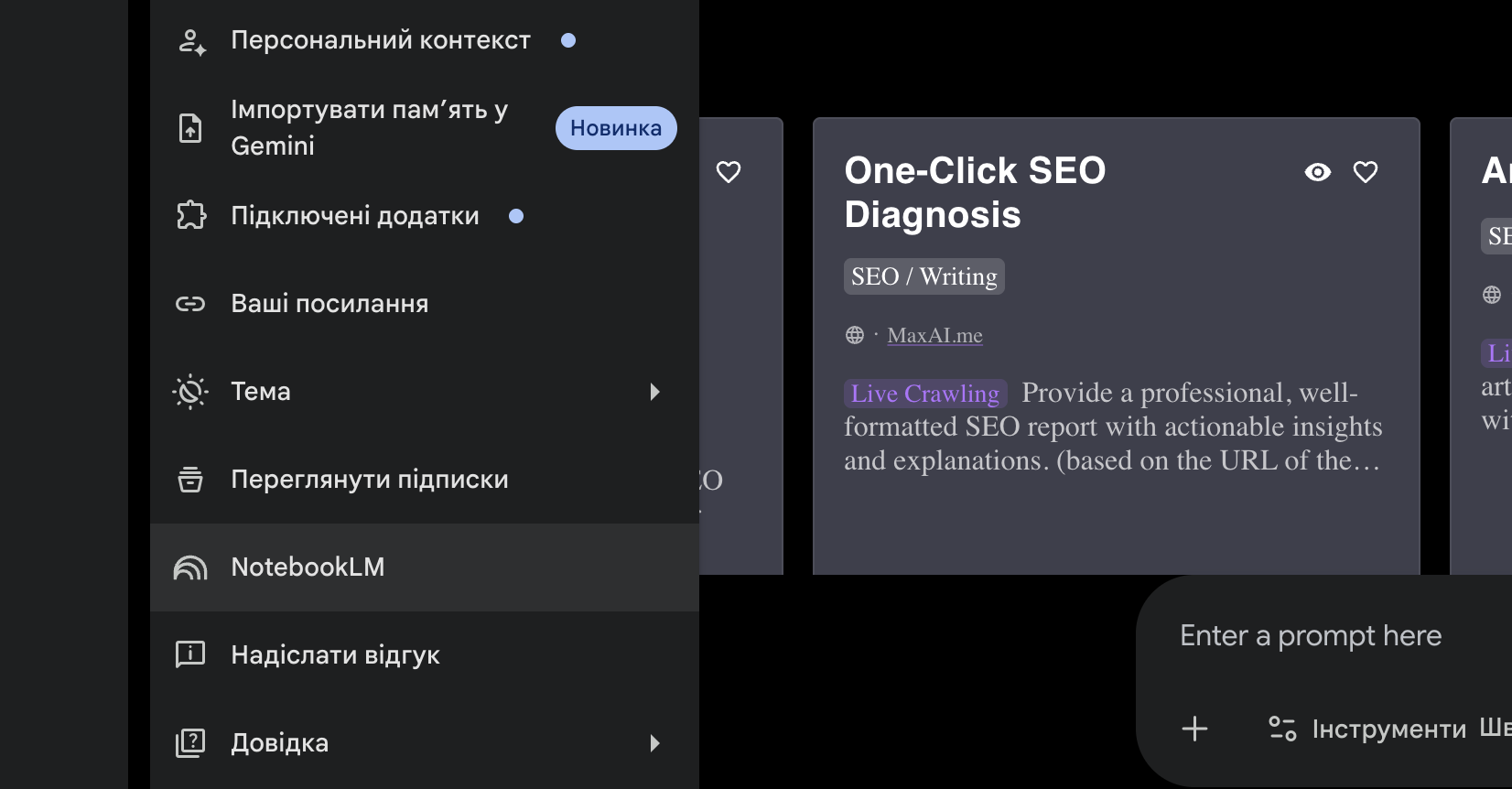
- Next, find the side menu on the left where a new Notebooks section or icon should appear.
- Click Create your first project and give it a name like Exam Preparation or Project X.
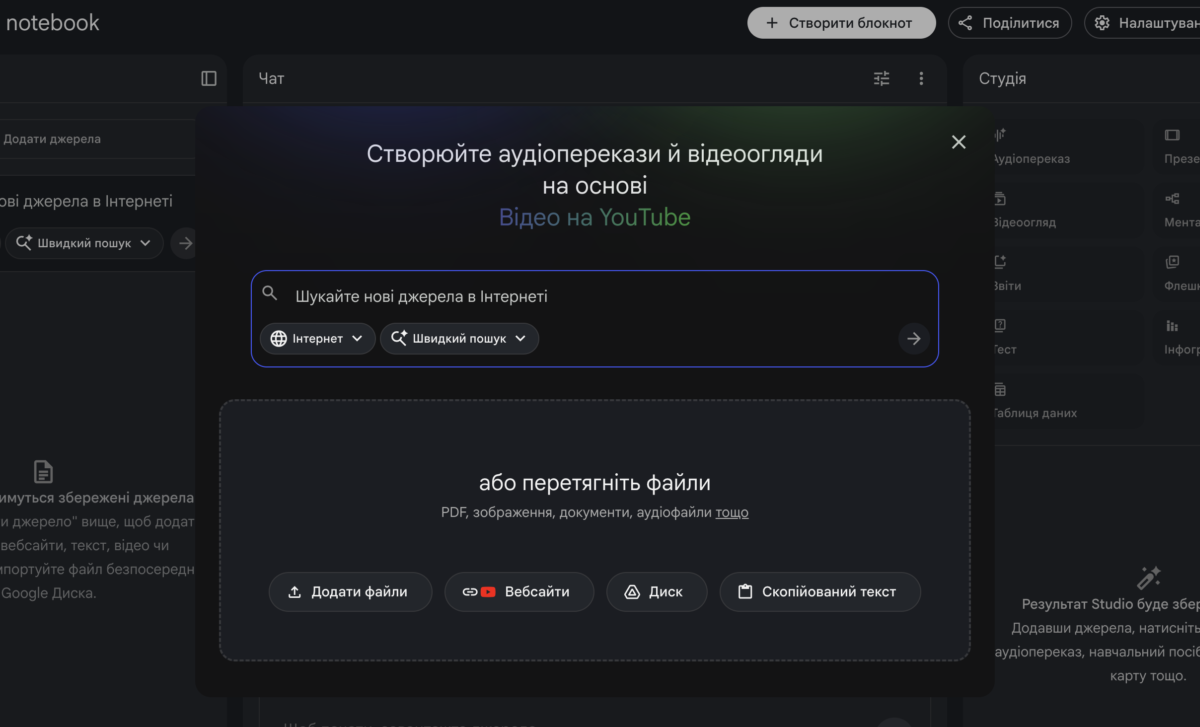
- Add sources using the dedicated button by uploading a PDF, text file, or selecting documents directly from your Google Drive.
- Set specific tasks in the input field, for example ask for a concise summary of the uploaded files.
Look for the feature in the “My Content” section or in the sidebar next to your Gem bots. If you do not see a separate “Notebooks” tab yet, it means your account is in the rollout queue, which Google is expanding throughout April 2026.
Important details
- At the first stage, the feature is available to users with a Gemini Advanced subscription, but Google has already announced a free version for everyone.
- Everything created in Gemini will automatically appear in NotebookLM, where you can turn your notebook into an audio podcast or a deep research project.
Gemini Notebooks represent a shift from simple Q&A to real project work. If you want AI to understand your materials as well as you do, it is time to create your first notebook.
Більше новин в телеграмі