Why You Shouldn’t Leave Your AI Bot Enabled Near YouTube: A Hidden Threat You Won’t Hear
Dangerous Background Noise: How a Regular YouTube Video Can Hack Your AI Assistant
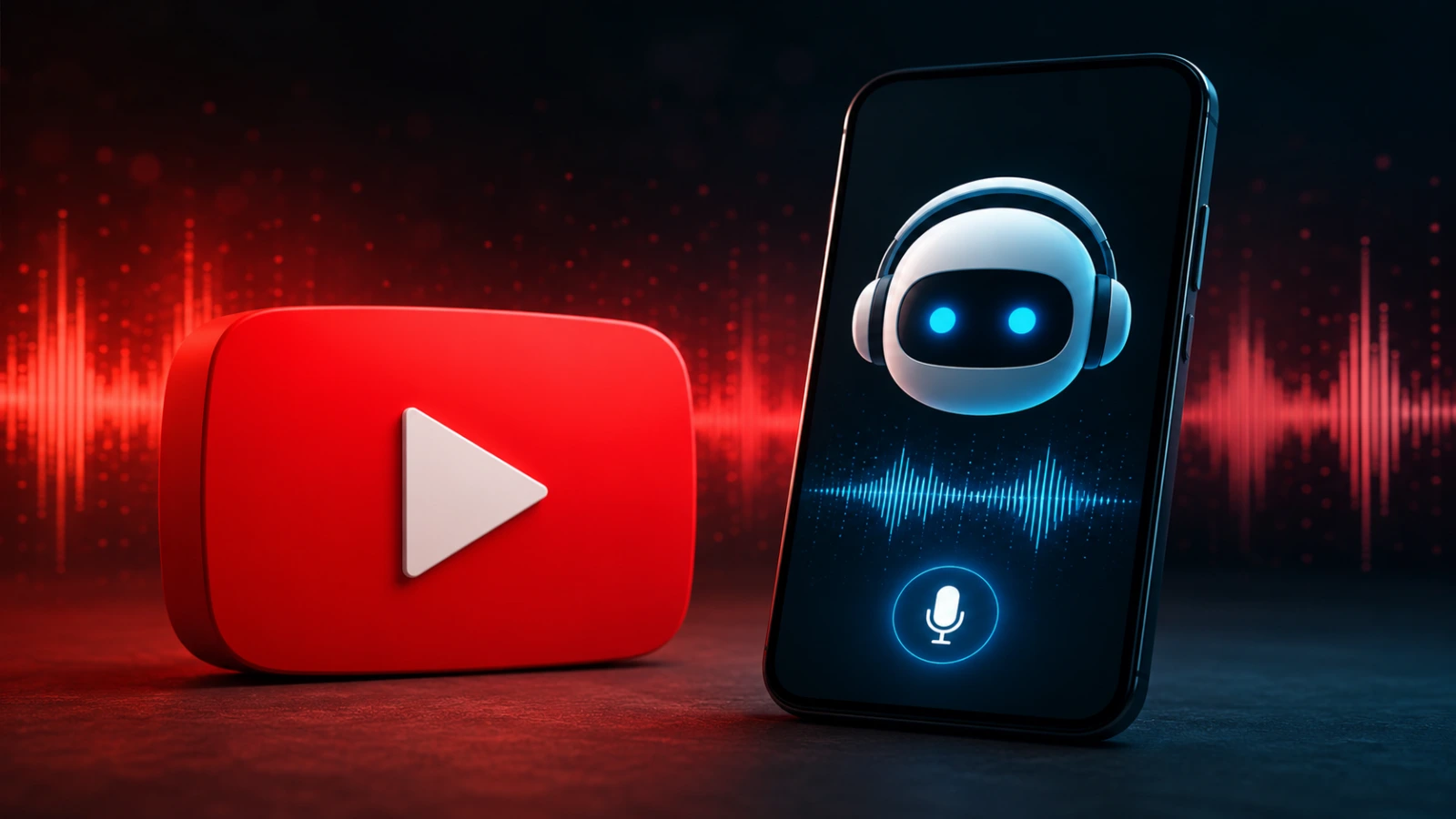
Malicious voice commands can easily be disguised within ordinary podcasts or random videos, such as those on YouTube. If a user plays such a video, even in the background, the hidden signal will force the device’s voice assistant to execute the hackers’ command. Given the appropriate system permissions, attackers using the AI bot could potentially gain access to the user’s sensitive data: personal photos, files, and even bank accounts.
As noted by the study’s lead author, Meng Chen from Zhejiang University, generating such a signal takes only half an hour. The main defense challenge lies in the fact that it is extremely difficult for AI models to distinguish a legitimate user request from a malicious hidden attack.
However, the technology currently has a significant limitation: for the trick to work, hackers need access to the internal parameters (weights) of the AI model. This means that products built on open-source models, which are actively used by many commercial systems, including developments from Microsoft and Mistral, are primarily at risk. Microsoft has already responded to the report, noting that the research helps improve cybersecurity, and the company is already providing developers with guidance on creating additional layers of defense.
Pros and Cons of the Vulnerability for Attackers
- Pros (Ease of Attack)
Creating the signal takes only 30 minutes; the command can be masked in any YouTube video or podcast; - AI cannot distinguish these requests from legitimate user inputs.
- Cons (Limitations for Hackers)
Requires direct access to the internal parameters (weights) of the model; - The attack works primarily against systems based on open-source solutions.
HOW TO PROTECT YOURSELF
Since AI models are currently poor at differentiating between the human voice and hidden frequencies, safeguarding your data relies on basic cyber hygiene and device settings.
Key Rules for Defending Against Such Attacks
Limit permissions for voice assistants. Check the privacy settings on your smartphone, laptop, or smart speaker. Disable the voice AI bot’s access to critical applications: banking apps, gallery, password managers, and personal documents.
Turn off continuous background listening. Configure your AI assistant so that it activates only after a physical button press (such as on headphones or a smartphone), rather than via a constantly active microphone reacting to wake words in the room.
Do not leave devices “alone” with media content. Try not to leave an active voice assistant near a TV, laptop, or phone that is playing random YouTube videos or podcasts from unverified creators in the background.
Avoid suspicious content. Watch videos and listen to audio materials only on official or verified channels with a good reputation. Do not play low-quality “junk” videos or random broadcasts generated by bots.
Set up additional confirmation for operations. Even if your voice assistant has access to certain actions (e.g., sending messages or controlling a smart home), enable mandatory two-factor authentication (2FA) or PIN entry on the screen to confirm any critical changes.
UITech Media
The evolution of voice AI technologies introduces not only new conveniences but also non-obvious vectors for cyberattacks. Protecting open-source model developers and implementing frequency filtering at the microphone level will become major challenges for the security industry in the coming years. Until manufacturers deploy patches, user security depends entirely on restricting permissions for AI assistants.
Більше новин в телеграмі