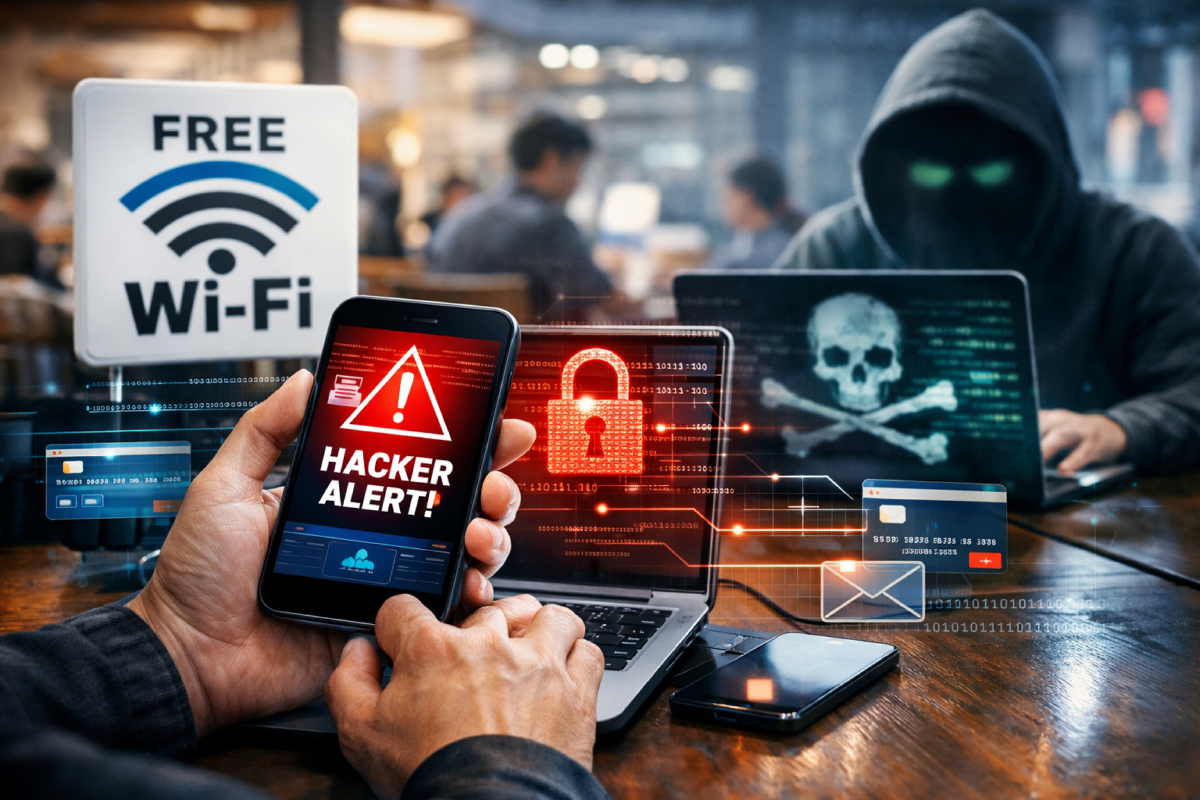
Free Public Wi-Fi Is Dangerous for Your Data
Free Wi-Fi may seem harmless, but public networks are one of the most common ways passwords for email, social media, and even banking apps get stolen. Most people connect automatically without realizing that their internet traffic can be monitored by strangers.
In this article, we explain why public Wi-Fi networks are risky and what actually happens to your data when you use them.
Using free and open Wi-Fi in cafés, parks, airports, or hotels is convenient, but it comes with serious cybersecurity risks. The main issue is that many public networks are not encrypted, which means your data is transmitted in plain text.
1. Data Interception (Sniffing)
Attackers can use specialized tools to intercept network traffic. On an open Wi-Fi network, they may see the websites you visit, the information you enter into forms, and even messages you send.
2. Man-in-the-Middle Attacks
This is one of the most common threats. A hacker secretly positions themselves between your device and the website you are accessing.
- You believe you are communicating directly with your bank or a social media platform.
- In reality, all data passes through the attacker first, allowing them to read or modify it.
3. Fake Wi-Fi Networks (Evil Twin)
Cybercriminals often create Wi-Fi networks with names similar to legitimate ones. For example, instead of Starbucks_Free, you might see Free_Starbucks_Wi-Fi. When you connect, you hand over your traffic directly to the attacker.
4. Malware Distribution
Unsecured connections can be used to inject malware directly into your device. Sometimes you may see a pop-up asking you to “update your browser” to access the network. Clicking such messages can lead to malware infection.
How to Protect Yourself If You Must Use Public Wi-Fi
If you have no alternative, follow these basic safety rules:
- Use a VPN. A VPN encrypts your internet traffic, so even if it’s intercepted, it appears as unreadable data.
- Avoid sensitive accounts. Do not log in to banking apps or enter passwords for important services.
- Check for HTTPS. A lock icon in the browser’s address bar indicates encrypted communication with the website.
- Disable auto-connect. Prevent your device from automatically connecting to open Wi-Fi networks.
Tip: If you have a mobile data plan, using your smartphone as a hotspot is much safer than connecting to public Wi-Fi.
Public Wi-Fi is not inherently dangerous, but it requires caution and basic digital hygiene. In most cases, the risk is not worth it—especially when personal or financial data is involved. When choosing between free Wi-Fi and your own mobile connection, the safer option is almost always the latter.
Більше новин в телеграмі