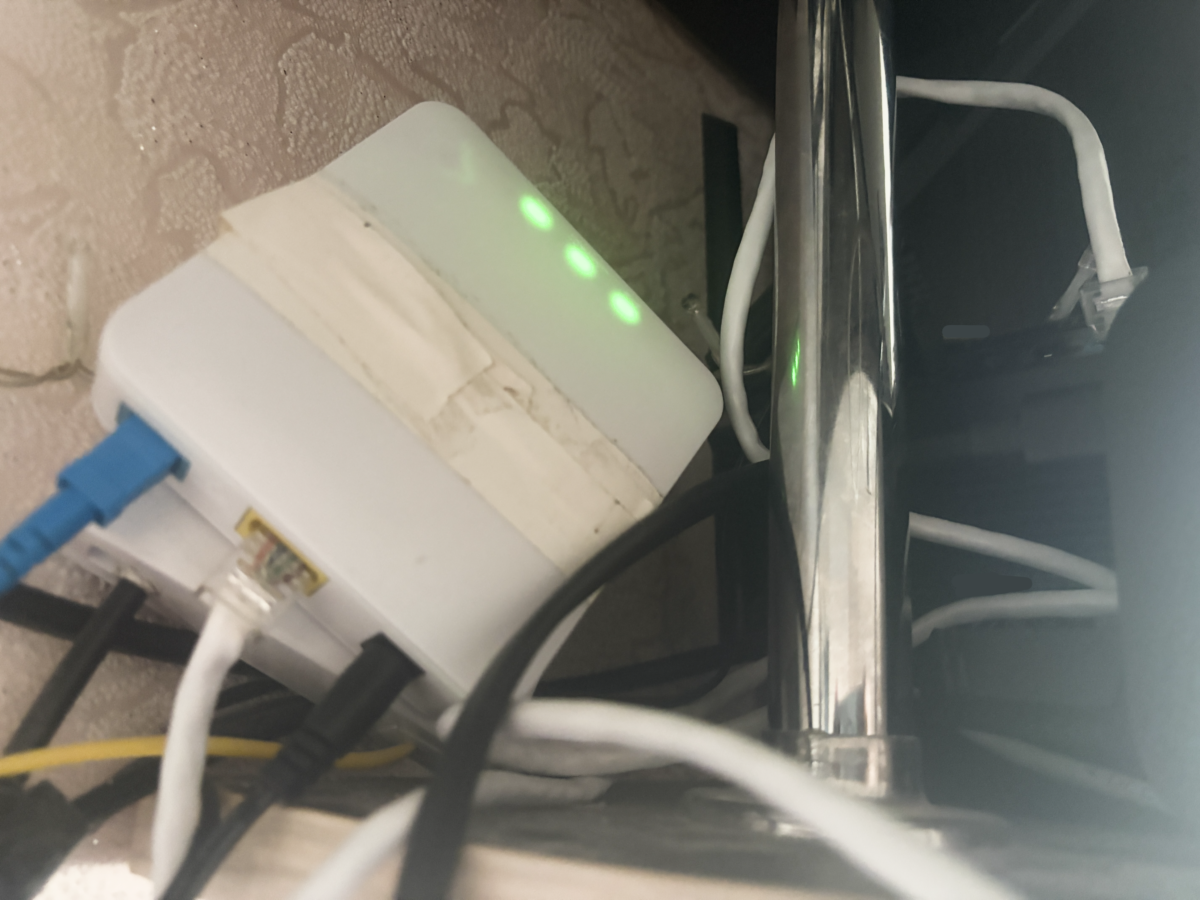
Power outages don’t always mean your internet provider is offline. In many cases, the ISP connection remains active while your home loses electricity — and your Wi-Fi router simply shuts down. This guide explains how to safely power a home router from a power bank, what voltage and current actually matter, and how long your internet can realistically stay online.
This setup is especially relevant for apartments and homes where generators are impractical, noisy, or restricted by building rules or HOA policies.
When This Setup Makes Sense
Using a power bank to run a router is a common solution during short to medium outages caused by storms, heatwaves, grid maintenance, or local transformer failures. It works best when:
- your ISP infrastructure is still online;
- you need internet for remote work, messaging, or monitoring;
- using a generator is not an option.
Where to Find Your Router’s Power Requirements
Before connecting anything, check your router’s exact power specifications. These are printed either on a label on the back of the router or on the original power adapter.
Look for the Input line, which shows two key values:
- Voltage (V): most commonly 9V or 12V, less often 5V or 19V;
- Current (A): typically 0.6A, 1A, 1.5A, or 2A.
These numbers are not optional. They define how the router must be powered.
Voltage Rule: Exact Match Only
Voltage must match exactly. There is no safe tolerance range.
If a router requires 9V and you supply 12V, internal components such as voltage regulators or capacitors may overheat and fail permanently.
If a router requires 12V and you supply 9V or 5V, it may fail to start or repeatedly reboot under load, especially when multiple devices are connected.
Bottom line: the output voltage of your power source must exactly match the router’s required voltage.
Current Rule: Headroom Is Fine
Current works differently. A router draws only the amount of current it needs.
If your router requires 1A and the power bank can supply 2A, that is safe. The router will draw only 1A.
If your router requires 2A and the power source can supply only 0.5A, the router may behave unpredictably or the power source may shut down due to overload.
Rule: available current must be equal to or higher than the router’s requirement.
How to Get 9V or 12V From a Power Bank
Most power banks output 5V by default. This is not enough for most routers. A simple USB-to-DC cable will not solve the problem.
You need a trigger cable (also known as a step-up or PD trigger cable). There are two common types:
- basic step-up cables that boost 5V to a fixed higher voltage;
- USB-C Power Delivery (PD) trigger cables that negotiate 9V or 12V directly from the power bank.
PD trigger cables are more efficient and generate less heat, but they require a power bank that supports USB-C Power Delivery.
Polarity: One Detail That Can Destroy Hardware
Most modern routers use a DC jack with center-positive polarity. This is marked by a symbol near the power port or on the adapter.
If you use universal cables or adapters, verify polarity before connecting. Reversed polarity can instantly damage the router.
Quick Technical Checklist
- 12V 1.5A router → 12V trigger cable + power bank rated at least 18W;
- 9V 0.6A router → stable 9V trigger cable;
- connector size → most routers use 5.5 × 2.1 mm; ensure a tight fit.
How Long Will a Router Run on a Power Bank?
Power bank capacity is advertised in milliamp-hours (mAh), but runtime depends on watt-hours (Wh) and voltage conversion losses.
What “10,000 mAh” and “20,000 mAh” Actually Mean
Labels like “10,000 mAh” or “20,000 mAh” refer to internal battery cells operating at 3.7V. Your router runs at 9V or 12V, so energy must be converted.
This conversion typically loses 15–20% of the available energy.
Real-World Runtime Estimates
- 10,000 mAh power bank:
- router only (~5W): 5–6 hours;
- router + fiber/ONT (~10W): 2.5–3 hours.
- 20,000 mAh power bank:
- router only: 10–12 hours;
- router + fiber/ONT: 5–6 hours.
Higher-end routers or additional devices will reduce runtime accordingly.
How to Extend Runtime
- disable unused Wi-Fi bands if possible;
- disconnect USB devices attached to the router;
- use Power Delivery power banks and quality trigger cables.
This approach provides a quiet, compact, and reliable way to keep your home internet online during short to medium power outages without generators or permanent battery systems.
Більше новин в телеграмі