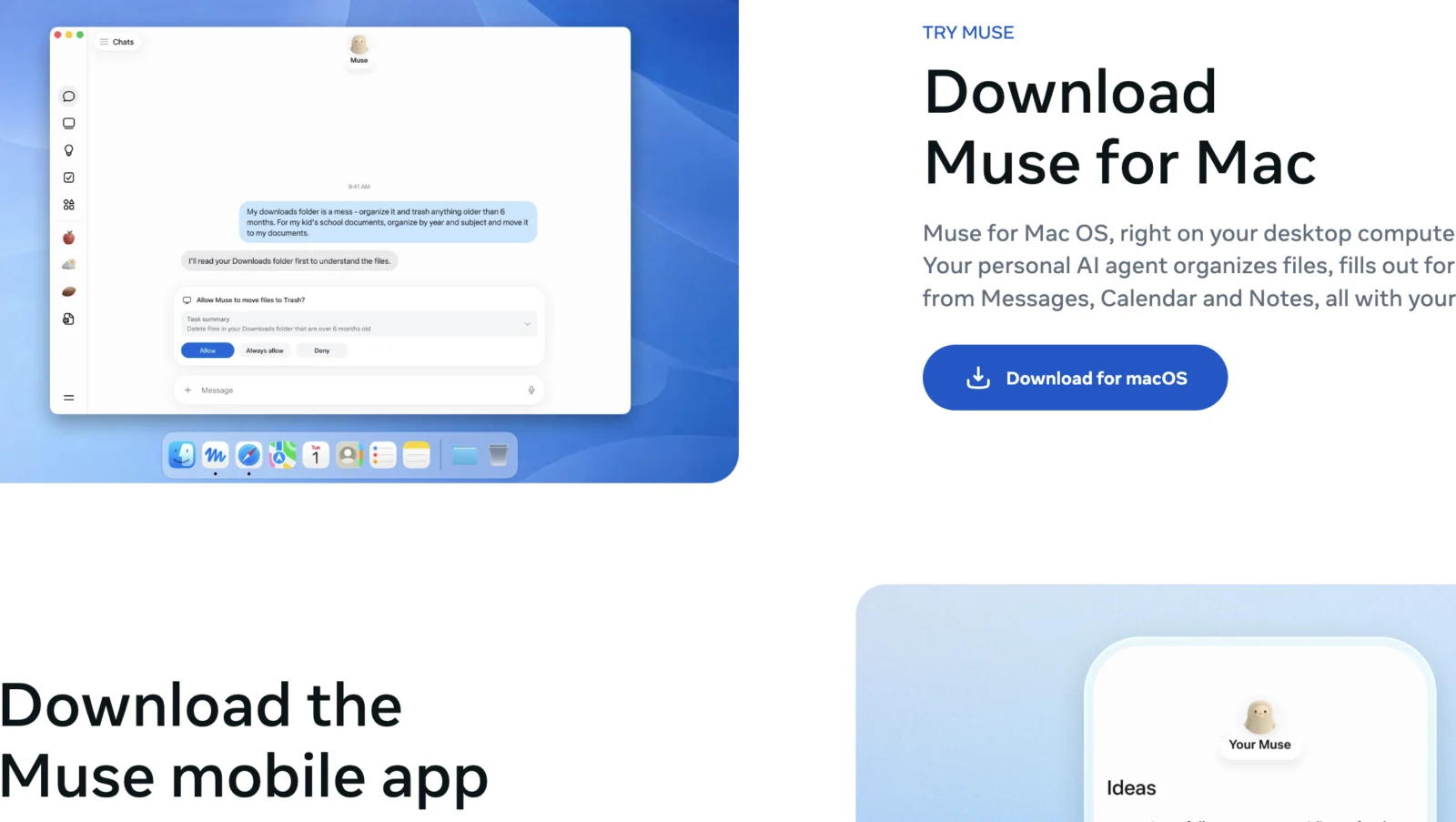
For years, Siri was the assistant everyone joked about, the one that could set a timer but not much else. Apple finally rebuilt it this year, calling it Siri AI. And almost at the same time, Meta launched something similar of its own: an assistant called Muse, built into WhatsApp, that promises to actually do things for you instead of just answering questions.
So which one is worth your attention? Here’s a plain, function-by-function comparison, based on what each one does right now, not what’s promised for later.
The basic idea behind each one
Siri AI is Apple’s rebuilt assistant, baked into the iPhone, iPad, and Mac. You talk to it the way you always have, by voice or by typing, and it now understands more context: what’s on your screen, what’s in your messages, what you asked five minutes ago.
Muse works differently. You talk to it like you’d message a friend, either in its own app or directly inside WhatsApp. Instead of just answering, it’s built to take on a goal and keep working on it, even after you’ve closed the conversation.
Calendar and scheduling
Give Siri access to your calendar, and it can check your schedule, add events, and move things around when you ask. It’s fast and it stays inside Apple’s apps.
Give Muse access to your calendar, and it goes a step further: it can look at your schedule, notice a conflict on its own, and suggest a fix without you having to ask. It can also connect the calendar to other tasks, like booking something and putting it on your calendar in the same conversation.
With Siri, you can ask it to find an email, summarize one, or help you write a reply. You still send it yourself.
With Muse, you can ask it to write and send an email on your behalf, and it can follow up later without a reminder from you. Muse can even manage an ongoing back-and-forth with someone, like coordinating plans over email, checking in every so often instead of waiting for you to ask again.
Online shopping and purchases
Siri can help you find a product or compare prices if you ask directly, but the actual purchase is still on you.
Muse can go from “I need new running shoes” to actually completing the purchase, including checkout, using payment details it has permission to use. It can also compare a few options first if you ask it to.
Booking travel and reservations
Siri can open a travel app or pull up flight information you ask about, but it doesn’t book things for you.
Muse can research flights or hotels, pick a reasonable option based on what you told it you want, and complete the booking. It can also handle things like adjusting a reservation if plans change, without you having to start the request over.
Filling out forms and paperwork
This is something Siri still doesn’t really do. It can help you find a document, but filling it out yourself is expected.
Muse can fill out a form for you: it reads the fields, works out what information is needed, and completes it using details it already has from you.
Staying on top of an ongoing task
This is where the two differ the most. Siri answers what you ask, when you ask it. It doesn’t keep working after the conversation ends.
Muse is built to hold onto a goal over time. Tell it you’re planning a trip, and it can keep chipping away at pieces of that plan over the following days, checking back in with updates or asking for a decision only when it actually needs one.
What you give up in exchange
This kind of usefulness comes with a trade-off worth being honest about. To do any of this, both assistants need access to real parts of your life: your inbox, your calendar, your payment information. Siri keeps most of that processing on your own device, which is the approach Apple has built its reputation on. Muse processes things in Meta’s cloud instead, with Meta stating there are safeguards in place to keep your login details and payment information separated from the assistant itself.
Which trade-off feels comfortable really depends on how much you already trust each company with your data.
The catch that matters most right now
Here’s the part that changes the whole comparison: Muse is currently only available in the United States, only in English, and only to adults. If you’re outside the US or you’d want to use it in another language, it simply isn’t an option yet.
Siri AI has its own limitation too. Apple has said it won’t be available in the European Union at launch, though it does support multiple languages elsewhere.
So in practice, for most people outside the US right now, this isn’t really a choice between two assistants. It’s a question of which one you can actually use at all.
So which one should you use
If you’re inside Apple’s ecosystem already, Siri AI is a meaningful upgrade from what you’re used to, and it stays close to how Apple has always handled your data. If you’re in the US, comfortable with Meta, and want an assistant that can genuinely take a task off your hands from start to finish, Muse is doing more right now than Siri is.
Neither one is finished. Both companies are clearly building toward the same goal: an assistant you can hand something to and trust it’ll get done. Right now, Meta got there first with the doing. Apple is still ahead on where that work actually happens, and how much of your life it can see while doing it.
Більше новин в телеграмі