Windows 11 26H2 reshapes the system: new channel, top taskbar and update control
Windows 11 Build 26300.8289 is not just another test version. It introduces a new “Experimental Channel” in the Windows Insider program, where Microsoft allows itself to rethink core interface elements, system behavior, and user control.
Full control over Windows Update: finally without pressure
Windows updates have long been a pain point. In this build, Microsoft clearly acknowledges that and gives users more control.
First, during initial setup (OOBE), you can now skip updates and get to the desktop faster.
Second, update pausing is now flexible. Instead of fixed periods, users can choose exact dates — and extend pauses without installing pending updates.
Third, power options are now clearer. “Update and restart” and “Update and shut down” are always visible.
The taskbar is no longer locked to the bottom
This is one of the most requested features since Windows 11 launched. And Microsoft is finally testing it.
Hidden settings allow moving the taskbar to the top, left, or right. It’s not official yet, but the direction is clear.
If released, Windows 11 becomes significantly more flexible.
Run (Win + R) gets its first redesign in decades
The classic Run dialog has barely changed in decades. Now it finally gets a modern look.
Fluent Design, rounded corners, Mica effect, dark/light support — but more importantly, smart suggestions.
Now it can recommend commands, folders, and apps as you type.
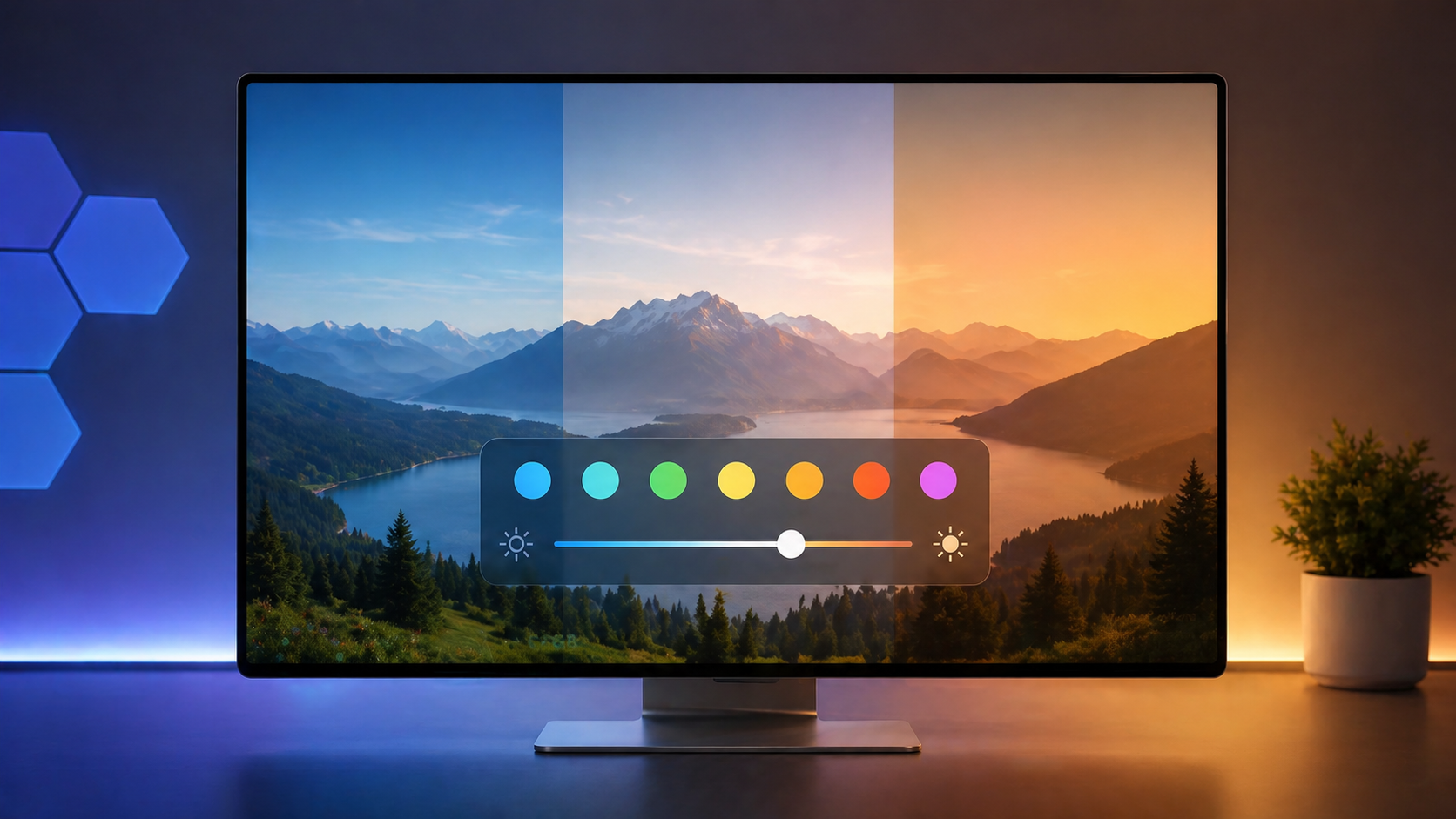
Screen Tint: a new level of display control
This is one of those features Microsoft doesn’t highlight, but it can significantly change daily usage.
If you’ve used an iPhone, this concept will feel familiar. In iOS, users can adjust color temperature and screen tone. Windows 11 is moving in the same direction — but with more manual control.
The key difference is approach. Apple focuses on automation, while Microsoft gives full control.
This makes Screen Tint not just a filter, but a step toward a more personalized system.
Animations and small details that change the feel
Even subtle UI elements are updated.
The old loading dots are replaced with a unified animated icon, matching the boot screen.
Start menu interaction is also improved.
Technical improvements that actually matter
Beyond visuals, there are practical changes.
Disk management now supports MB/GB switching.
Printer driver handling is improved.
Times New Roman gets better support for extended characters.
Experimental Channel: why it matters
The biggest change is the approach itself.
Experimental Channel means testing without guarantees.
Some features may never reach release.
This build is about direction, not stability.
Windows 11 26H2: what it means for users
This build shows a shift in philosophy. Microsoft is slowly giving control back to users.
If even part of these changes make it to release, Windows 11 could finally become a truly flexible system.
Більше новин в телеграмі