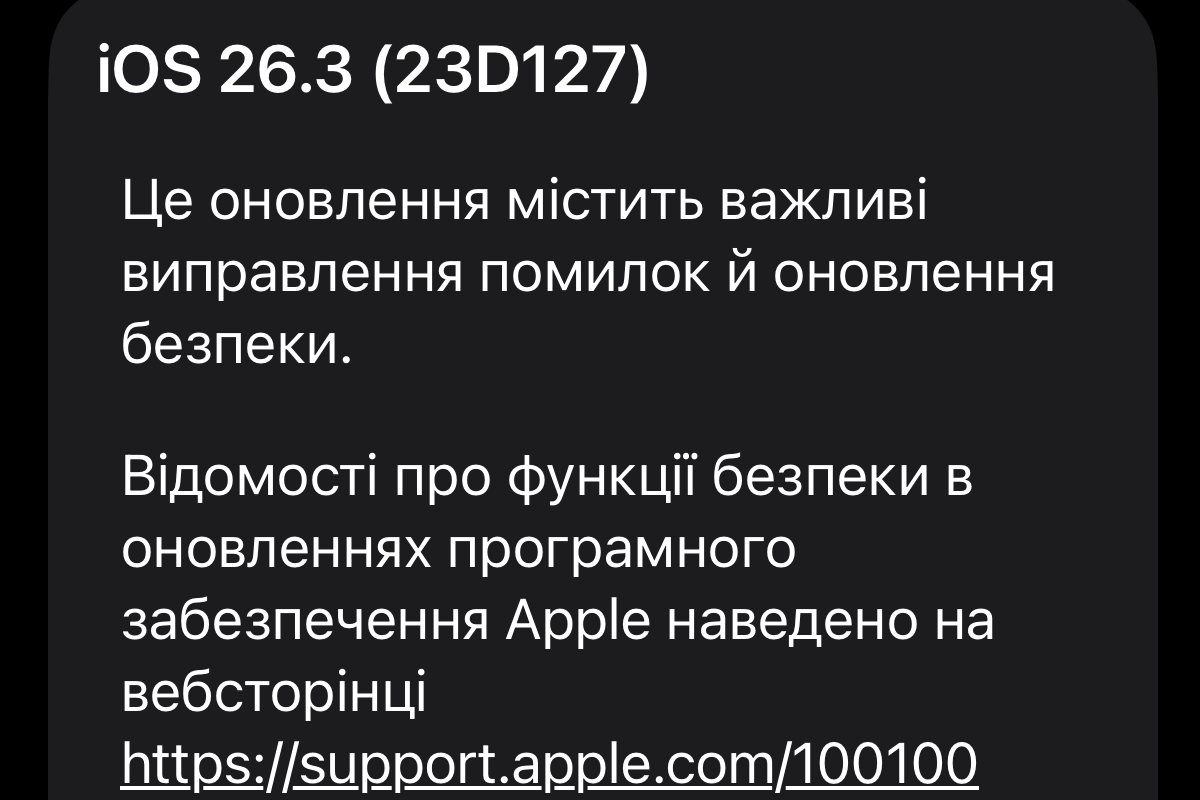
iOS 26.3 Is Officially Released: How Android Transfer Works and Which Vulnerabilities Were Fixed
Apple has released iOS 26.3 — an update that may not look major at first glance but addresses critical areas such as security, privacy, and cross-platform migration. For users searching “what’s new in iOS 26.3,” the key changes are system-level improvements rather than visual updates.
The update is available for iPhone models starting from iPhone 11. It introduces an official iPhone-to-Android transfer tool, enhanced location privacy controls, and dozens of confirmed security fixes.
Transfer Data from iPhone to Android Without Third-Party Apps
iOS 26.3 introduces Apple’s own built-in tool for switching from iPhone to Android. Searches like “how to transfer data from iPhone to Android” continue to trend, and Apple now offers a native solution.
Users simply place two smartphones next to each other to start the transfer. However, some data categories are excluded.
- photos and videos are transferred;
- message history and sms are copied;
- notes are transferred;
- installed apps are migrated;
- saved passwords are copied;
- phone number is transferred;
- health data is not transferred;
- bluetooth pairings are not migrated;
- locked notes remain on the iphone.
The process is simpler than before but not fully seamless. Users should still verify which data was successfully migrated. Nevertheless, this tool changes the dynamics of platform switching.
New “Weather” Section on the Lock Screen
Apple reorganized the lock screen settings in iOS 26.3 by separating the “Weather” category from “Astronomy.”
Three preset design styles are now available, making personalization faster without manual adjustments.
- a dedicated “weather” category;
- three preset style options;
- multiple font styles;
- integrated weather widgets;
- simplified switching between styles.
These changes do not impact system performance but refine the daily user experience. The lock screen remains a primary interaction point. Apple continues to evolve it as a separate design layer.
Precise Location Limitation for Carriers
iOS 26.3 introduces an option to limit precise location data shared with mobile carriers.
Instead of an exact address, carriers will only see an approximate area.
- reduces location precision shared with carriers;
- only approximate area is transmitted;
- works with c1 and c1x modems;
- supported on iphone 16e and iphone air;
- limited availability in the us, europe, and thailand.
This feature is not available on all devices but signals Apple’s continued privacy push. Reducing exposure of personal data remains a core direction for iOS. This is particularly relevant in regulated markets like the EU.
Security Fixes in iOS 26.3
The most critical part of the update is security improvements.
Apple confirmed multiple vulnerability fixes across system components.
- patched vulnerability in dyld component;
- fixed issues in coreaudio;
- improved bluetooth protection;
- corrected network path processing;
- closed vulnerabilities in launchservices;
- resolved issues in photos and sandbox;
- prevented potential identity data leaks.
Some vulnerabilities may have been exploited in targeted attacks. Apple strongly recommends installing iOS 26.3 as soon as possible. Security remains the primary reason to update.
iOS 26.3 is not about visual redesign but about system integrity. The most important improvements happen behind the scenes. Updates like this ensure long-term iPhone stability.
Більше новин в телеграмі