The second beta of iOS 26 arrived quietly, but it brings several meaningful improvements. It’s not a major release — more of a collection of targeted fixes and refinements that make iPhones feel smoother and more consistent to use. And there are a few issues you should know about before updating.
iOS 26.2 Developer beta 2 (23C5033h)
iPadOS 26.2 Developer beta 2 (23C5033h)
macOS Tahoe 26.2 Developer beta 2 (25C5037j)
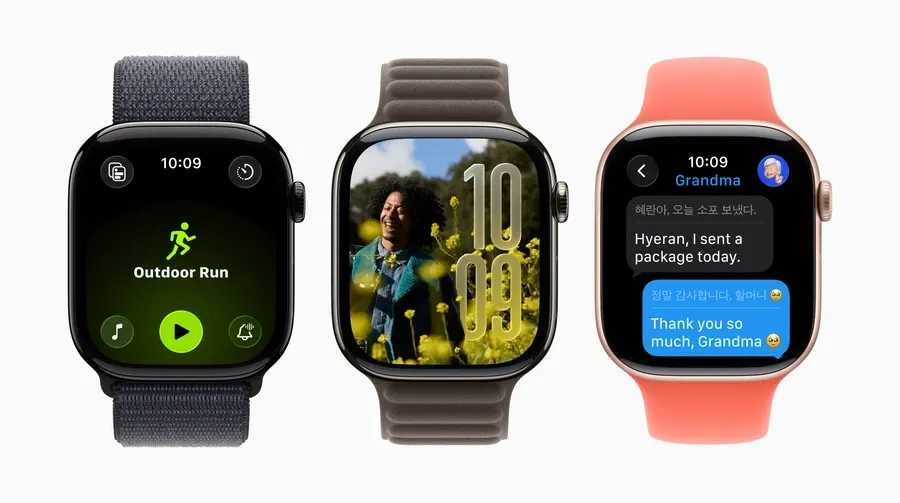
watchOS 26.2 Developer beta 2 (23S5286d)
tvOS 26.2 Developer beta 2 (23K5035d)
visionOS 26.2 Developer beta 2 (23N5285d)
More stable cellular performance and fewer random signal drops
In the previous beta, many users reported unstable modem behavior — random signal loss and slow reconnects, especially on the go or in areas with weak coverage.
iOS 26 beta 2 includes a modem firmware update. This isn’t a minor tweak; it changes the way the modem holds and restores the connection. As a result:
- fewer unexpected drops
- faster reconnection
- more stable mobile data
For people who rely on cellular data or travel frequently, this is one of the most noticeable improvements.
Modem update summary
If you experienced periodic signal loss or unusually long reconnect times in the previous beta, this release should fix it. Apple updated the modem firmware, and network stability is noticeably better.
CarPlay
You can now unpin pinned messages
CarPlay received a small but practical improvement: you can now unpin pinned conversations in iMessage. Drivers who use voice commands often ended up with an overcrowded pinned list — now it’s easy to clean it up without touching the phone.
It’s a small change, but one that improves daily usability for anyone who relies on CarPlay while driving.
Liquid Glass
A temporary step back, but new controls are here
In the previous beta, users could manually adjust the Liquid Glass effect. In beta 2, Apple temporarily removed these detailed settings — the feature is being refined.
However, the Lock Screen now includes a dedicated toggle for adjusting the effect. So the feature isn’t gone; it’s simply being reorganized. Basic controls are available, and the advanced ones will return later.
Animations feel smoother
Fewer glitches, faster transitions, more consistent UI behavior
One of the most important — yet subtle — improvements in beta 2 is animation optimization.
In the previous beta, tapping menu items sometimes produced delayed or broken animations. In beta 2:
- transitions run smoothly
- FPS drops are less noticeable
- the Settings app behaves more consistently
Apple also slightly increased animation speed, making the system feel more responsive without losing the signature iOS fluidity. This is especially noticeable in day-to-day navigation.
Apple Arcade
New filters and several upcoming games
Apple Arcade now has additional filtering options. You can sort games by:
- release date
- file size
- category
This makes it easier to find new titles or lightweight games quickly. Three new games have also been added and will roll out to users soon.
Reminders
Redesigned lists, alarm support, and a new “Urgent” tab
Reminders received another round of updates. The main screen has a refreshed layout with a clearer structure.
The biggest addition is the ability to set an alarm directly within a reminder. Previously, you had to jump between apps or use Siri.
There’s also a new Urgent tab that automatically pulls tasks with near deadlines or high priority — useful for staying on top of essential items.
Known Issues in Beta 2
AirDrop compatibility problems
Several bugs remain, and the most significant one affects AirDrop. Devices running beta 2 cannot send files to devices still on beta 1. The transfer simply won’t initiate.
This limitation is temporary, but important for anyone who:
- uses AirDrop at work
- transfers files between multiple personal Apple devices
- shares photos/documents with colleagues or family
To avoid issues, all participating devices must be on the same beta version.
AirDrop bug summary
AirDrop doesn’t work between beta 1 and beta 2. If one of your devices hasn’t been updated, file transfers won’t go through. Keep this in mind before updating only one device.
Більше новин в телеграмі