Lenovo unveils a new ThinkPad with a 120Hz OLED display and adaptive VRR refresh rate
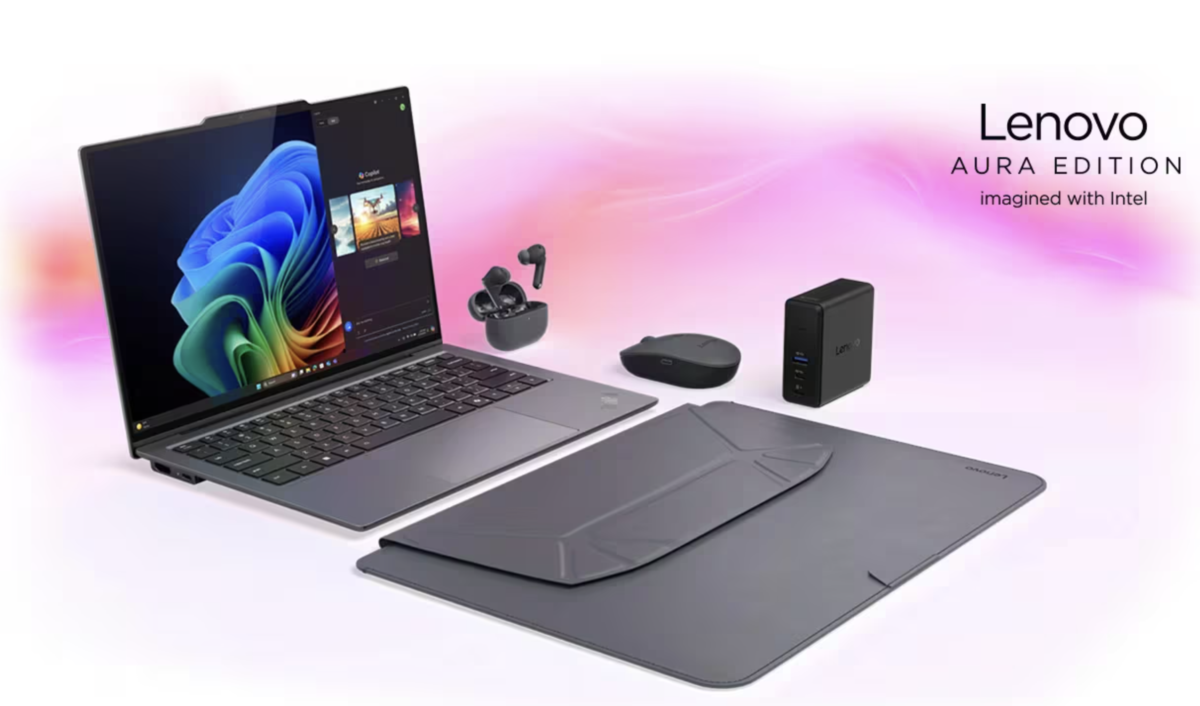
Lenovo ThinkPad X9 14 Aura Edition represents a new generation of Lenovo business laptops, where the company attempts to rethink the classic ThinkPad series. In the past, these devices were mainly associated with conservative design and maximum reliability for corporate customers. Now Lenovo adds several new elements to this formula: a 120Hz OLED display, variable refresh rate VRR, local AI computing, Copilot+ features and the Aura Edition software platform.
As a result, the laptop tries to combine several roles at once. It is a business tool, a mobile computer for people who work on the move, and at the same time a modern AI laptop that can automatically adapt to the user’s working style. That is why ThinkPad X9 should not be evaluated only by processor specifications or memory size. It is more important to understand how these features work in real-world scenarios.
120Hz OLED display and VRR
One of the main changes in the new ThinkPad is the display. Lenovo installed a 14-inch OLED panel with a 120Hz refresh rate and VRR support. On paper this may look like a typical display upgrade, but in practice it significantly changes the overall user experience.
OLED panels deliver deep blacks and very high contrast. When working with text documents this reduces eye strain, while designers and photographers benefit from more accurate color reproduction. However, the biggest difference becomes noticeable in the smoothness of the interface. The 120Hz refresh rate makes scrolling through pages, switching between applications and working with large documents much smoother.
VRR — variable refresh rate — works differently. The system can automatically lower the refresh rate when there are almost no changes on the screen. For example, when reading documents or viewing an article in a browser, the system does not require constant 120 frames per second. In such situations the laptop lowers the refresh rate, which helps save battery power.
As a result, users get two advantages at the same time: a very smooth image during active work and longer battery life during lighter tasks.
Copilot+ PC and local artificial intelligence
ThinkPad X9 belongs to the Copilot+ PC category — a new class of laptops equipped with a dedicated neural processing unit (NPU) for AI tasks. This means that part of the artificial intelligence functions run directly on the device rather than on remote servers.
In practice this provides several advantages. First, the system can process tasks related to video, images or text much faster. Second, some data never leaves the computer, which is important for corporate security. Third, local AI features can work even without an internet connection.
These capabilities appear in everyday scenarios. During video calls the system can automatically improve image quality, balance lighting conditions and suppress background noise in the microphone. Users do not need to manually adjust dozens of settings — the system handles most of these adjustments automatically.
Another example is working with documents. AI tools can help structure text, generate short summaries of long files or quickly find specific information in large archives.
Lenovo Aura Edition platform
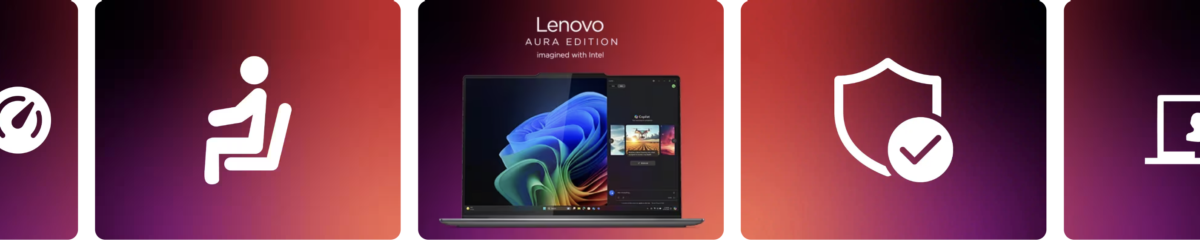
ThinkPad X9 includes Lenovo’s Aura Edition platform. This is a collection of tools that analyze user behavior and automatically adjust system settings depending on what the user is doing.
For example, when a user starts an online meeting, the laptop can automatically switch into collaboration mode. The camera adjusts exposure and framing, the microphone reduces background noise, and AI improves image quality even in poor lighting conditions.
If the user switches to working with large files or demanding applications, the system can increase processor performance and change the power profile. When the workload decreases, the laptop returns to a more energy-efficient mode.
As a result, the user gets a computer that requires fewer manual adjustments because many optimizations happen automatically.
Protection from unwanted viewers
Lenovo also paid attention to security. ThinkPad X9 includes Shield Mode, which works using computer vision technology.
The laptop camera can detect whether another person nearby is looking at the screen. If the system identifies a potential observer, it can alert the user or partially blur the screen content. This feature can be useful when working in public places such as trains, airplanes or cafés.
The system can also recommend enabling VPN or additional security measures if the network connection appears unsafe.
Attention mode and reducing distractions
Another interesting feature is Attention Mode. Its purpose is simple: help users focus on their work.
When this mode is activated, the system can temporarily block distracting websites, disable unnecessary notifications and leave only the applications required for work. The user can define which sites should be blocked and for how long.
For people who work on large projects or write long texts, such tools may be more useful than they initially seem.
Wellness mode and workload monitoring
Lenovo also introduced functions designed to monitor user workload during long working sessions. Wellness Mode analyzes how long the user stays in front of the screen and how they sit while working.
The system can use the camera to analyze posture and head position. If a person sits in an uncomfortable position for a long time or works for hours without breaks, the laptop can remind them to take a pause.
Although it may seem like a small detail, such reminders can be helpful for people who spend most of their day working at a computer.
Smartphone integration and mobile workflow
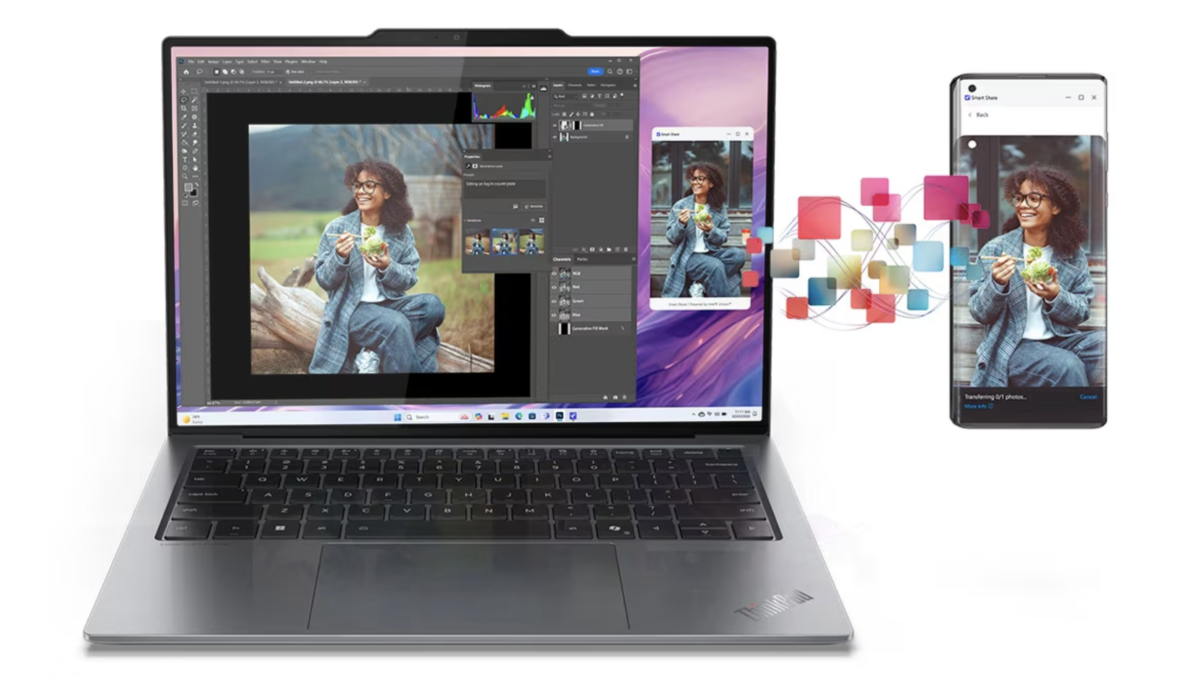
ThinkPad X9 integrates easily with smartphones, especially Android devices. Users can quickly transfer files between their phone and laptop, reply to messages or use their phone as a secondary camera or internet source.
For people who work on the move, this means the laptop and smartphone can function as a single ecosystem where data synchronization and communication happen more smoothly.
Keyboard and classic ThinkPad ergonomics
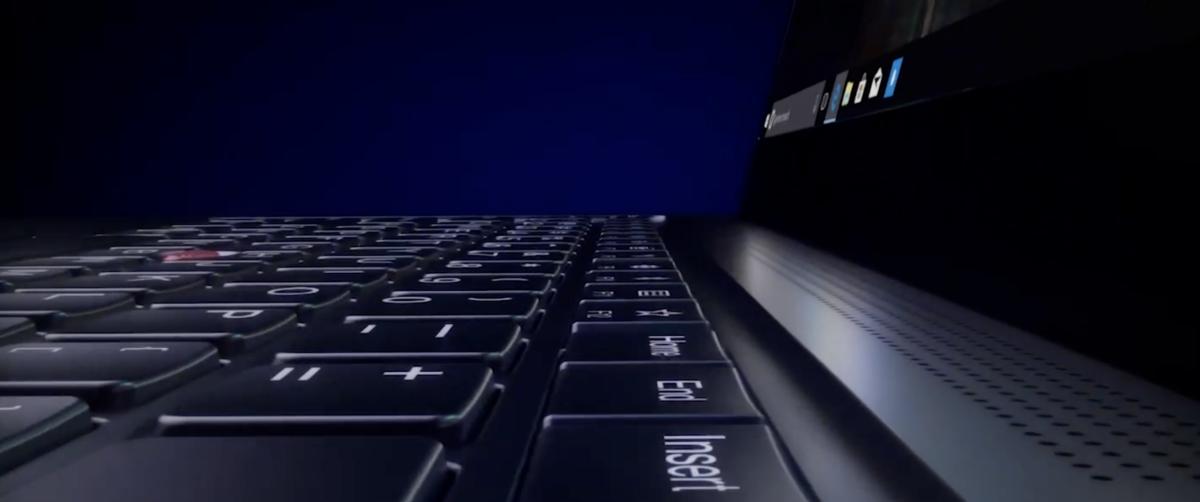
Despite all the new technologies, Lenovo preserved one of the key elements of the ThinkPad series — the keyboard. For many users this remains one of the main reasons for choosing a ThinkPad laptop.
The keys have a clear travel distance and tactile feedback, which makes typing comfortable even during long writing sessions. The touchpad has become larger and more precise, while the traditional TrackPoint remains available for users who prefer navigating without moving their hands from the keyboard.
Durability and build quality
ThinkPad laptops traditionally undergo testing according to the MIL-STD standard used by the U.S. military. This includes testing under extreme temperatures, vibrations, dust exposure and other challenging conditions.
For regular users this simply means the laptop is designed for long-term and intensive use, including travel and frequent movement.
Ports and connectivity
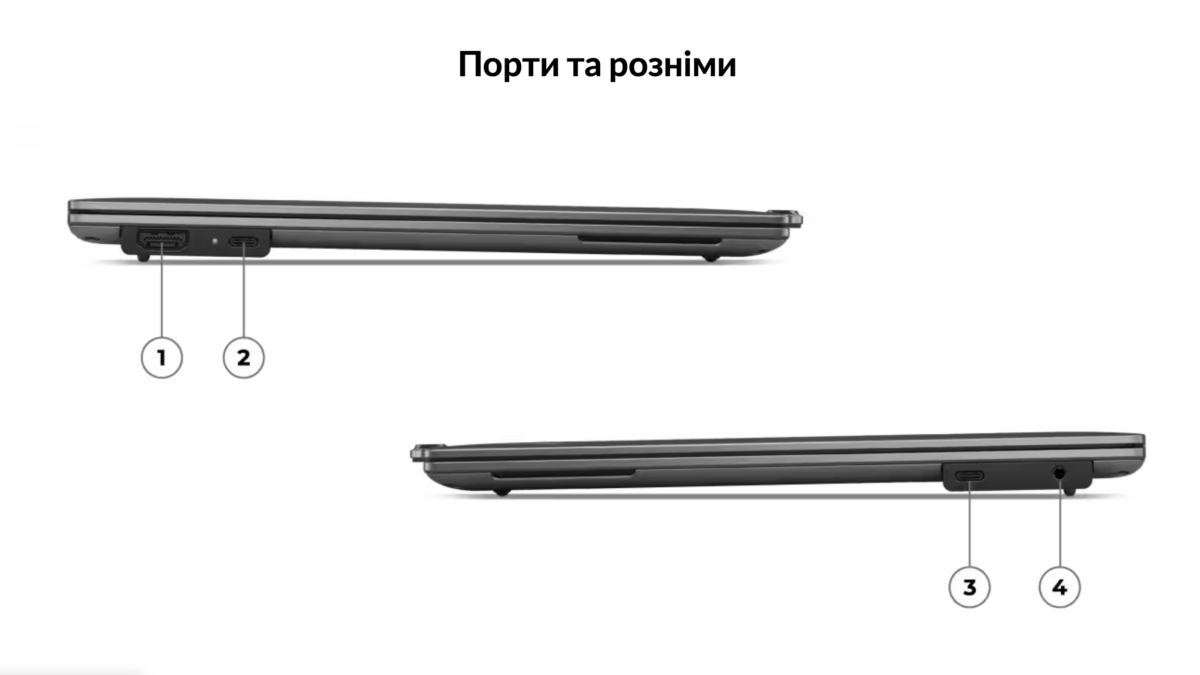
ThinkPad X9 includes a full set of ports for connecting peripherals. The laptop features Thunderbolt ports, HDMI and other connectors for external displays, storage devices and accessories.
What this means for the laptop market
ThinkPad X9 14 Aura Edition demonstrates the direction modern business laptops are taking. In the past the main criterion was processor performance. Today software features and AI capabilities are becoming equally important.
Laptops are gradually turning from simple work machines into intelligent tools capable of adapting to users, assisting with daily tasks and even monitoring comfort during long working sessions.
Lenovo ThinkPad X9 is one of the first examples of this transition, and similar features will likely appear in many other laptops in the coming years.
Technical specifications
| Model | Lenovo ThinkPad X9 14 Aura Edition |
| Display | 14″ OLED, 120Hz, VRR support |
| Resolution | 2880 × 1800 |
| Brightness | up to 400 nits |
| Color coverage | 100% DCI-P3 |
| Processor | Intel Core Ultra |
| AI module | NPU |
| Graphics | Intel Arc |
| RAM | up to 32GB LPDDR5X |
| Storage | PCIe Gen4 SSD up to 2TB |
| Wireless | Wi-Fi 7, Bluetooth |
| Ports | Thunderbolt 4, HDMI |
Editorial opinion
In the specifications of the Lenovo ThinkPad X9 14 Aura Edition we did not find clear information about real battery life. The official page only states the battery capacity — 55Wh — and mentions that the battery is classified as CRU, meaning users can replace it themselves.
However, without real tests it is impossible to accurately estimate how long the laptop will run on battery power or how it behaves under heavy workloads. There is also no data yet about thermal behavior or whether throttling appears during demanding tasks.
More news on Telegram


Більше новин в телеграмі