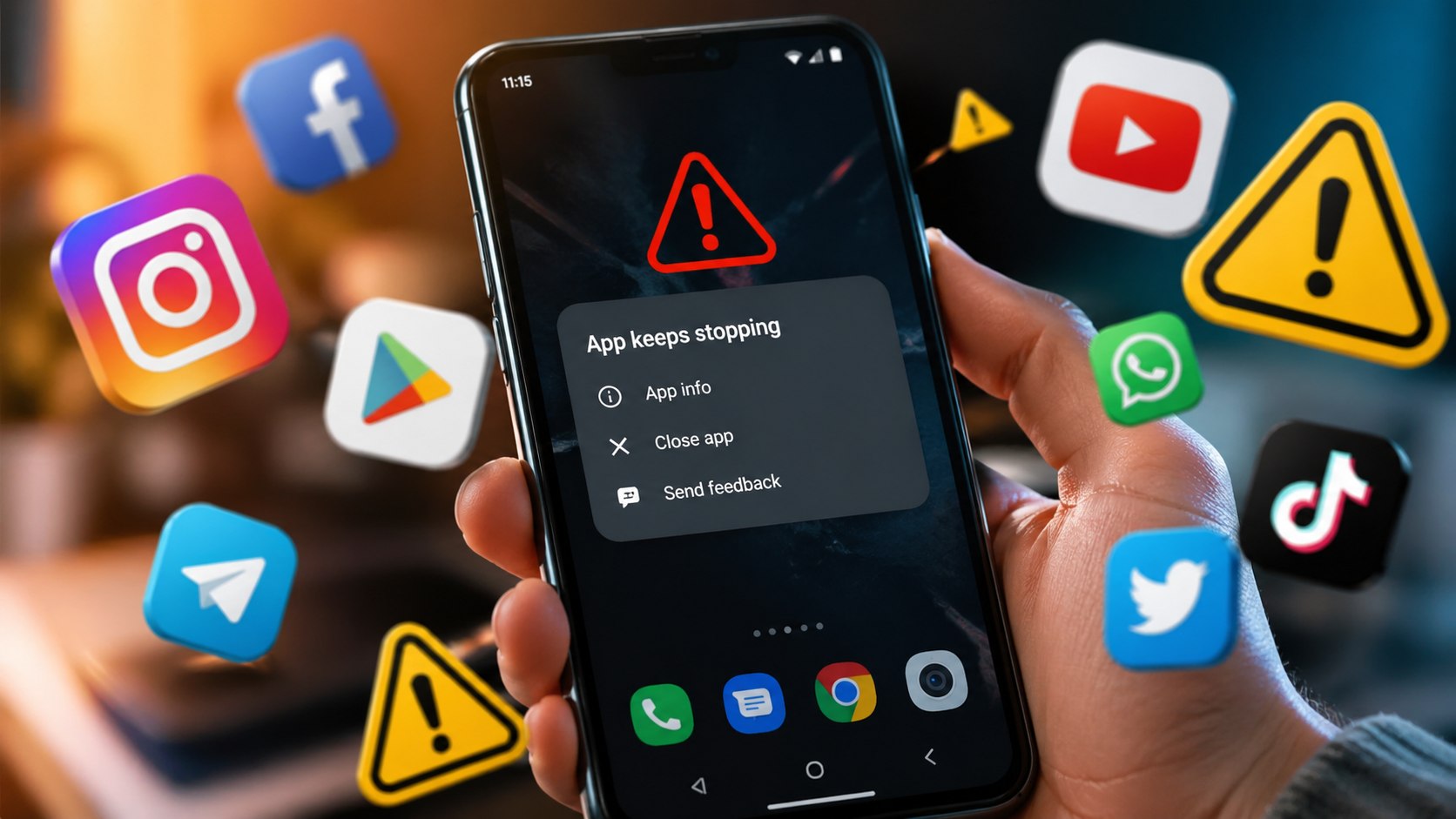
The problem of apps crashing on Android or iPhone happens even on new devices. It may be related to memory, cache, updates, or background system processes running without your awareness.
Once you understand the causes, it becomes clear that most issues do not require repairs or factory reset. This guide breaks everything down step by step — from simple fixes to cases where the issue is hardware-related.
Main reasons why apps keep crashing on a smartphone
When an app closes without warning, the system is forcibly stopping the process. This usually happens due to lack of resources or software conflicts.
- not enough RAM when too many apps are open;
- conflicts after Android or iOS updates;
- corrupted or overloaded app cache;
- lack of internal storage space;
- bugs in new app versions or unstable updates;
- background processes and system services running;
- aggressive battery saving settings.
In most cases, the problem is not critical and can be fixed without data loss. The key is not to jump to drastic solutions immediately. Next is a working step-by-step algorithm.
What to do if an app keeps crashing step by step
If an app constantly closes, it is important to act step by step. A simple restart often solves the issue faster than complex settings.
This list goes from simple to more advanced actions. Follow each step in order to avoid wasting time.
- Restart your smartphone and close background apps.
- Update the app via Google Play or App Store.
- Check for system updates in settings.
- Clear the app cache in storage settings.
- Delete and reinstall the app.
- Make sure you have enough free storage.
- Disable aggressive battery saving for the app.
These steps solve up to 90% of app crashes. If the problem persists, it is time to look deeper into system-level issues.
System-level causes of app crashes
Sometimes the problem is not the app itself, but a system component. This is especially common on Android, where services work separately.
You may not even realize that one hidden process affects multiple apps at once. That is why these factors must be checked separately.
- Android System WebView issues affecting browsers and banking apps;
- Google Services conflicts after updates;
- system library errors after OS updates;
- CPU overload from background tasks;
- outdated system services not updated for a long time.
If multiple apps crash at once, it is usually a system issue. Updating or rolling back components is more effective than reinstalling apps individually.
When the issue is hardware related
If even system apps are unstable, the problem may be hardware. Cache cleaning or updates will not help here.
These cases are less common but more serious. It is important to recognize them early.
- battery wear under load;
- overheating and CPU throttling;
- internal storage damage;
- power controller issues;
- hardware degradation after long use.
If your device overheats or shuts down suddenly, it is a hardware signal. In this case, service repair is the correct solution.
How to prevent apps from crashing in the future
Smartphone stability depends on usage habits. Simple actions prevent most issues.
This is basic digital hygiene that many users ignore. It directly affects performance.
- Keep at least 10–15% of storage free.
- Do not install apps from unknown sources.
- Update apps and system regularly.
- Restart your phone once a week.
- Avoid keeping too many apps open.
These simple steps significantly reduce system errors. Your smartphone will run more stable without extra effort.
What it means when apps crash and how to fix it
In most cases, app crashes are not a failure but a system response to overload or conflict. This is normal for modern smartphones.
If you act correctly, the issue can be solved in minutes without losing data. Usually cache clearing or updates are enough.
Only in rare cases service repair or factory reset is needed. And by then, you will clearly understand the reason.
Більше новин в телеграмі