Why your smartphone battery drains fast and what really affects it
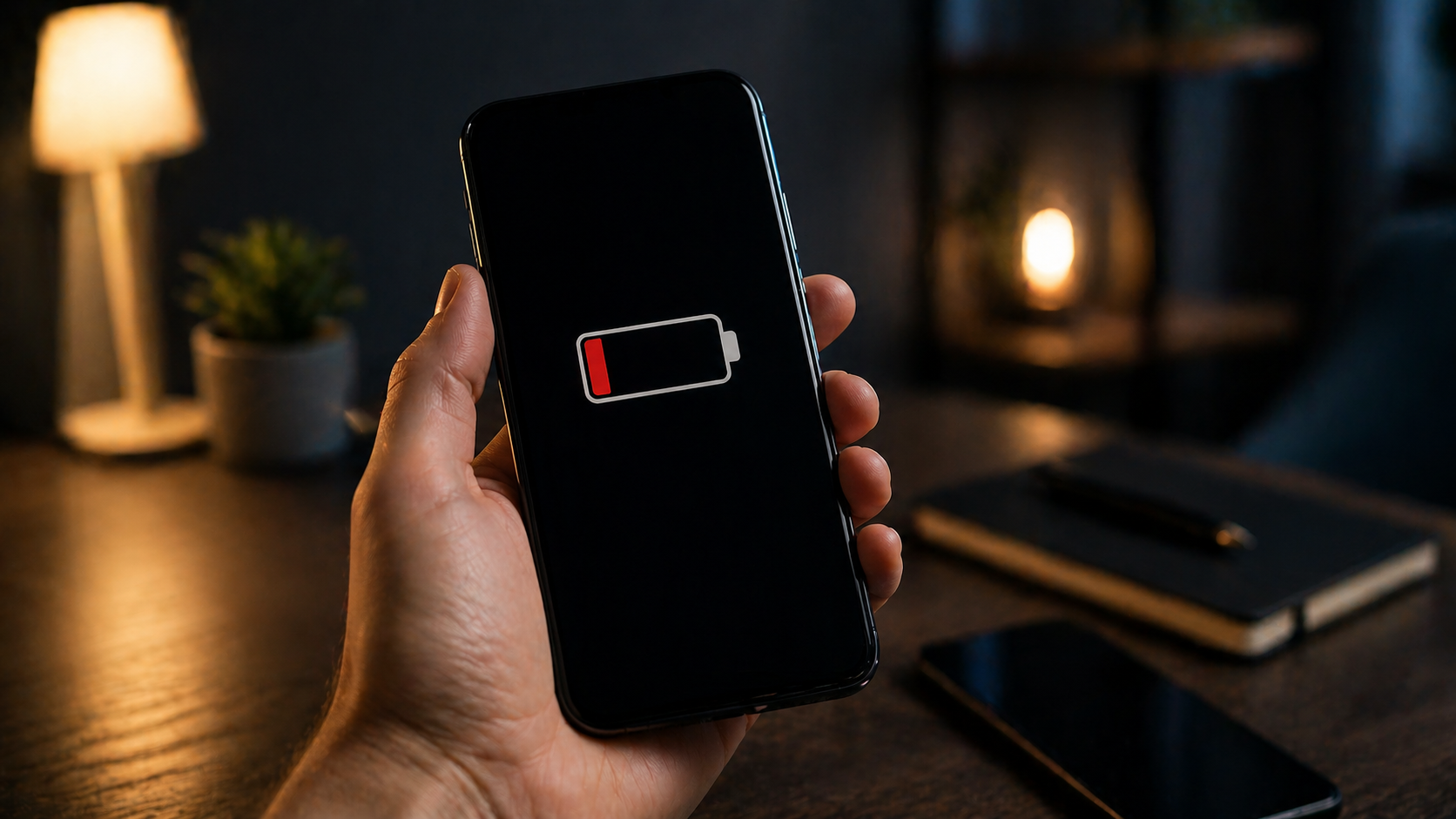
Many users assume screen brightness or battery wear are the main causes. But modern smartphones are far more complex: dozens of processes run even in standby mode, and they define real power consumption.
This has become more noticeable with AI features, new network standards, and aggressive background syncing. If your phone drains quickly, the cause is almost always a combination of factors hidden in system settings.
1. 5G search and weak network signal
Even if you don’t actively use 5G, your smartphone may constantly try to connect to it. In unstable coverage areas, the modem operates at maximum power, increasing battery drain.
This is especially relevant in cities where 5G is still being deployed. In such conditions, your phone continuously searches for a signal.
- solution: switch to stable LTE (4G) in network settings;
This simple change often improves battery life within a day. The device stops wasting energy on signal searching. As a result, battery performance becomes more stable.
2. AI background processing
Modern systems use on-device AI to process photos, messages, and user behavior. This happens even when your phone is idle.
These processes are invisible but heavily use the CPU. That’s why your phone may drain battery without active use.
- solution: limit background AI services in system settings;
This reduces idle CPU load. The device becomes more predictable. And most importantly, overnight battery drain disappears.
3. Aggressive push notifications
Every notification wakes up the screen, CPU, and network modules. If you have many apps, this happens dozens or hundreds of times daily.
Shopping apps, social media, and news services are the biggest contributors. As a result, your phone loses battery even when not in use.
- solution: keep push notifications only for essential apps;
This significantly reduces system wake-ups. Your phone stops running unnecessary background tasks. And you regain control over battery usage.
4. Ultra-Wideband and device tracking
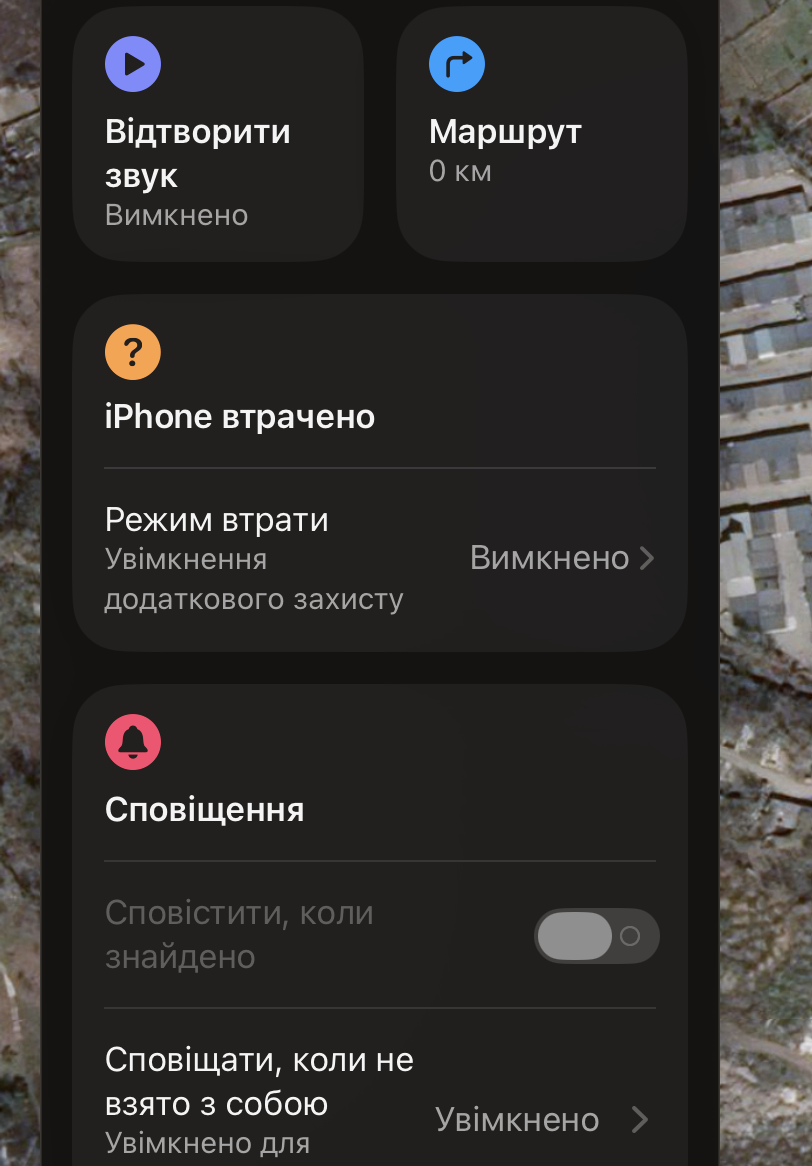
Tracking features and smart tags constantly scan the environment. This creates continuous low-level activity in the background.
Over time, this leads to noticeable battery drain without clear reasons.
- solution: disable nearby device scanning when not needed;
This setting is often overlooked. But it can silently consume battery. And it can be disabled in seconds.
5. High refresh rate without adaptation
120Hz displays look smooth, but without adaptive technologies they run at full power all the time. This wastes energy even during simple tasks like reading.
This is especially noticeable in budget devices without dynamic refresh rate control.
- solution: set display to 60Hz when battery life matters;
The improvement can be noticeable immediately. Most users won’t see a difference in everyday usage. But they will notice longer battery life.
6. App update conflicts
Sometimes after updates, a single app starts consuming excessive power. This is usually a software issue, not a system problem.
These cases are hard to detect without checking battery statistics.
- solution: check battery usage stats and identify abnormal apps;
Once identified, the issue is easy to fix. Limiting or reinstalling the app usually restores normal battery life.
7. Poor quality cables and accessories
Charging is not just about the power adapter. Damaged or cheap cables can cause unstable current flow.
This leads to overheating and stress on the power controller, reducing battery efficiency.
- solution: use certified charging accessories;
This is a simple but critical factor. Cheap accessories often lead to worse battery performance. And even long-term battery damage.
What to do next if your phone drains fast
These factors rarely act alone. In most cases, it’s a combination of settings, network behavior, and apps.
That’s why generic advice doesn’t work. You need to approach your smartphone as a system, not isolated features.
With the right adjustments, you can significantly improve battery life. This is the difference between random tips and a real optimization strategy.
Більше новин в телеграмі