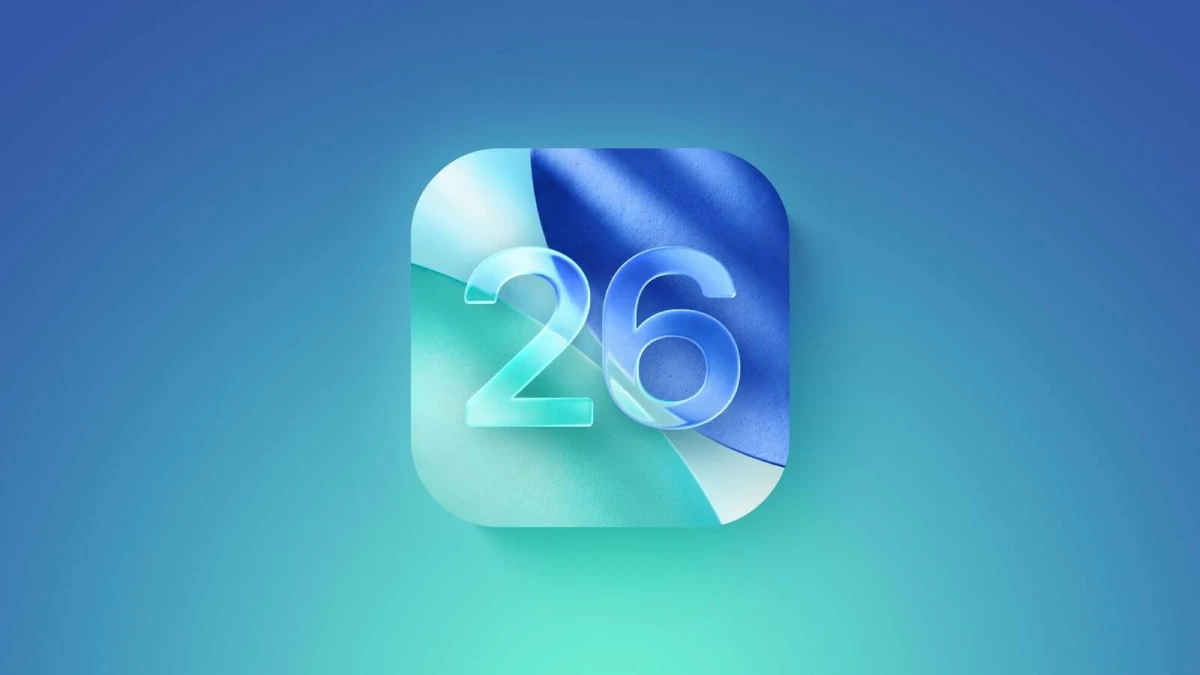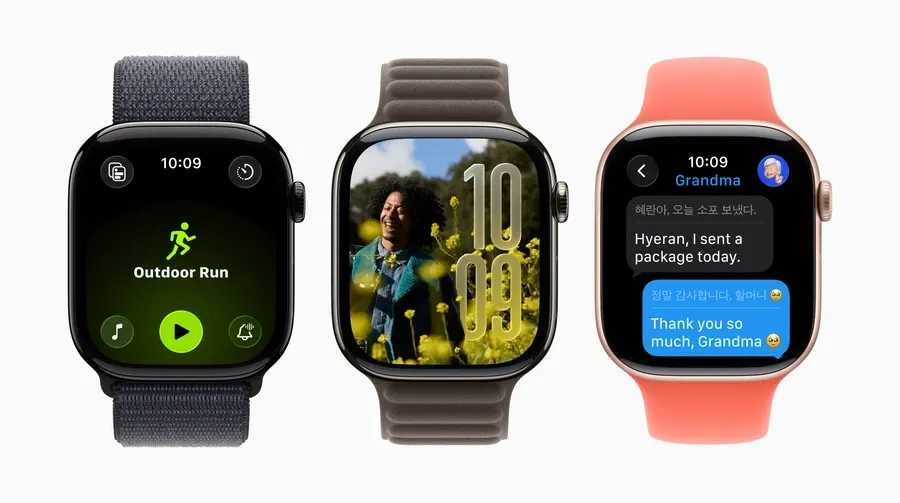
Apple has unveiled watchOS 26 — a major update for Apple Watch that quietly but significantly changes the user experience. While the spotlight of WWDC 2025 was on AI features in iOS and macOS, it’s the watch that received an upgrade that reshapes the game.
A New Interface: Liquid Glass and Smart Visual Cues
watchOS 26 brings a fresh visual style called Liquid Glass. It’s not just a cosmetic change — the UI becomes more realistic, three-dimensional, and dynamic. Liquid Glass is now part of Smart Stack, Control Center, watch faces, and built-in apps. Visual suggestions appear as animated glass-like overlays, softly blending into the content while remaining distinct.
Workout Buddy: AI-Based Fitness Coaching
Workout Buddy is one of the most significant new features. Powered by Apple Intelligence, it analyzes heart rate, weekly activity, distances, and personal records to tailor your workout sessions.
It provides real-time voice motivation and tips during runs, HIIT, or strength training. It works only with Bluetooth headphones and requires an iPhone that supports Apple Intelligence (i.e., iPhone 15 Pro, 15 Pro Max, or newer).
Upgrades to the Workout App
The Workout app interface has been redesigned with controls conveniently placed in each corner. It now supports auto-launch of music or podcasts based on your workout type — using your listening preferences from previous sessions.
Smart Stack: Context-Aware Intelligence
Smart Stack now includes contextual suggestions. For instance, your watch may prompt you to start a workout when arriving at the gym or enable Backtrack when hiking in remote areas.
Messages: Real-Time Translations
Live Translation is a headline feature. Messages on Apple Watch are translated automatically as they arrive in foreign languages. Users can also dictate a reply and have it instantly translated into the recipient’s language.
Messages also become smarter — detecting context and offering actions like sending a Check-In or Apple Cash. They support customized backgrounds synced from your iPhone and even enable survey replies directly from the watch.
Gesture Control: More Power, Fewer Taps
A new gesture called flick — a quick wrist rotation — lets users dismiss notifications, reject calls, stop timers, or return to the home screen. It’s available only on Apple Watch Series 9, Series 10, and Ultra 2.
Other New Features:
- Full Notes App: Create, edit, pin notes, and access lists directly from your watch.
- Hold Assist: Alerts you when a real operator is on the line during a call.
- Call Screening: Filters incoming calls from unknown numbers.
- Live Listen with Subtitles: Accessibility support for users with hearing impairments.
- Photos Watch Face Updates: Automatically refreshes based on photo albums you’ve selected.
- New Watch Face Gallery: Easier discovery and customization from iPhone or Apple Watch.
Compatibility & Requirements
watchOS 26 will launch publicly in Fall 2025. However, not all features are available to all users:
- Apple Intelligence features (like Workout Buddy, Live Translation, smart suggestions) require iPhone 15 Pro or newer.
- You can install watchOS 26 on older Apple Watch models, but without AI-based features.
Why Your MacBook Won’t Help
Even if you have a MacBook with an M1/M2/M3 chip (which will get Apple Intelligence on macOS Sequoia), it doesn’t extend that capability to your Apple Watch. The reason: Apple Watch relies on real-time computation via the paired iPhone.
So if your phone is:
- iPhone 15 Pro / Pro Max or newer → full Apple Intelligence support.
- iPhone 15 (base/Plus), iPhone 14, SE, or older → no Apple Intelligence, even with watchOS 26.
So, What Does It Mean?
If you’re using an iPhone 15 Pro or later, watchOS 26 unlocks a whole new level of interaction — real-time coaching, smarter messages, context-aware prompts, and gesture control. It’s a strong step toward a more intelligent, personal smartwatch experience.
For everyone else, the update brings a beautiful redesign and useful tweaks — but the real magic of AI will remain out of reach unless you upgrade your iPhone.
More interesting

Більше новин в телеграмі