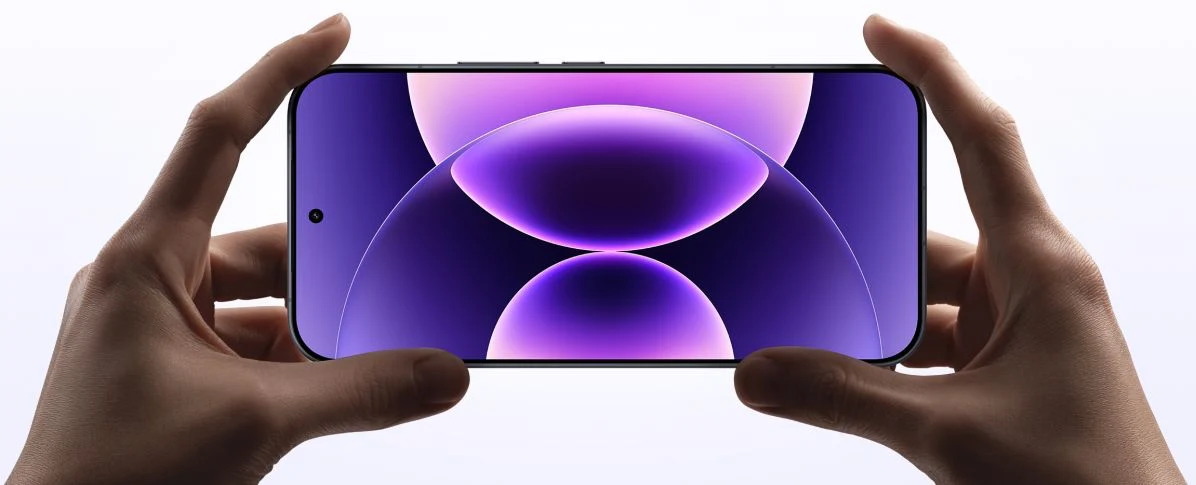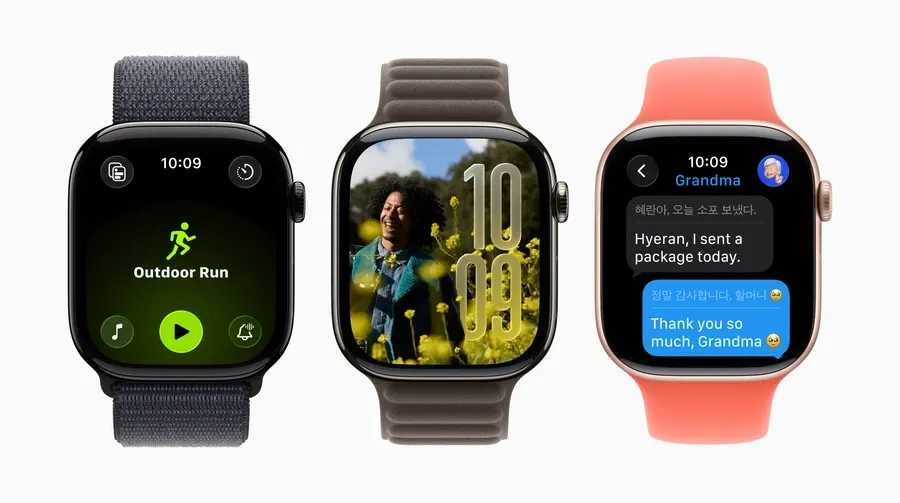
Apple has released the public beta of iOS 26, giving users a chance to experience the real changes already visible across iPhones, iPads, and Macs.
Liquid Glass Design
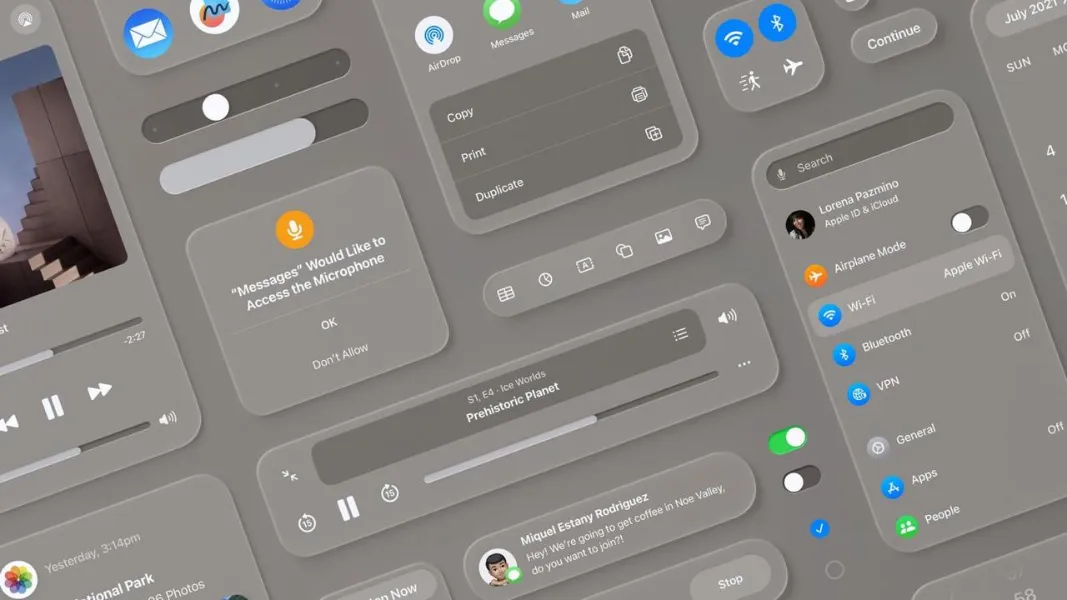
On the iPhone, the most noticeable update is the new “Liquid Glass” interface style. Elements are now semi-transparent and dynamic, with smoother animations when launching apps. On the iPad, the effect is even more pronounced thanks to the larger display: transparency looks more expressive, and interactions feel lighter. On the Mac, where the update arrives under the name macOS Tahoe, the interface also features transparent windows and a redesigned menu structure.
Performance and Stability
In the sixth public beta, the system feels faster overall: apps open more quickly, and animations appear smoother and more natural. On the iPad, the improvement is especially visible when running multiple windows or working in multitasking mode. On Macs with macOS Tahoe, optimizations make the system more stable, even on older models.
Camera
In the Camera app, Apple has brought back the familiar swipe logic that had been changed in earlier versions. Switching between modes now feels intuitive again, with no need to adjust settings. On the iPhone this is particularly noticeable when shooting quickly, while on the iPad the larger screen makes the interface feel more convenient to use.
Sound
The update also introduces new ringtones: six variations of the Reflection theme and a brand-new tone called Little Bird. On iPhone and iPad, they can be selected in the standard settings, while on the Mac the new collection syncs automatically via iCloud.
AirPods and Live Translation
Code in the system reveals support for real-time translation with AirPods Pro 2 and newer models. The idea is that a double tap enables instant translation during conversations. However, this feature is not currently available in Ukraine, as it relies on Apple Intelligence, which is not yet supported in the region.
Apple Intelligence in Ukraine
Menus in iOS 26 already show traces of Apple Intelligence integration: visual search in screenshots, emoji generation, and live call translation. But in Ukraine, these features cannot be activated. On iPhone and iPad the options appear in the interface, but they remain blocked and unavailable to use.
Conclusion
iOS 26 Public Beta 6 updates the interface, makes the system look more modern, and introduces a handful of small but noticeable improvements. iPhone, iPad, and Mac users get a refreshed design, smoother performance, and new sounds. In Ukraine, Apple Intelligence features are still unavailable, so the real value of this beta comes down to the design updates, performance tweaks, and usability refinements that improve everyday use.
Garmin Venu X1: A Premium Fitness Smartwatch That Challenges the Apple Watch Ultra
Samsung Galaxy S25 Edge: when good enough is the point
Більше новин в телеграмі