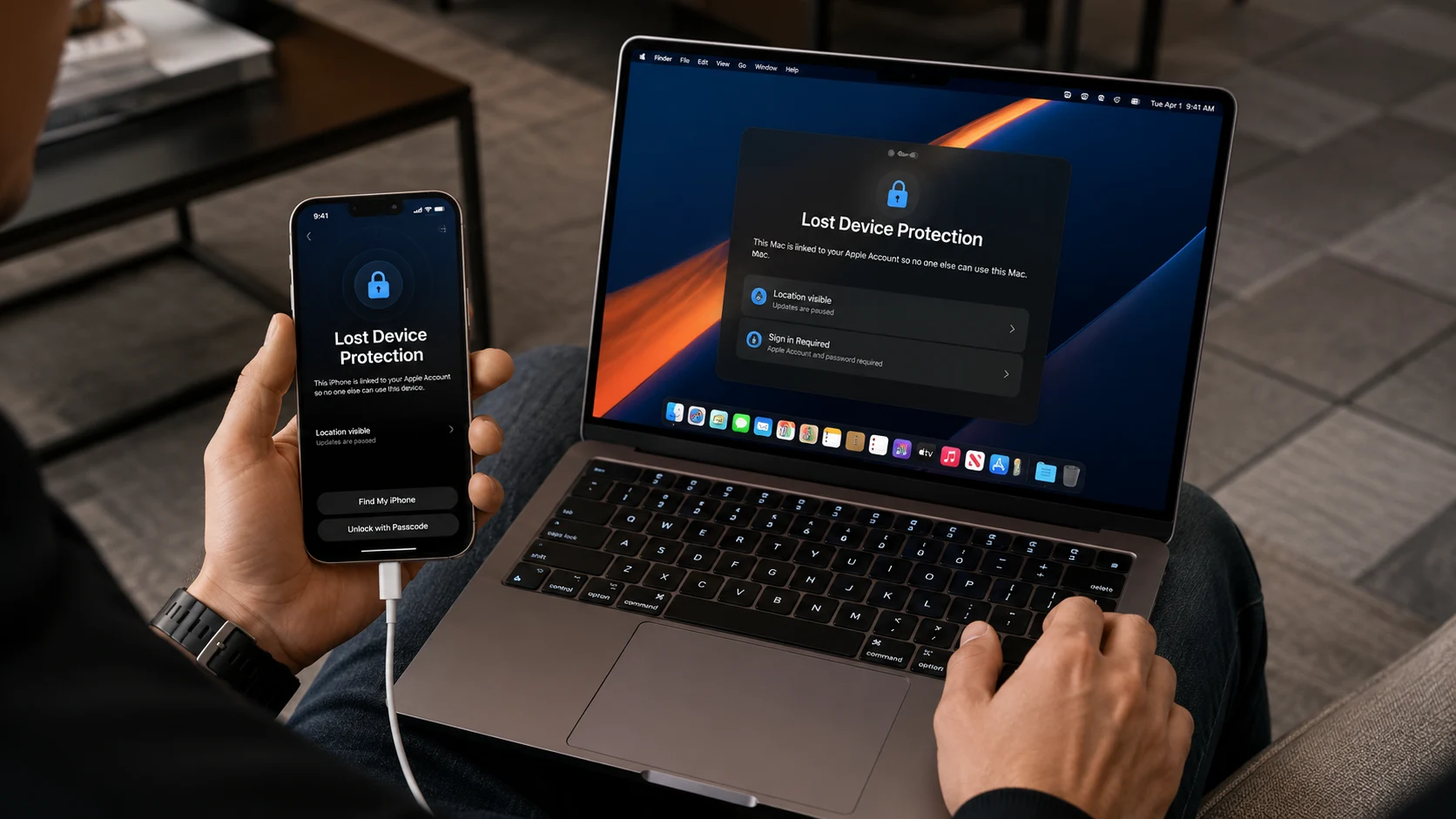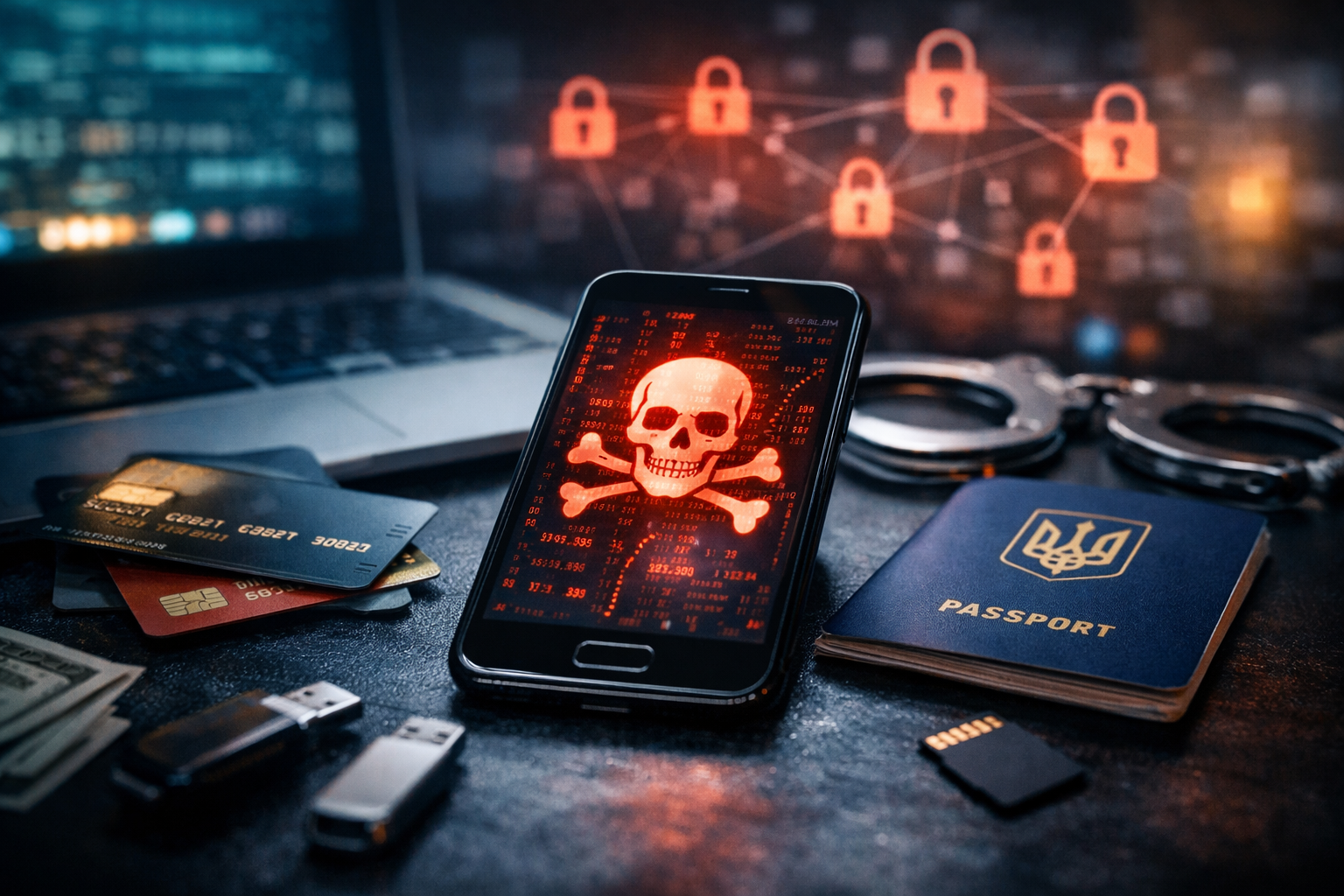
From time to time, you hear people say they do not care which apps they install on their computer or phone. The answer is almost always the same: I have nothing to steal. And then, unexpectedly, they face account bans, spam emails sent in their name, loans taken out using their identity, or suspicious posts published on social media on their behalf.
This can be prevented. There are simple rules about what data should be stored on a phone or computer and what should never be stored there.
Passwords for banks, email, and social networks
Storing passwords in notes or screenshots is one of the most common and dangerous mistakes. Even if the phone is locked, malicious apps or phishing attacks can gain access to this data without your knowledge.
Smartphones without regular system updates or with a large number of installed apps are especially vulnerable. In such cases, a breach of one service often triggers a chain reaction.
- passwords for banking applications;
- email account credentials;
- social media logins and passwords;
- cloud service access data.
It is safer to use a dedicated encrypted password manager rather than storing critical information in plain text. Even brief access to a phone can have long-term consequences. Losing control over email often means losing access to everything else.
Photos of documents and passport scans
Photos of passports, identification numbers, or driver’s licenses are often kept just in case. These files are exactly what fraudsters use when a phone falls into the wrong hands.
Even without physical access, attackers can obtain document copies through cloud backups or compromised accounts. In many cases, people discover the issue only after a loan has already been issued in their name.
- passport and ID card photos;
- identification number scans;
- driver’s licenses;
- documents containing signatures.
Documents should be stored in encrypted vaults or offline, not in the smartphone gallery. The gallery is one of the least protected parts of the system. Even deleted photos can sometimes be easily recovered.
Bank details and card information
A card number, CVV code, and expiration date form a complete set for online payments. Keeping this information in notes or messengers means voluntarily giving up control of your finances.
Even when banks use additional security layers, many online purchases do not require confirmation. A few minutes of access to this data can be enough.
- full bank card numbers;
- CVV and CVC codes;
- screenshots of payment pages;
- account details.
Financial data should only be stored in official banking applications. Notes and chats are not suitable for this purpose. Recovering money after fraud is a long and often unsuccessful process.
Private intimate photos
Private photos may seem safe as long as they remain on your phone. Problems begin when these files are automatically synced to cloud services or messengers.
A hacked account or leaked backup can lead to blackmail or public distribution of personal content. Such cases are far more common than many people assume.
- intimate photos and videos;
- content from private chats;
- files without encrypted backups.
Even deleting files does not guarantee complete removal. It is better not to store such materials on a smartphone at all. Digital privacy starts with conscious limitations.
Work credentials and internal information
Smartphones are often used for work, storing logins, internal documents, and correspondence. This creates risks not only for the user but also for the company.
Data leaks can have legal consequences, especially when commercial secrets or customer personal data are involved.
- access to corporate systems;
- internal company documents;
- work chats without encryption;
- files containing customer personal data.
Work should be handled in separate secure environments or on corporate devices. Mixing personal and work data is one of the main causes of leaks. This is a matter of responsibility, not convenience.
How to reduce risks
It is impossible to completely avoid storing data on a phone, but risks can be significantly reduced. This requires reviewing habits, not just settings.
Security is not a single feature but a system of decisions working together.
- use password managers;
- enable two-factor authentication;
- keep the system updated;
- limit app permissions;
- avoid storing critical data locally.
The less sensitive information stored on a smartphone, the fewer consequences you face in case of a problem. Protection starts with simple decisions, not expensive services. Conscious usage is the best level of security.
A smartphone is a tool, not a safe. It is convenient and always within reach, which is exactly why it is a primary target for attackers.
Review what you store on your phone today. Deleting a few files can save years of stress and thousands of dollars in the future.
Digital security is not fear, it is a habit. And it is built from decisions like these.
If you use Xiaomi, Poco, OPPO, or another Chinese brand, you may notice a large amount of advertising. Spyware is often hidden in ads and can gain access to your smartphone. Be careful when installing such applications and remember that China’s hacker ecosystem is the largest in the world. Accessing data about where you have been, how much money you spent, and even banking apps is easier than most people think.
Більше новин в телеграмі