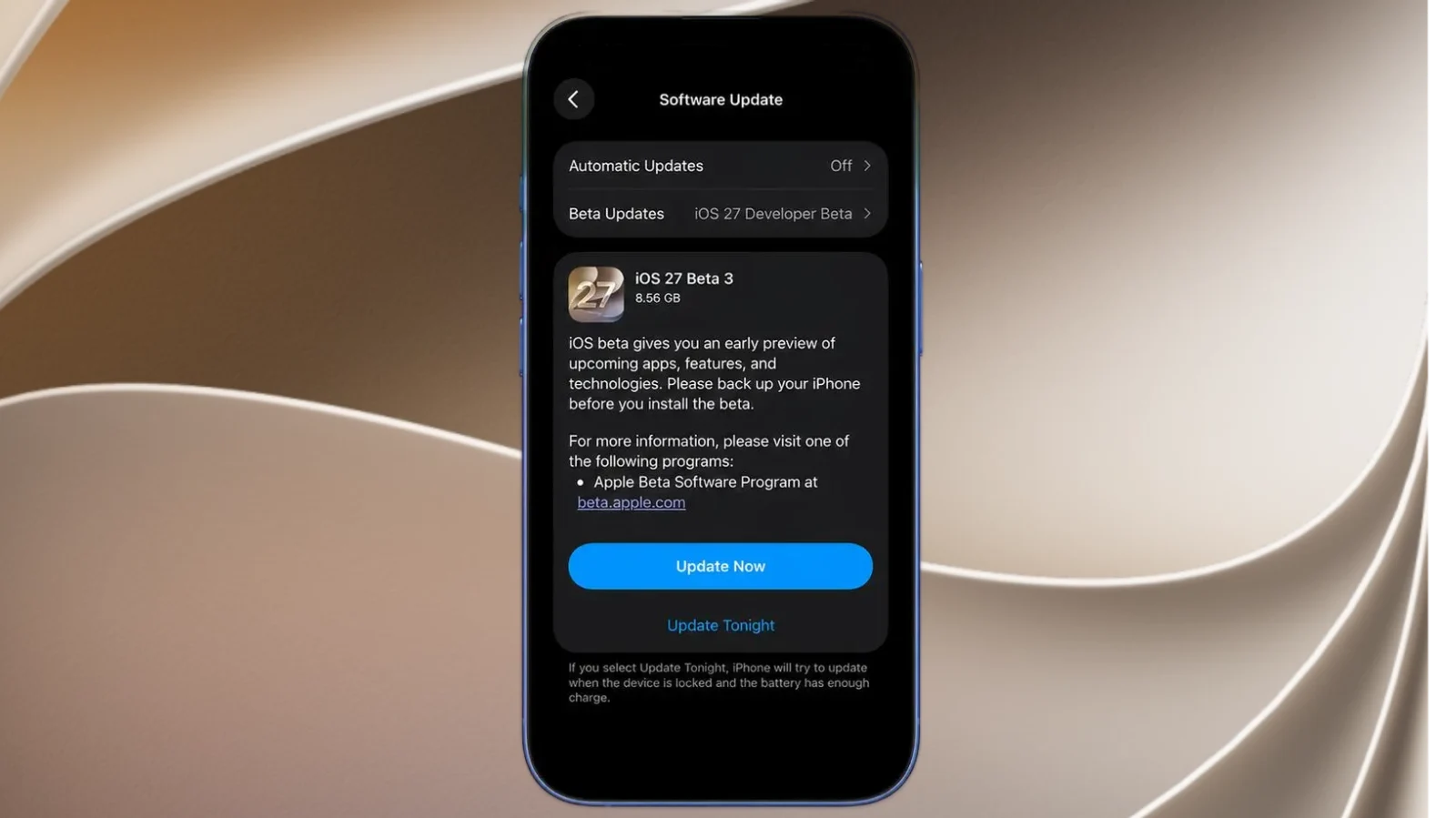
Apple has officially released iOS 27 Beta 3 (build 24A5380h), doubling down on Apple Intelligence refinements, Siri enhancements, and critical accessibility updates. While you won’t find a massive visual overhaul here, this seed packs dozens of under-the-hood quality-of-life improvements that streamline daily use across iPhone, Apple Watch, and the broader ecosystem.
Siri Gets More Personalized and Capable
One of the standout additions in this beta is expanded developer support for custom Siri experiences. Thanks to a new Personal Voice framework, developers can now deploy custom voices for accessibility features—a crucial update for users at risk of losing their vocal abilities.
Apple has also unlocked a dedicated Siri voice settings menu to fine-tune speech rate and voice expressiveness. Currently, this targeted capability is live on the iPhone Air and iPhone 17 Pro.
Meanwhile, Apple Watch users get a noticeable upgrade: the wrist-based version of Siri has been optimized to handle queries faster and deliver more natural-sounding conversational responses.
Noticeably Crisper, Faster Dictation
Apple’s push for local, on-device processing takes another step forward. iOS 27 Beta 3 introduces a refined speech-to-text engine that delivers significantly higher dictation accuracy without relying on cloud servers.
Power users can also dive into a new expanded dictation preview toggle in Settings to test and evaluate the updated model’s capabilities firsthand.
Major Wins for Accessibility and Live Recognition
The Live Recognition suite gets a massive boost in this build. Third-party applications can now leverage new APIs to tap into real-time sound recognition sessions.
This is a game-changer for apps built for the deaf and hard-of-hearing community, allowing third-party tools to actively alert users to environmental audio cues like alarms, doorbells, or sirens.
HealthKit Tracks Deeper Medical Metrics
HealthKit receives granular new data points in Beta 3. Developers can now pull data from advanced heart rate zones, cycling power zones, and critical women’s health metrics.
Specifically, the system now tracks menopause stages and postmenopausal bleeding data. To keep user privacy intact, Apple has introduced a toggle allowing users to grant apps either full or granular, limited access to their medical histories.
Snappier Apple Intelligence under the Hood
On the performance front, Apple has heavily optimized the Neural Engine. Large AI language models now load significantly faster, and the system does a much better job of managing RAM overhead.
Additionally, under-the-hood guardrails have been added to secure background AI tasks, paving the way for better battery life and performance when future Apple Intelligence features drop.
Tweaks for Notes, Third-Party Audio, and Gamers
- Rich Text via App Intents: Writing and formatting notes via automated third-party actions is now smoother, thanks to native rich text support in App Intents.
- Fixed Spatial Audio: Thanks to updates in the AudioAccessoryKit, compatible third-party headphones can now support fixed Spatial Audio, breaking Apple’s exclusive lock on the feature.
- PlayStation Access Controller: Gamers can now natively pair and configure Sony’s PlayStation Access Controller across iPhone, iPad, and Mac.
- Storage Optimization: The OS now dynamically handles localized asset packs, downloading only the specific language files you use to save precious local storage.
Small Aesthetic and Legacy Changes
- Lock Screen Readability: Depending on your active wallpaper, Control Center toggles on the Lock Screen will now intelligently switch to dark icons instead of white to ensure proper contrast.
- AirPort Utility Sunset: Apple has pulled the AirPort Utility app from the App Store for new users. While legacy users can still re-download it from their purchase history, Apple explicitly notes it no longer guarantees full compatibility going forward.
Bug Fixes: What’s Been Resolved
Beta 3 irons out several frustrating bugs from previous builds:
- Fixed a severe issue where a completely drained iPhone would permanently freeze on the red low-battery screen during boot.
- Improved system stability for Core Bluetooth, iCloud, and Messages syncing.
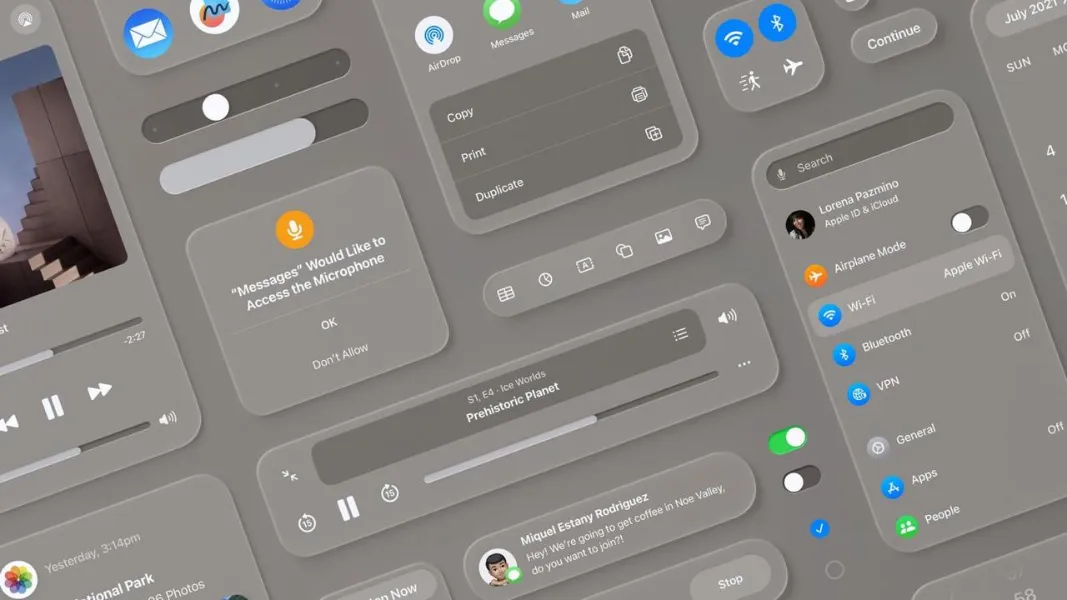
- Fixed rendering artifacts affecting “glassmorphism” app icon designs.
- Resolved various compiler errors, message filtering glitches, and underlying AI component freezes.
Remaining Quirks and Known Issues
As this is still early software, a few rough edges remain:
- CarPlay: Users might encounter occasional Siri response lag, audio stutters when switching between Spatial Audio and standard Stereo, and minor UI glitches.
- Safari: The tab bar can still randomly vanish, requiring a browser force-close. Additionally, certain Safari Intelligence features won’t trigger until internal resources finish downloading completely in the background.
- Camera: The default Camera app is still experiencing edge-detection and inaccurate blur artifacts when shooting in Portrait Mode.
The Verdict: Should You Install It?
iOS 27 Beta 3 is a stability-focused release aimed at patching up Apple Intelligence and making Siri more reliable rather than adding flashy visual features. If you are already running the iOS 27 developer or public beta, this is an essential upgrade for the performance and bug fixes alone.
However, if you rely on your iPhone as your primary, mission-critical daily driver, you may still want to hold off a bit longer due to the lingering bugs in CarPlay, Safari, and the Camera app.
Більше новин в телеграмі