Health Monitoring with Apple Watch: ECG, Heart Rate, Sleep, Blood Oxygen, and Temperature — A Complete Feature Guide.
The Smartwatch as a Personal Health Assistant
Just a few years ago, the Apple Watch was primarily viewed as a convenient way to check notifications without reaching for your phone. Today, it functions more like a wearable array of medical sensors: optical and electrical heart sensors, a pulse oximeter, dual wrist temperature sensors, an accelerometer, a gyroscope, and a microphone for noise monitoring. All of this works passively in the background, collecting data that syncs directly with the Health app on your iPhone.
This passivity is the core value of this preventative medicine approach. The watch doesn’t wait for you to notice a problem; it compares daily metrics against your personal baseline and alerts you when something falls outside your normal range—often long before you feel any symptoms. This principle has made alerts for irregular heart rhythms or low blood oxygen critical early warning signals, prompting countless users to seek timely medical advice.
It is important to note that the feature set varies by model. The full suite—ECG, pulse oximeter, temperature sensing, sleep apnea notifications, and blood pressure monitoring—is available on Apple Watch Series 9, Series 11, Ultra 2, Ultra 3, and SE3. The entry-level SE model does not include ECG, blood oxygen, or temperature sensing—offering only heart rate, sleep tracking, and safety features.
Heart Rate Monitoring and ECG
The watch monitors your heart using several independent mechanisms.
High and low heart rate notifications are configured in the Watch app on your iPhone: go to Heart → High/Low Heart Rate → set your preferred BPM thresholds. From there, everything runs automatically in the background.
Irregular Rhythm Notifications are a separate, fully passive feature. The optical sensor periodically checks your heart rate for signs of Atrial Fibrillation (AFib) throughout the day. If it detects anomalies across multiple readings, it sends an alert. This feature has received FDA clearance.
The ECG app works on demand when you feel discomfort or “flutters” in your chest. To take an ECG: open the ECG app, rest your arm on a table, and hold your index finger from your opposite hand against the Digital Crown for 30 seconds while remaining still. The result—Sinus Rhythm, Atrial Fibrillation, Inconclusive, or High/Low Heart Rate—is saved as a PDF that is easy to share with your cardiologist. This feature is available on Apple Watch Series 4 and later.
Blood Oxygen (SpO2) Monitoring
The pulse oximeter measures blood oxygen saturation—a metric used to evaluate lung and cardiovascular function. This feature has had a complex history on the Apple Watch: in late 2023, Apple was forced to disable blood oxygen measurements on new units in the U.S. due to a patent dispute with Masimo. Since August 2025, Apple has restored the feature via a technical workaround—data is collected by the watch sensor, but processing is handled on the paired iPhone.
In practice, nightly measurements are the most useful. In the Vitals app, overnight SpO2 readings are compared against your personal baseline. A significant drop compared to your usual range is not a diagnosis on its own, but it often correlates with fatigue or the onset of a viral infection, as the body begins to fight off illness. This feature is available on Apple Watch Series 6 and later (excluding SE).
Sleep Tracking and Sleep Apnea Detection
Apple Watch records sleep phases—Core, Deep, and REM—based on movement and heart rate. As of watchOS 26, it introduced Sleep Score, a numeric assessment of sleep quality that accounts for latency, duration, and the number of nightly wake-ups, eliminating the need to interpret raw graphs.
A dedicated feature is the sleep apnea notification, available starting with watchOS 10.3 on Apple Watch Series 9 and later, as well as Ultra 2/3 and SE3. The algorithm analyzes breathing disturbance patterns over a 30-day period. If it consistently detects signs of interrupted breathing, it notifies you in the Health app with a recommendation to consult a doctor. This does not replace clinical polysomnography, but it can serve as a vital reason to seek professional testing.
Body Temperature and Inflammation Markers

- Body temperature
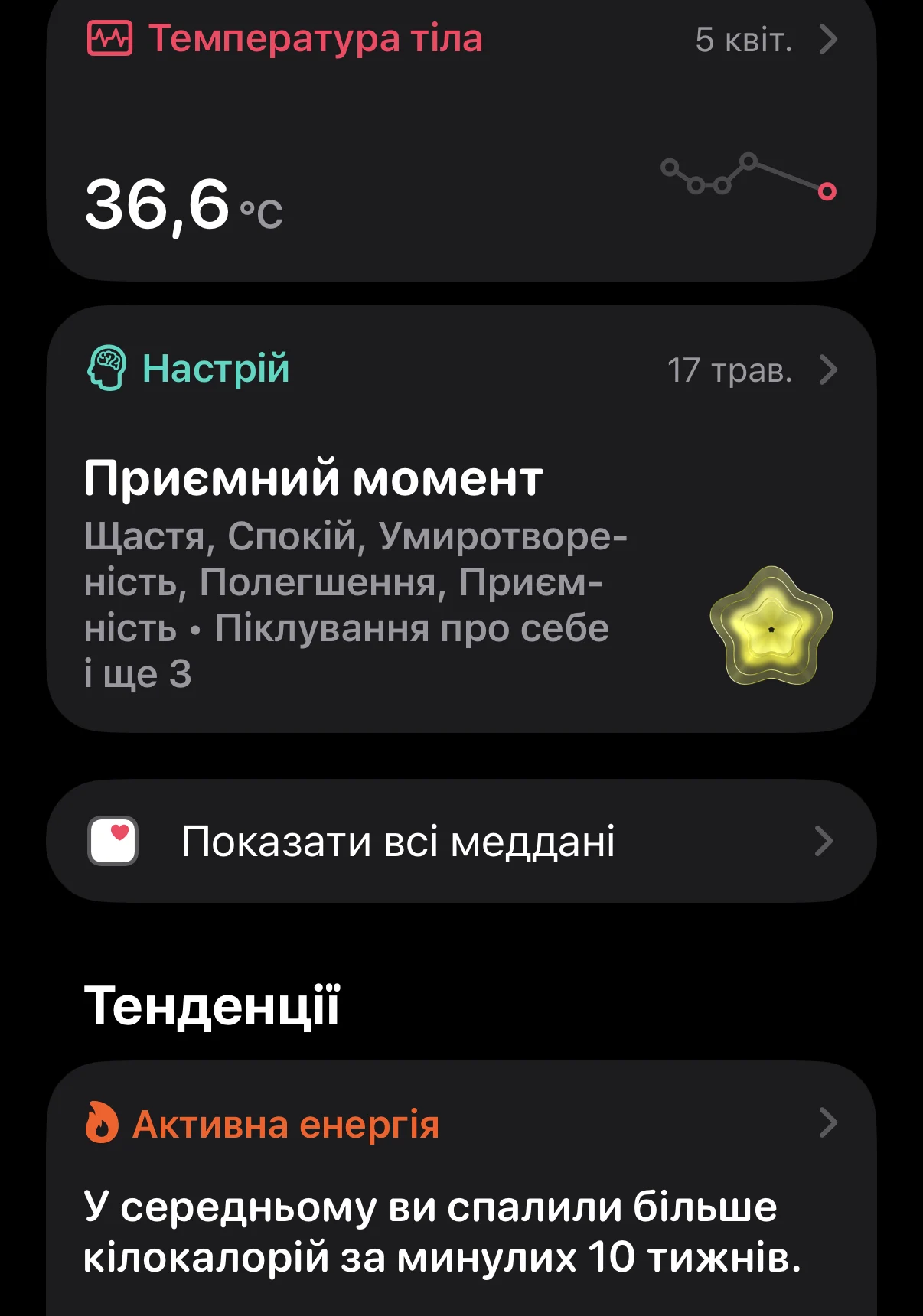
Starting with Series 8, the watch includes two wrist temperature sensors that take readings nightly during sleep. The absolute body temperature is less important here than the deviation from your personal baseline, which the watch establishes over time.
The practical utility is twofold. First, this data is used for retrospective ovulation estimation in Cycle Tracking. Second—and most interesting for preventative health—a noticeable increase in nightly temperature, coupled with changes in heart rate and respiratory rate, often appears before you even realize you are getting sick. The body may react to the onset of an inflammatory process a day or two before traditional cold or flu symptoms appear. These metrics are summarized in the Vitals app, where deviations are highlighted with a specific indicator.
Safety: Fall and Crash Detection
Beyond medical sensors, the Apple Watch features emergency response capabilities that can save lives when you are unable to help yourself.
Fall Detection analyzes sudden changes in acceleration and wrist positioning characteristic of a fall. If the watch detects no movement for about a minute after a fall, it initiates Emergency SOS: it warns the wearer with a loud alert, and if there is no response, it automatically calls emergency services and sends your location to your emergency contacts.
Crash Detection works on a similar principle but utilizes a combination of the accelerometer, gyroscope, GPS, barometer, and even the microphone to recognize the specific impact profile of a car accident. Like Fall Detection, it can independently contact help if you are unconscious or unable to reach your phone.
When Apple Watch Won’t Replace a Doctor
Despite the impressive array of sensors, it is vital to remember: the Apple Watch is a screening and preventative tool, not a diagnostic medical device. Apple clearly states in its documentation that these metrics should be treated as “health signals,” not medical conclusions.
The watch excels at noticing “something unusual” and reminding you in time, but diagnoses, treatment plans, and the interpretation of complex clinical cases must always remain with a physician. If an ECG indicates AFib, or if you receive consistent alerts regarding sleep apnea or elevated blood pressure, use this information as a reason to schedule an appointment with a specialist, not as a prompt to self-diagnose or start DIY treatments based on internet advice.
Editor’s Note: From “Toy” to Indispensable Assistant

- Editor’s Note: From “Toy” to Indispensable Assistant
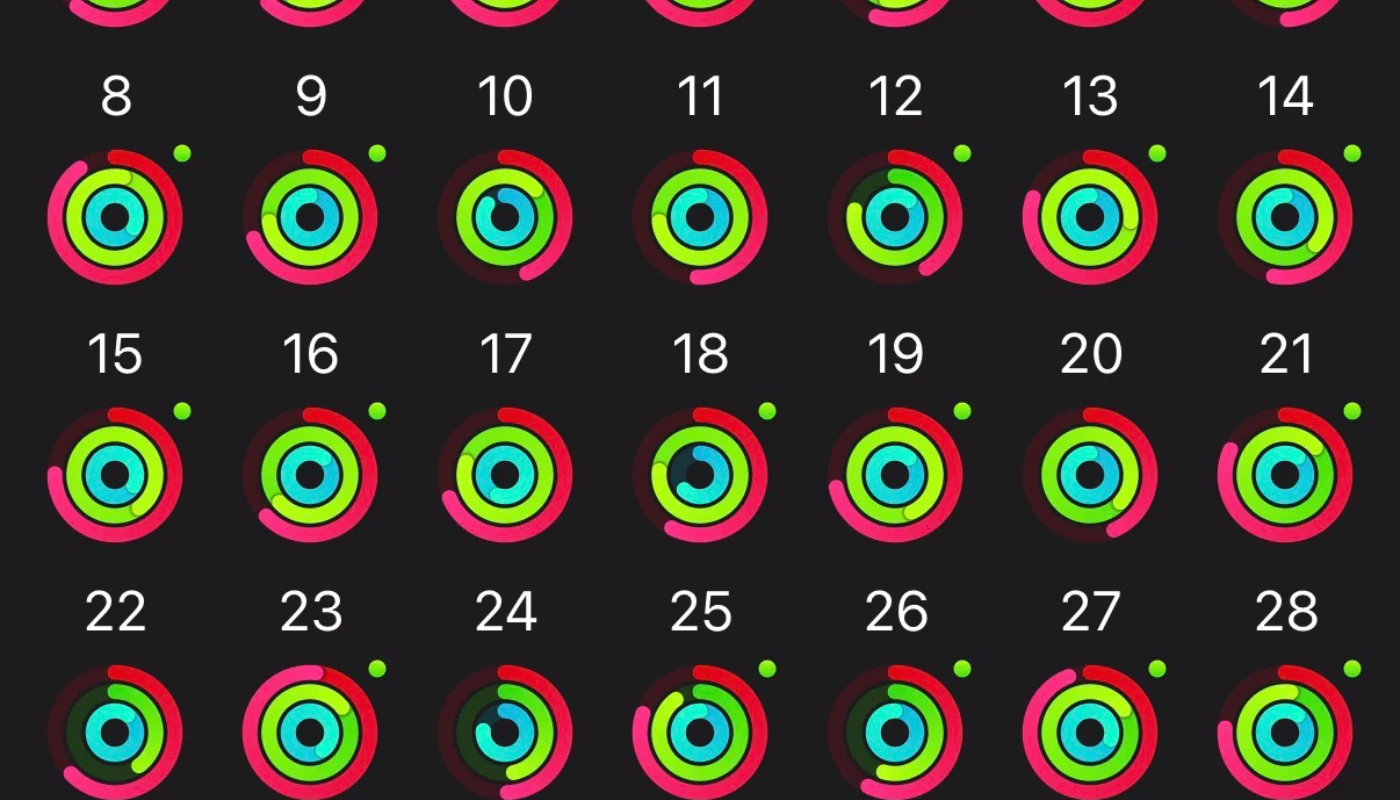
I admit, when I first purchased my Apple Watch, my expectations were modest: I simply wanted to pay for coffee on the go and check notifications without digging through my bag. I viewed it as just another accessory rather than a serious tool.
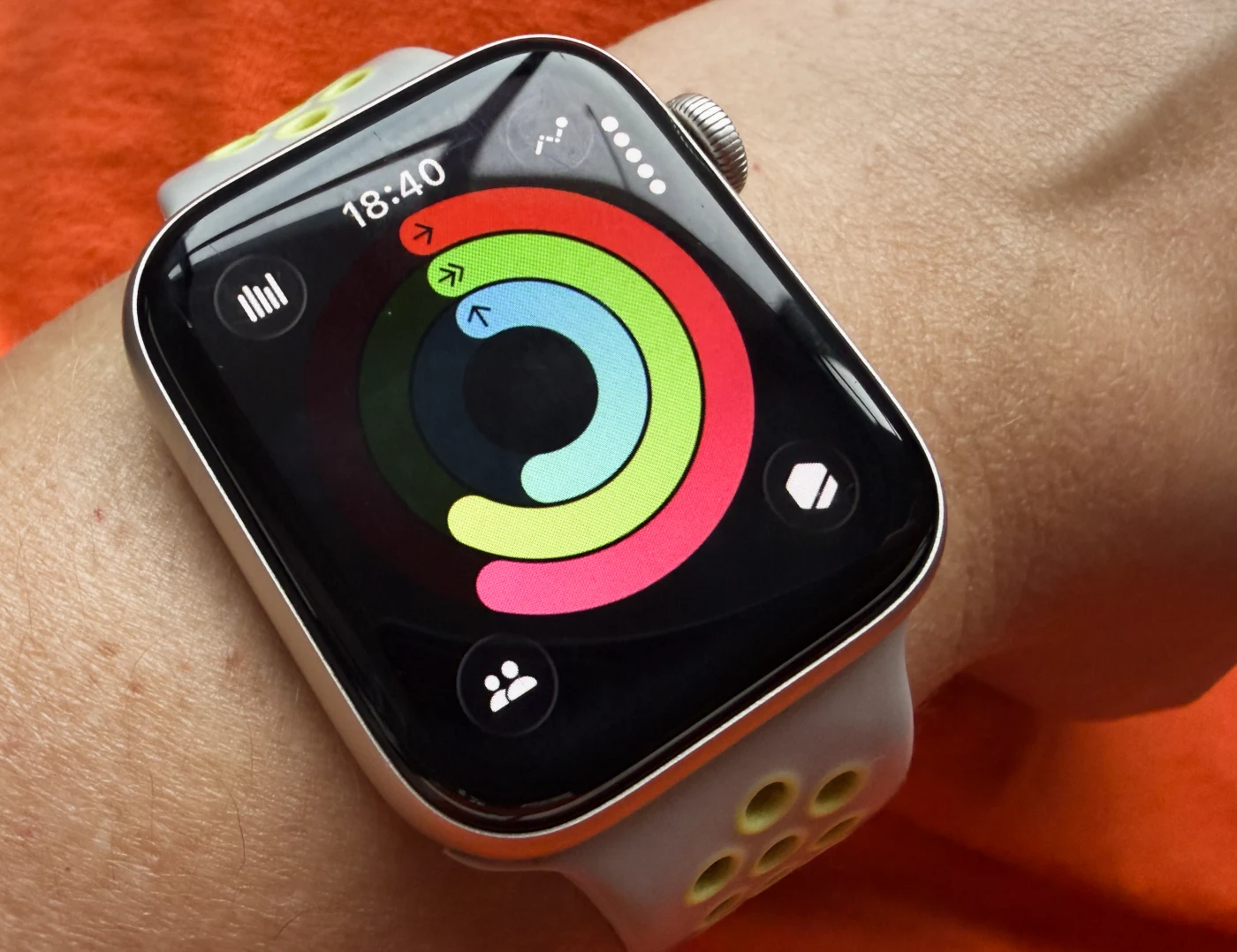
However, over time, my perspective shifted drastically. The Apple Watch exceeded my expectations, evolving into a quiet but indispensable assistant. The Activity Rings, which initially felt like a secondary game-like feature, became a powerful motivational engine. Today, I genuinely feel a drive to “close my rings,” hit my daily step goal, and never miss a workout.
Today, I see this device as a unique synthesis of technology. On one hand, it is a powerful set of medical sensors silently watching over my heart rate, sleep, and overall physical state. On the other, it is a personal motivator that reminds me daily that movement is not a chore, but a pleasure. It is this balance between deep functionality and the ability to improve daily habits that makes the Apple Watch one of the few gadgets I am no longer willing to live without.
Більше новин в телеграмі