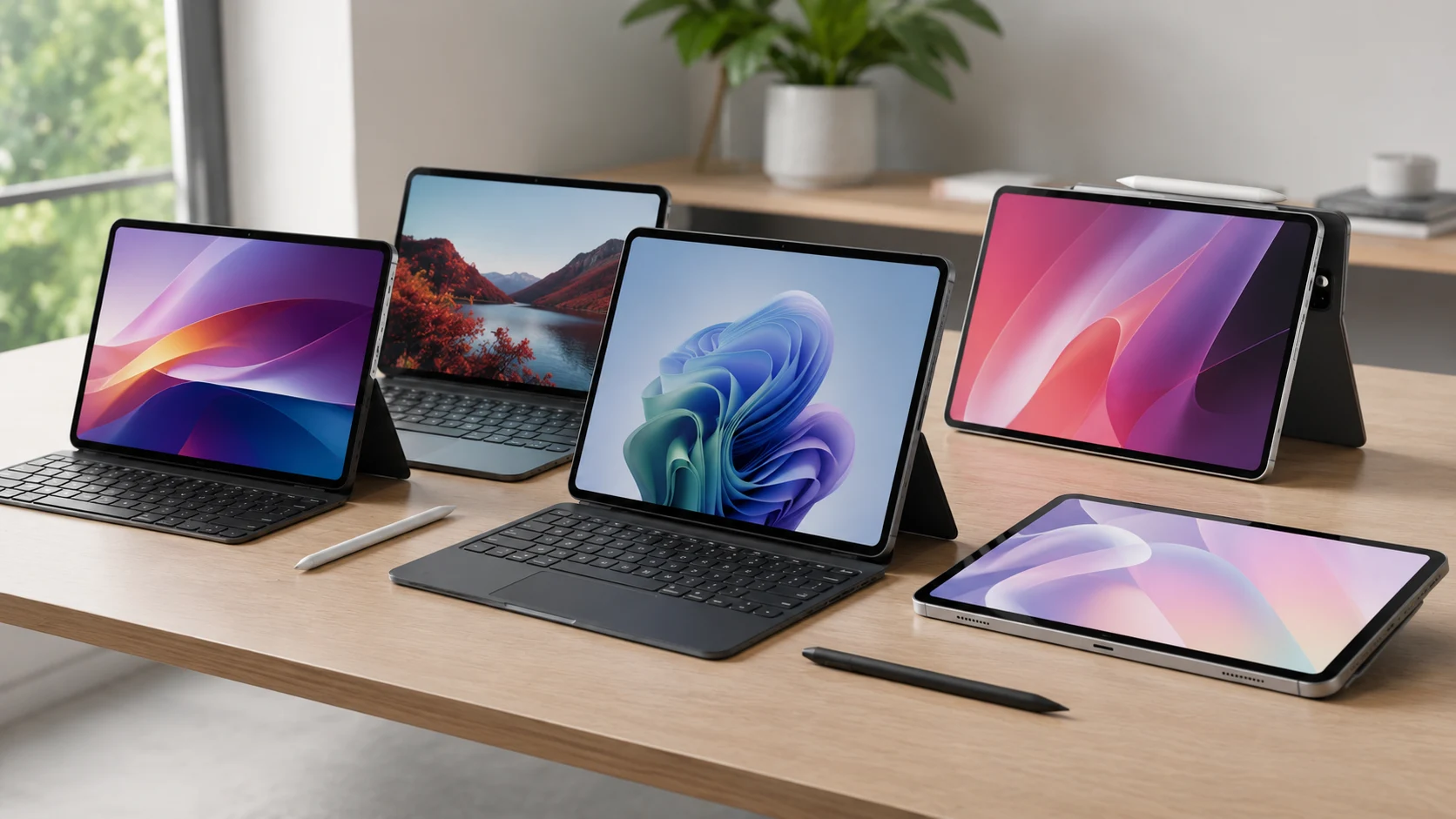
Modern tablets have long outgrown their reputation as “couch gadgets for Netflix.” Powerful processors, physical keyboard support, and stylus compatibility have turned them into genuine workhorses — devices that some people use instead of laptops entirely. But choosing between Windows and Android isn’t just a matter of taste or habit. It’s a choice between two philosophies: desktop-grade versatility versus mobile energy efficiency.
If you plan to seriously work on a tablet — not just scroll through social media — two parameters become critical: RAM (to keep dozens of tabs and heavy apps open without slowdowns) and battery life (to stay unplugged throughout the entire workday). These are the criteria I used to select the five most relevant devices available right now.
1. Microsoft Surface Pro 12 (Windows on ARM) — Desktop Power in a New Edition
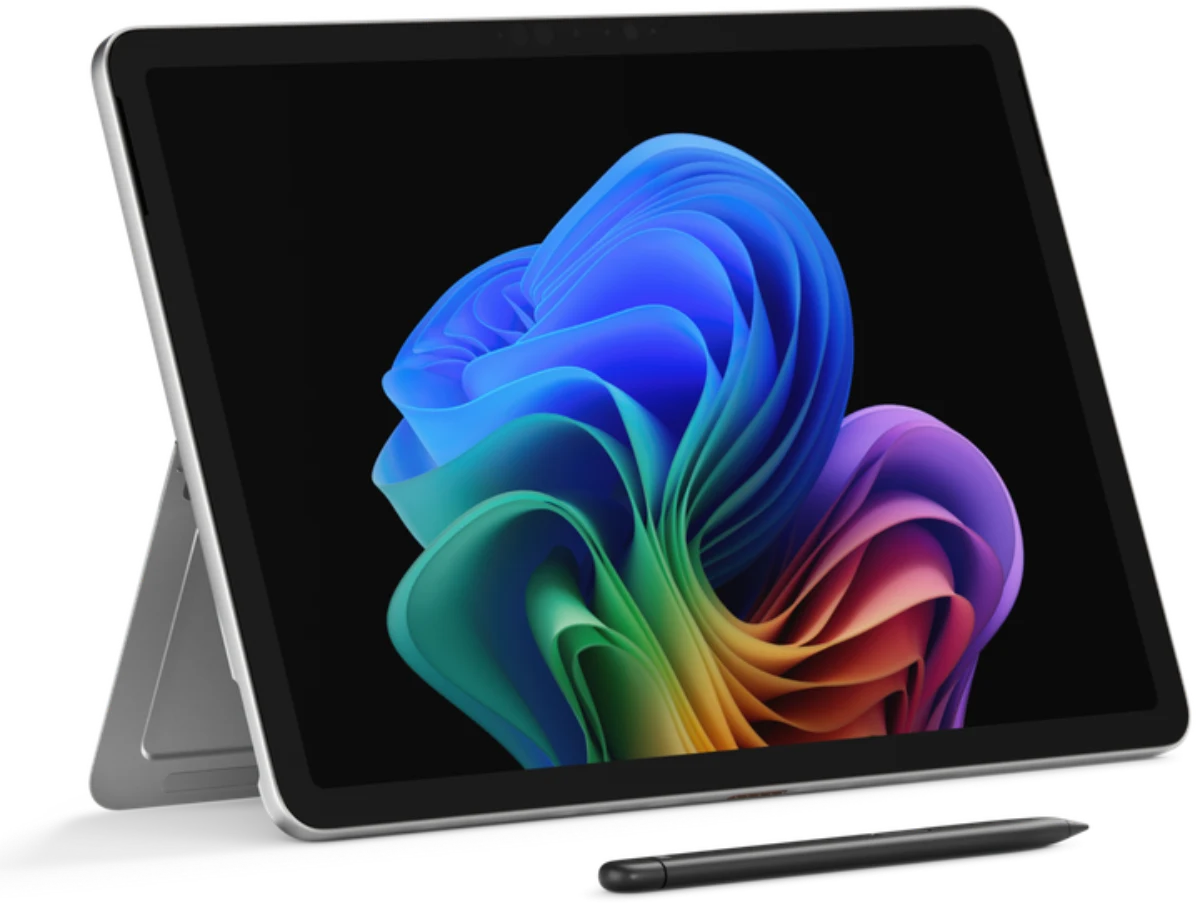
Microsoft Surface Pro 12
The hottest new release on this list. Microsoft launched the 12th generation Surface Pro on June 16, 2026 — just ten days ago — and this isn’t just an incremental update. It’s a meaningful step forward from its predecessor.
Memory. The Surface Pro 12 comes with the new Qualcomm Snapdragon X2 processor and is available in configurations with up to 64 GB of RAM — twice as much as the Surface Pro 11. Storage options include removable PCIe Gen 4 SSDs at 256 GB, 512 GB, or 1 TB. The removable SSD is a genuinely useful feature, both for future upgrades and for protecting sensitive corporate data.
Battery life. Microsoft claims 15.5 hours of video playback — about 10% more than the Surface Pro 11. Under real mixed workloads (office apps, a browser loaded with tabs, video calls), expect around 10–11 hours. For a Windows device, that’s a strong result. The ARM-based Snapdragon X2 continues the battery life revolution that the previous generation started.
The one thing that might give you pause is the price. In the US, the base configuration starts at $1,499 — and that’s without a keyboard. A complete setup will likely push well past $1,700. But if you need a genuine PC in tablet form running full Windows 11 with no compromises, there aren’t many alternatives.
2. Samsung Galaxy Tab S11 Ultra (Android) — King of the Big Screen
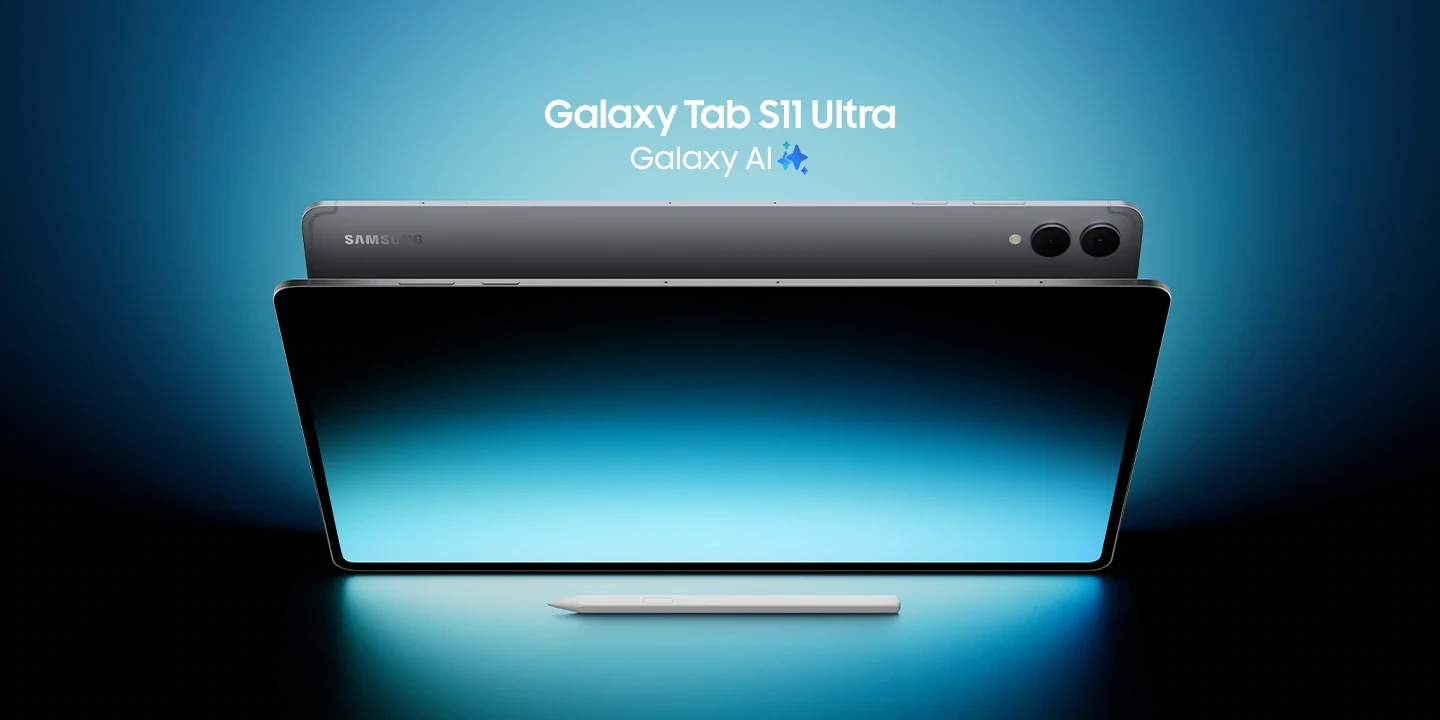
Samsung Galaxy Tab S11 Ultra
Samsung’s flagship since September 2025, and it still holds the crown as the most powerful Android tablet on the market. If you need a massive display and enormous processing headroom for multitasking in Samsung’s desktop-like DeX mode — this is your pick.
Memory. The device comes in three configurations: 12 GB RAM with 256 GB storage, 12 GB with 512 GB, and the top-tier version with 16 GB RAM and 1 TB of built-in storage. Samsung has also kept the microSD card slot, supporting cards up to 2 TB — a rarity among 2025–2026 flagships, and one I consider a major advantage. With 16 GB of RAM and the MediaTek Dimensity 9400+ chip, background apps stay alive for hours. The tablet genuinely handles dozens of simultaneous processes without slowdowns.
Battery life. The 11,600 mAh battery paired with an energy-efficient chip delivers up to 23 hours of continuous video playback. In real office use — browsing, messaging, and DeX mode — expect a reliable 12–14 hours. That’s one of the best battery results among all tablets, regardless of operating system.
One note of caution: Samsung has already announced the Galaxy Tab S12 Ultra, expected in September 2026. If you’re not in a rush, it might be worth waiting — or picking up the S11 Ultra at a discount before the next model drops.
3. Xiaomi Pad 7 Pro (Android) — The Balanced Mid-Range Champion
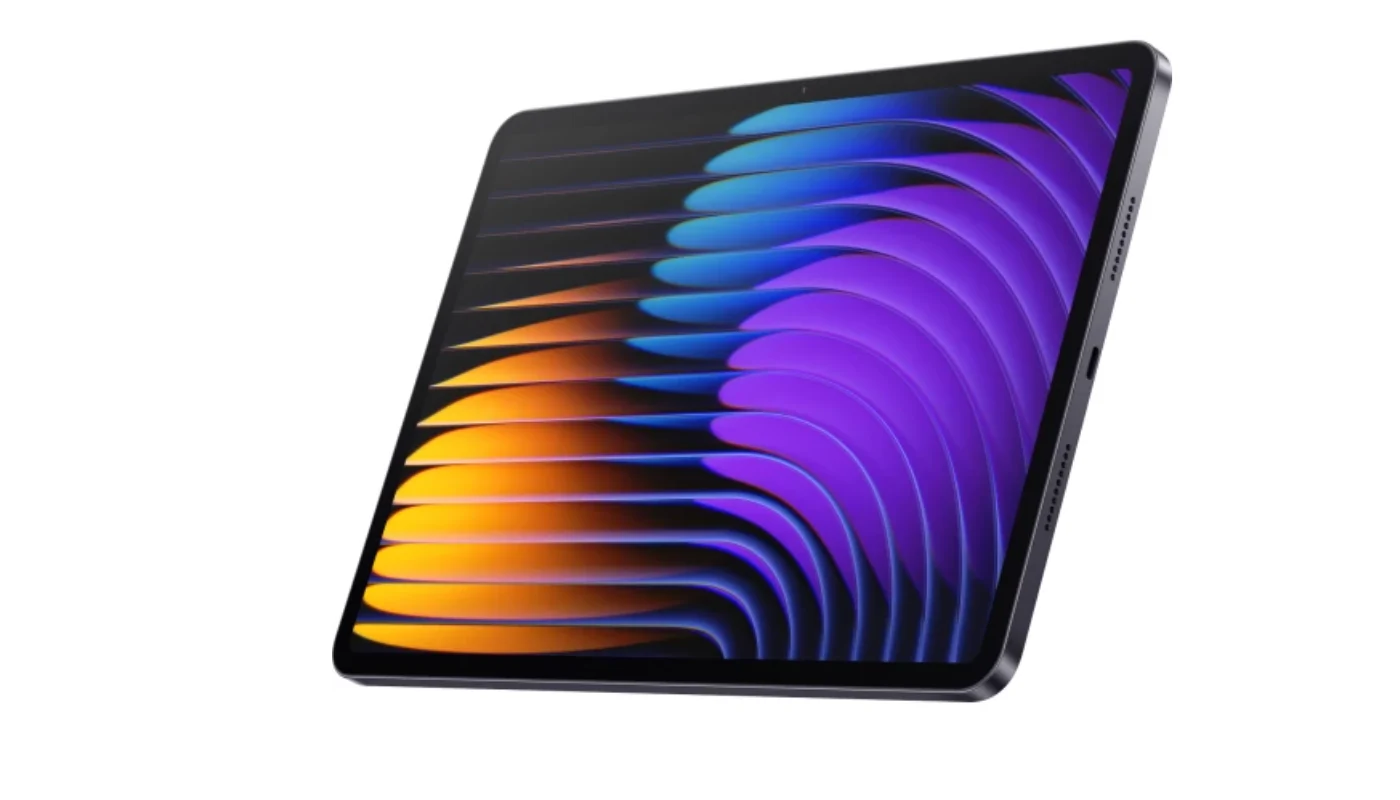
Xiaomi Pad 7 Pro 8/256GB Gray
The smartest choice for anyone who doesn’t need a flagship at a flagship price. The Xiaomi Pad 7 Pro launched in October 2024 and remains one of the most compelling devices in its class.
Memory. The tablet is available in several configurations: 8 GB RAM (LPDDR5X) with 128 GB (UFS 3.1) or 256 GB of storage, plus a top-tier version with 12 GB RAM and 512 GB of fast UFS 4.0 storage. For comfortable document work, split-screen multitasking, and smooth app switching, I strongly recommend the 12 GB version — the price difference is noticeable, but so is the performance difference.
Battery life. The 8,850 mAh battery delivers around 11–13 hours of active use under typical workloads. Support for 67W fast charging means a full top-up from zero takes about 80 minutes — solid for a battery of this capacity. Overall, the battery life is more than sufficient for a full workday, even if it falls short of Samsung’s flagship numbers.
4. Enterprise x86 Windows Flagships (Surface Pro 11 Intel / Lenovo ThinkPad X13 2-in-1) — For Specific Desktop Software
A separate category for business users and professionals whose tools simply don’t work on ARM processors.
Memory. Both devices are built for serious workloads, offering 16 GB to 32 GB of RAM — and up to 64 GB in some ThinkPad X13 configurations. Storage is fast, with capacities up to 1–2 TB. This is hardware for specific tasks: AutoCAD, legacy enterprise software with strict compatibility requirements, and secured business solutions that were developed in the x86 era and simply have no ARM versions.
Battery life. This is where the main compromise lives. Intel Core Ultra processors are powerful, versatile, and compatible with virtually any software — but they consume significantly more power than ARM chips. Under real-world workloads (browsing, corporate chat, documents, encryption), these devices deliver around 5–7 hours of battery life. Working near an outlet or keeping a charger in your bag is manageable, but taking these devices on long trips without power access is not ideal.
5. Lenovo Yoga Tab (Android) — Budget Mobile Office, Everything Included
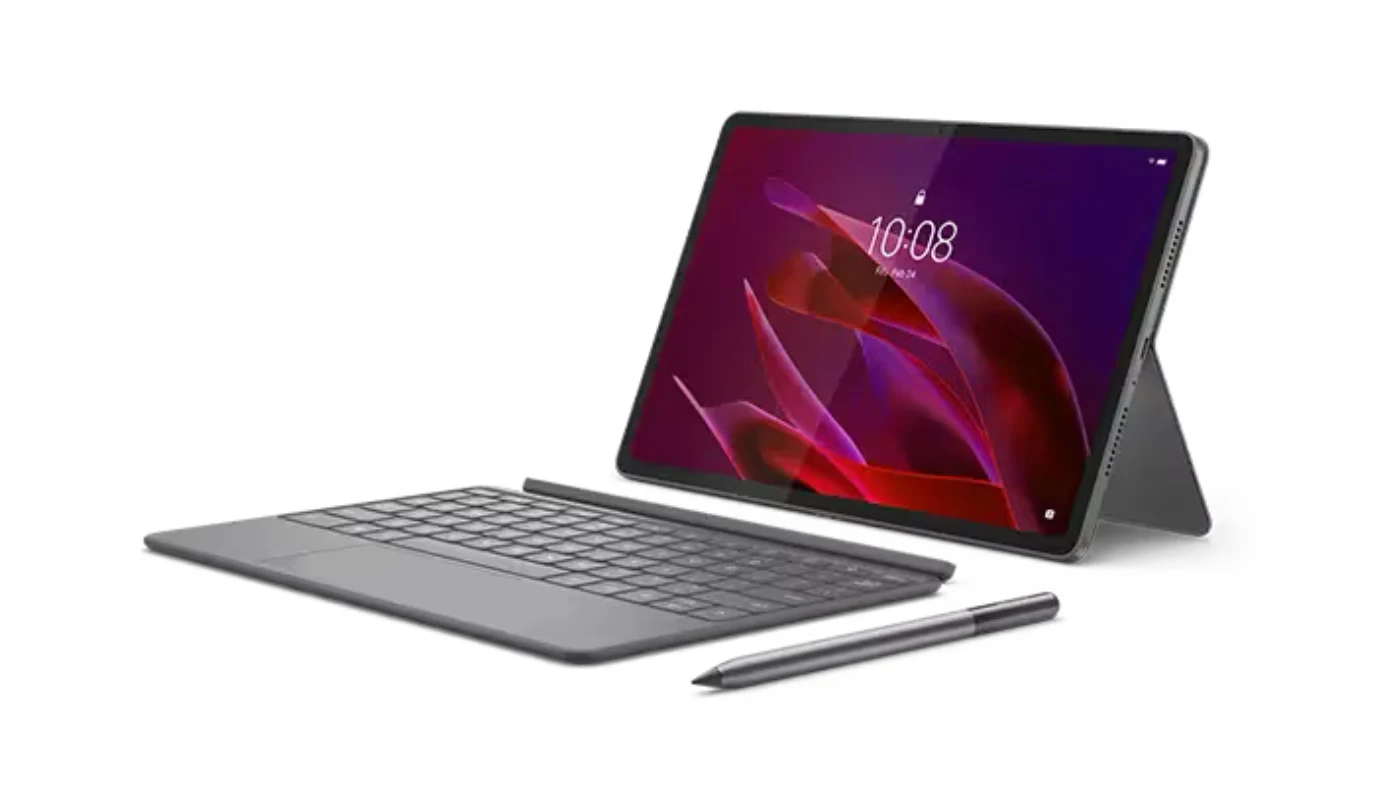
The Lenovo Yoga Tab launched in September 2025 and immediately stood out for one unusual reason: at $549, the box includes a keyboard, stylus, and kickstand folio case — no extras required. For an Android tablet, that’s genuinely rare, and it’s what makes this an interesting option in the budget segment.
Memory. The device runs on a Qualcomm Snapdragon 8 Gen 3 processor with 12 GB of RAM and 256 GB of fast UFS 4.0 storage. For everyday work — documents, browsing, and running several apps at once — that’s more than enough. There’s no microSD slot, so cloud storage isn’t a luxury here; it’s a necessity.
Battery life. The 8,860 mAh silicon-carbon battery should theoretically offer better capacity in the same physical footprint. In practice, however, the tablet lasted around 9 hours and 38 minutes in a continuous video playback test — noticeably less than competitors at a similar price. For light office use it’ll get you through the day, but if battery life is a priority, Samsung is the better call.
Display. The 11.1-inch screen with a 3200×2000 resolution and 144Hz refresh rate looks genuinely impressive for the price range.
The Yoga Tab’s biggest strength is what’s in the box. Buying it means getting a fully functional mobile office from day one: a stylus for notes, a keyboard for typing, and a stand for hands-free viewing. Accessories that cost extra with Samsung or Xiaomi are all included here from the start.
Which One Should You Choose?
Choose the Surface Pro 12 (Windows on ARM) if you need a real computer in tablet form — full Windows 11, a desktop-class browser, and up to 64 GB of RAM. Yes, it’s expensive. But it’s the best Windows tablet you can buy right now.
Choose the Samsung Galaxy Tab S11 Ultra if battery life and storage headroom are your top priorities. Up to 14 hours of real-world use, 16 GB of RAM, expandable storage up to 2 TB via microSD, and a massive 14.6-inch display. One caveat — the Tab S12 Ultra arrives in September, so if you’re not in a hurry, it might be worth waiting or grabbing the S11 Ultra at a discount.
Choose the Xiaomi Pad 7 Pro if you want flagship-level performance without the flagship price tag. The 12 GB RAM version handles any office workload without breaking a sweat, and 67W charging saves you when you forget to plug in overnight.
Choose the Surface Pro 11 Intel or ThinkPad X13 if your work software — AutoCAD, legacy enterprise systems, or anything that flat-out refuses to run on ARM — leaves you no choice. Just be ready for 5–7 hours of battery life and a charger that goes everywhere with you.
Choose the Lenovo Yoga Tab if your budget is tight but you still want a complete mobile office straight out of the box. A keyboard, stylus, and stand included at $549 is a value proposition that nothing else in this segment can match right now.
Content prepared by the Uitech Media editorial team. Current as of June 26, 2026.
Більше новин в телеграмі