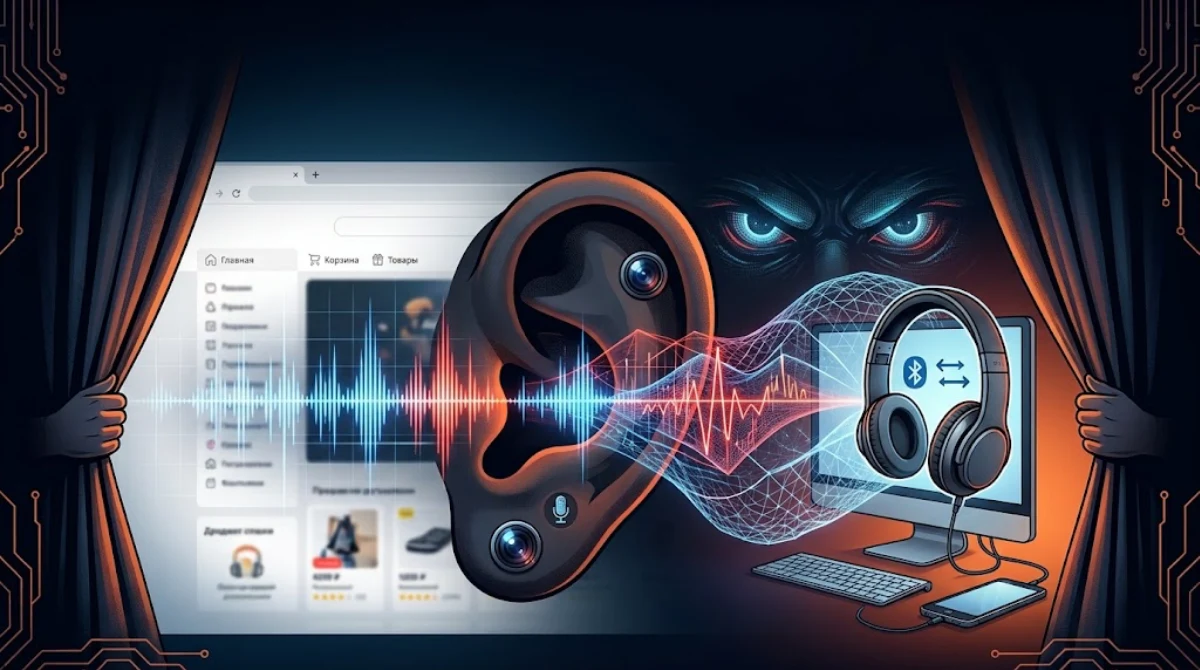
A developer’s Bluetooth headphones kept refusing to switch from his PC to his phone — and chasing that annoyance led him straight to two hidden scripts turning his computer’s audio system into a silent tracking device.
Matt Callaghan, a software engineer who writes under the name Laserphile, wasn’t looking for a privacy scandal. He was just trying to figure out why his headphones kept misbehaving.
His headphones support Bluetooth Multipoint, a feature that lets them stay paired to two devices at once — in his case, a PC and a phone — and switch between them automatically. Normally, audio from his PC takes priority, while his phone plays music whenever the computer is silent. That setup worked fine, until he opened AliExpress.
“Shortly after loading the AliExpress homepage, audio from my phone would stop playing,” Callaghan wrote. Closing the tab fixed it instantly. Muting the tab, muting the browser, even muting Windows itself — none of that helped. And there was no video playing, no ad, no visible audio player anywhere on the page.
So he went looking for what was actually happening under the hood.
A silent signal, built to go nowhere
Digging into AliExpress’s code, Callaghan traced the problem to two obfuscated scripts, collina.js and fireyejs.js, part of Alibaba’s AWSC anti-fraud system. A few seconds after the homepage loaded, these scripts quietly created hidden AudioContext objects using the browser’s Web Audio API.
What they built was small but deliberate: a sawtooth wave generator, fed through an analyser node, then routed into a gain node set to zero, and finally connected to the system’s audio output. In plain terms, the page was generating and processing a real audio signal — just at a volume of exactly nothing.
Because there was no actual media element to mute, standard mute controls did nothing. And because the audio pipeline was technically active, the operating system treated it as ongoing playback on the PC — which is exactly what kept blocking the Bluetooth handoff to Callaghan’s phone.
More than just sound
The silent audio trick turned out to be one piece of a bigger picture. The same scripts were also found collecting canvas rendering data, WebGL information, hardware specs, screen dimensions, WebRTC details, mouse and touch movements, and signals that can indicate browser automation.
Together, this is enough to build a fairly detailed fingerprint of a specific device — a way to recognize a visitor without relying on cookies at all. Unlike cookies, which users can delete or block, hardware and rendering quirks are much harder to change, which is what makes fingerprinting a more persistent way to track someone across visits.
What AliExpress and Alibaba have said
As of now, AliExpress has not publicly explained the purpose or scope of the audio-based tracking. Because the scripts are tied to Alibaba’s own anti-fraud infrastructure, there’s a reasonable chance fraud prevention plays some role here — but that doesn’t rule out the data also being used for broader tracking. It also isn’t clear how widely this specific technique is deployed elsewhere on Alibaba’s sites, or whether the company plans to change anything about it.
Brave, the privacy-focused browser, weighed in publicly on the case. The company said its browser already blocks the AliExpress scripts responsible for the tracking, and noted it has shipped default protections against audio fingerprinting for more than six years — by making the browser’s audio output slightly inconsistent from one site visit to the next, so no stable fingerprint can be formed. Brave has since extended a similar approach to GPU fingerprinting, which uses graphics hardware and driver behavior to identify devices.
How to protect yourself
There are a couple of concrete options right now:
- Use a browser with built-in fingerprinting protection. Brave is the one that has publicly confirmed it blocks this specific behavior.
- Block the scripts directly. Callaghan solved his own problem by adding two uBlock Origin rules targeting collina.js and fireyejs.js, which stopped the hidden audio contexts from being created at all.
Beyond that, the bigger question — how far this kind of silent audio fingerprinting has spread across the web, and how far platforms are willing to go to track “suspicious” activity versus tracking users in general — remains open.
The article was translated into English using AI. Sources:The Register, TechSpot, daily.dev
Більше новин в телеграмі