What can the iPad Pro M2 do in 2026: real-world experience
What can the iPad Pro M2 do in 2026? Let’s talk about capabilities, real use cases, and day-to-day experience. And also whether it’s worth upgrading to newer models.
This is not a technical review. It’s a simple answer to a simple question: is the iPad Pro M2 worth buying in 2026, especially when compared to newer iPad Pro models with M4 and M5?
The iPad Pro M2 launched at the end of 2022. That means it’s already going into its fourth year. In my case, I’ve been using this iPad Pro M2 for just two years. And now — a bit about the hardware.
After the M4 release, and especially with the M5 around, the iPad Pro M2 can feel slightly outdated. But let’s look at what it can do, what it can’t, and most importantly — whether the iPad Pro M2 in 2026 is enough for your конкретні tasks.
iPad Pro M2: specs and how the hardware feels
It has 8GB of RAM, 256GB of storage, an impressive OLED display that can switch refresh rate from 30 to 120Hz, and four great speakers for music.
The key thing is the M2 chip. It’s still a stable and powerful processor, and even now it doesn’t fully show its maximum potential.
The iPad Pro M2 in 2026 is still a beast. Not only for notes, reminders, study, and YouTube. You can edit 4K video on it, and it doesn’t even stutter.
Performance and everyday use
I don’t know what exactly you’re buying an iPad for, but I can share my personal experience.
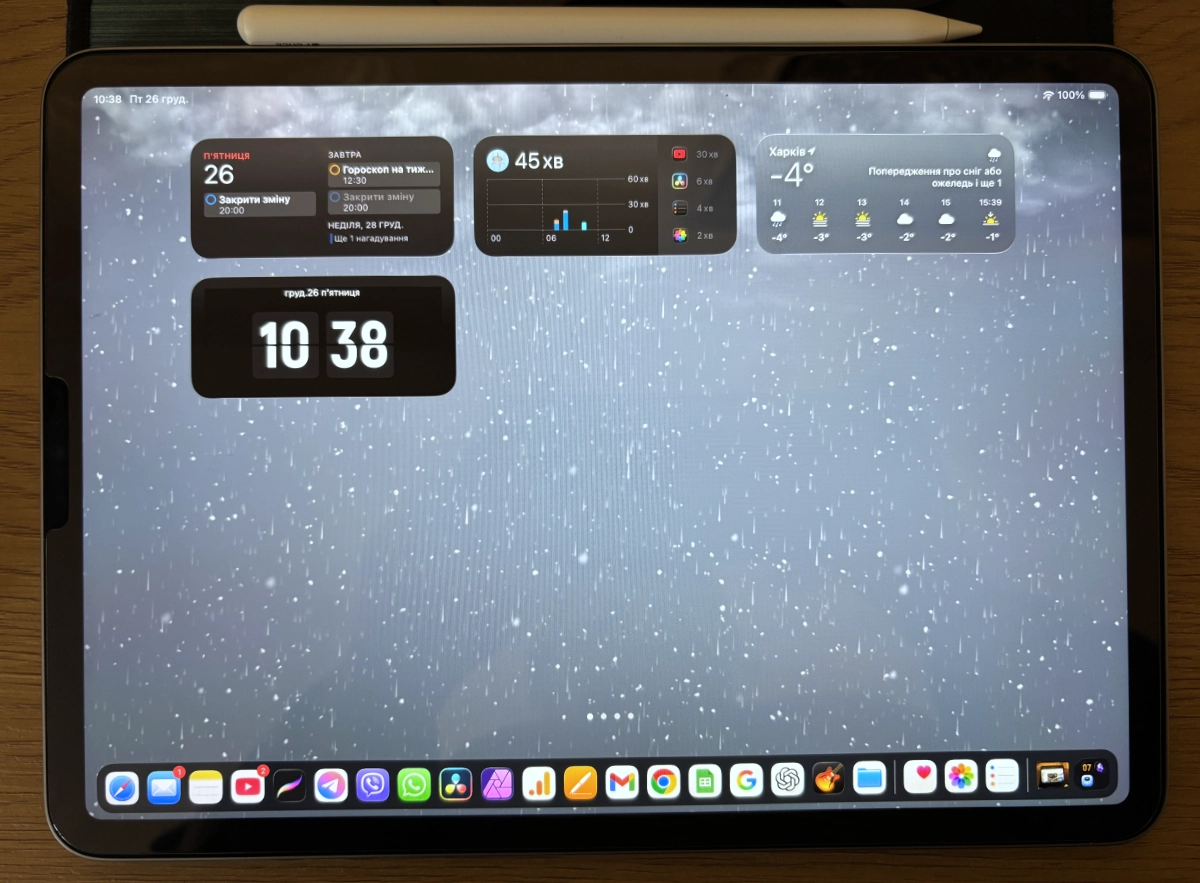
Every day I have three messengers open: Viber, WhatsApp, and Telegram. I use them постоянно, not only for work.
I also keep Chrome open. Yes, it pulls everything it possibly can from the system, and I don’t really love it. There’s also plenty of discussion about its privacy not being ideal. I tried switching to Safari, but it’s still kind of slow. Maybe one day I’ll move to it. But right now I keep at least 10 tabs open in Google Chrome, and I need all of them.
I listen to YouTube. It runs in the background постоянно: white noise or calm music. It helps me stay focused.
With the new iOS 26, you can make phone calls from the iPad. And it’s genuinely great. It moves with me from room to kitchen and lives in my bag or backpack.
Photo and video capabilities on the iPad Pro M2
I tried video editing. DaVinci Resolve on iPad runs fast. It handles files easily, everything is smooth, and for video editing the iPad Pro M2 is genuinely great.

I once bought LumaFusion too — and it works with everything I throw at it. But I have a problem with it: I just don’t like it. The workflow feels неудобным, it раздражает me, and there’s too much advertising even in the paid version. So LumaFusion is on my iPad, but I don’t use it.
For anyone saying you can’t shoot video on an iPad and it’s “not for that” — you’re wrong. The iPad Pro M2 has two cameras that can capture pretty decent video. I use it for extra shots.
And yes, if you install Final Cut Pro Camera, you can record in ProRes. But the files will be huge, so you’ll need a fast external SSD.
Working with ProRes and large files is stable. Nothing crashes, throttles, or glitches for me. It works better than on a MacBook Air M1. And that’s true.
For photo editing I don’t use Photoshop. I don’t want to pay a lot for four features I actually need. So I use Affinity Photo. On iPad it cost me about $27 — and that’s forever. It also supports file formats that matter to me and that Photoshop doesn’t.
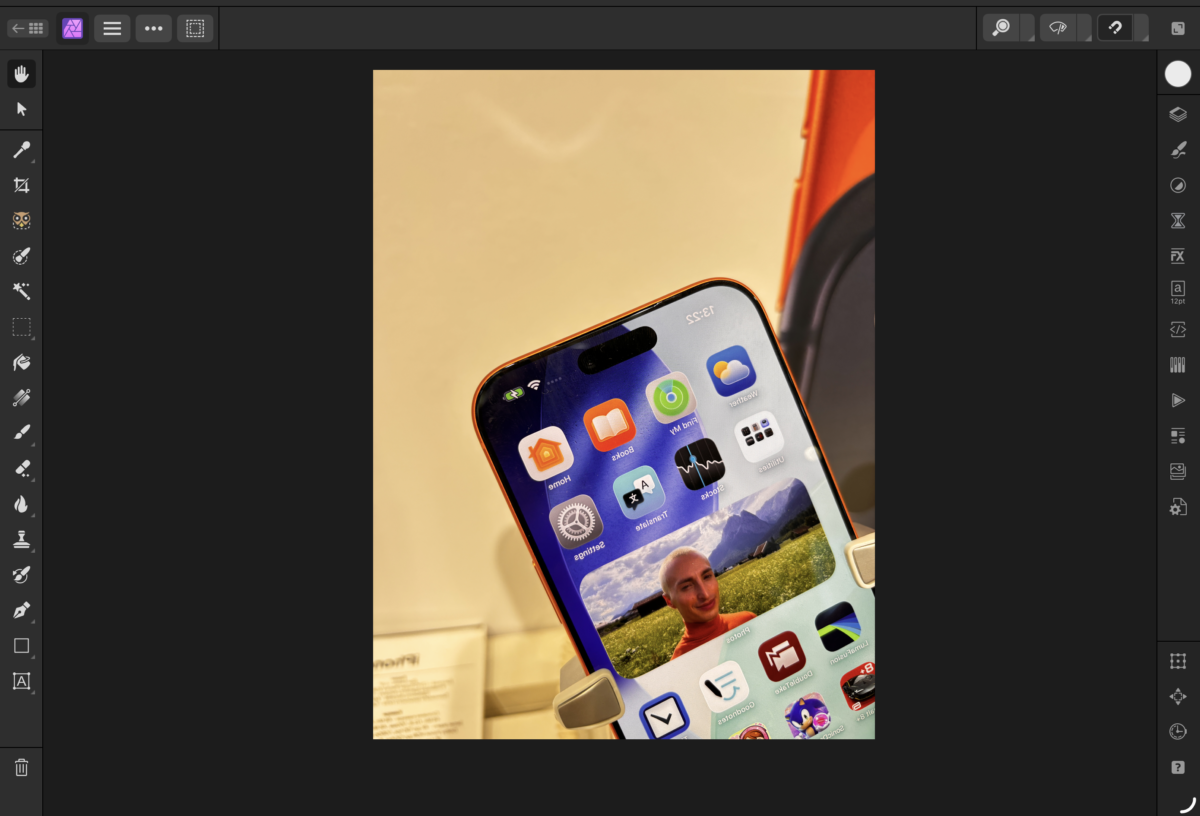
Yes, I had to relearn some things because the workflow is different. But for me it’s top-tier now.
iPad Pro M2 battery life: real-world experience
From day one, the iPad Pro M2 battery lasted about 9–10 hours. I was constantly browsing, watching movies, casting content to a TV, and typing. My work is content, so I get a lot of screen time.
And everything would still be fine if I hadn’t installed the iOS 26 beta. I couldn’t wait for the new multitasking and split-screen improvements. I liked the updates so much that I took the risk about 10 days before the official release.
Battery life dropped sharply. In two hours it could go to zero. M2 power consumption in iOS 26 went up several times. I turned the iPad off, waited for the official release, but it didn’t fix the issue.
The screen got hot within minutes of browsing tabs, making calls became impossible, and I completely forgot about video editing and went back to my Mac.
To fix it, I tried disabling all the new features. It didn’t help. I had to wipe the device and reinstall iPadOS from scratch. Only then did the “beta leftovers” stop showing up.
Video editing and battery
Now everything is stable. Yes, the battery drains примерно twice as fast during editing, but 4K footage and transitions are handled without issues.
Cons you should know about
Yes, Apple added more возможностей in iOS 26. But the iPad still didn’t become a MacBook. You still get trimmed mobile versions of apps.
This is not a device for fully working with websites. And I’m not talking about coding or layout. I’m talking about running and updating news websites — that’s why I bought it.
I need to do three things:
- write the text;
- edit the photos;
- publish the post.
And the last step turns into a nightmare. Not because the iPad Pro M2 can’t handle it, but because of the limitations of the mobile system.
What you’ll need for comfortable work
Drawing on the iPad Pro is genuinely fun. I use Procreate regularly. Even if you can’t draw, you can follow tutorials and fully rest your brain.
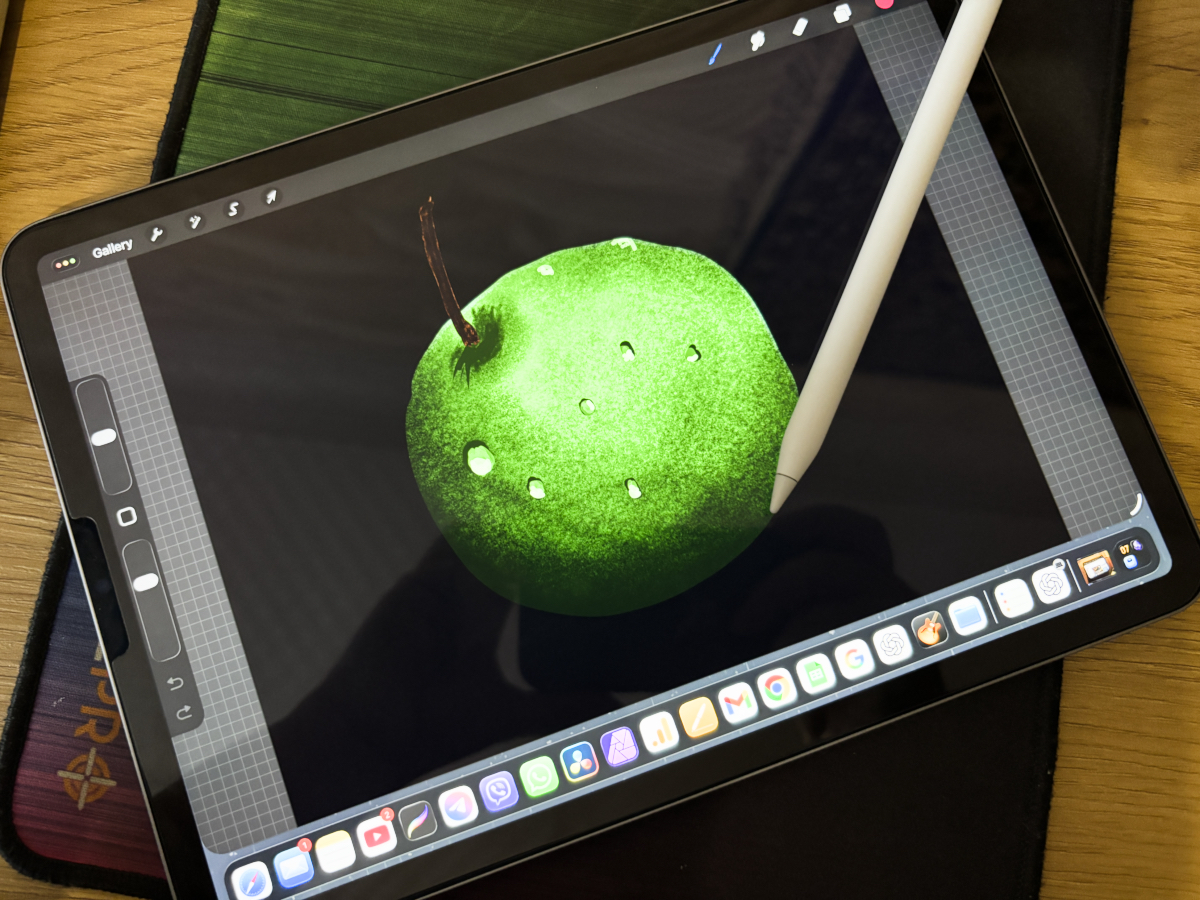
If you’re a designer, a graphic artist, or studying in that field, the iPad Pro M2 fits отлично. Especially because its price in 2026 is noticeably lower than newer iPads.
There’s no gap between the glass and the display, so when you use Apple Pencil, you see every line exactly where you draw it. That’s a big difference compared to base iPads.
For work you’ll need an Apple Pencil for iPad Pro M2 or another stylus depending on your needs. I have a few, and I didn’t feel a dramatic difference for normal everyday use.
Keyboard is a separate topic. Many recommend the official Magic Keyboard for iPad Pro. I tried a different route and bought a no-name keyboard with backlight and a trackpad. It was comfortable for typing. But weight matters a lot if you plan to carry it daily.
Magic Keyboard plus the iPad Pro becomes so heavy that it’s easier to take a MacBook Air. So I bought the first-generation Magic Keyboard. It’s light, connects easily, and the layout is familiar — no hunting for punctuation or language switching.
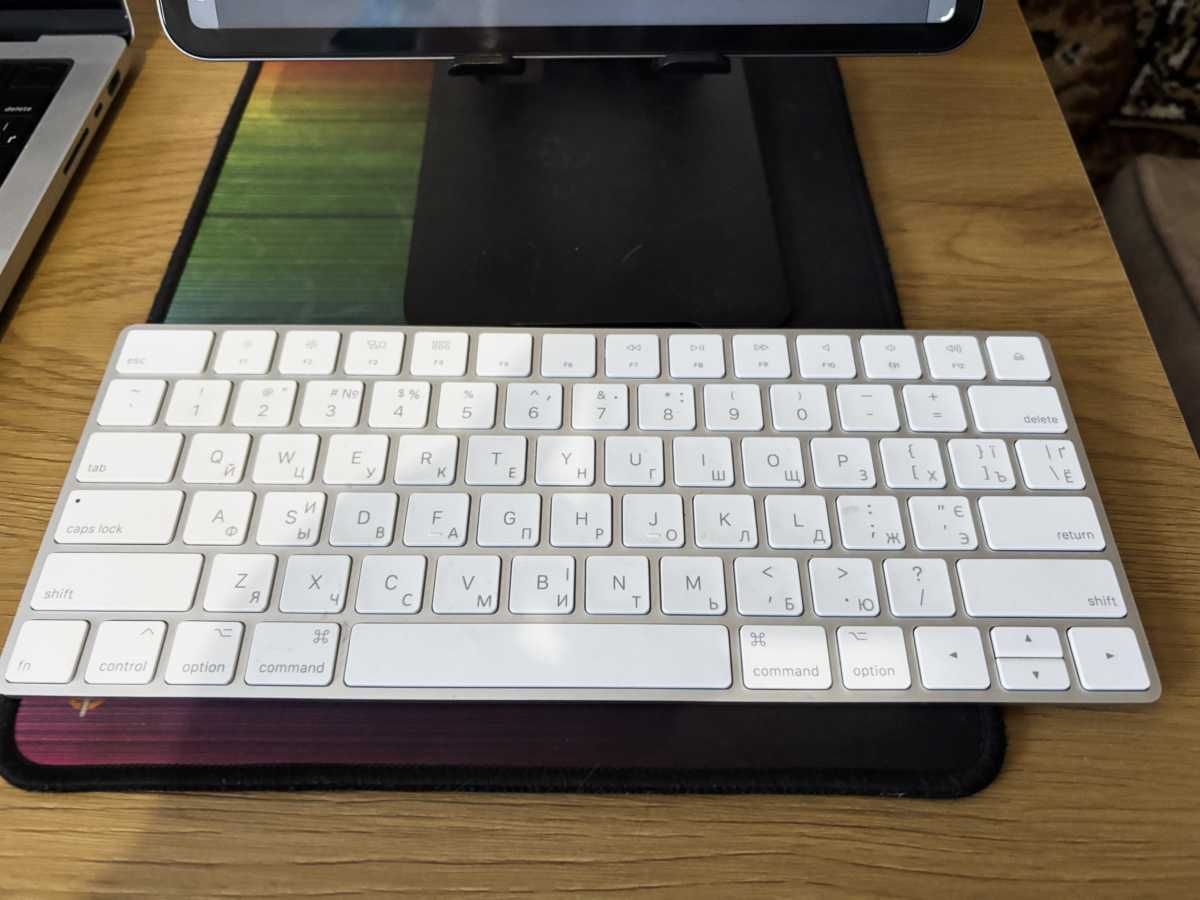
I’ve tried many keyboards — cheap and expensive. And, as always, the simplest path turned out to be the shortest.
So, is the iPad Pro M2 worth buying in 2026?
After two years of daily use, it becomes clear that the iPad Pro M2’s relevance in 2026 isn’t about spec sheets — it’s about real workflows.
If you need a powerful, stable tool for learning, drawing, or video editing — and you’re not trying to replace a полноценный computer — the iPad Pro M2 in 2026 is still a very good option.
It costs less than the newest models, yet delivers an excellent display, M2 performance, solid speakers, external SSD support, large monitor support, and deep integration with iPhone and Mac.
As an “always with you” device, it’s almost ideal. And if you find a used iPad Pro M2 in good condition, you can get more value for your money than with a new iPad Air.
This may be useful
Більше новин в телеграмі