After updating to iOS 26.2, your iPhone may start behaving differently: draining battery faster, showing notifications in a new way, or running more background processes. This is not a bug or an error, but the result of new system settings that are enabled automatically. In this article, we break down all the key iOS 26.2 parameters you should check right after updating to avoid issues and use the new system features consciously.
Actions to take immediately after updating to iOS 26.2
After installing iOS 26.2, the system may appear ready to use, but in reality some processes are still running in the background. Updating the operating system does not mean that apps and network settings have automatically adapted to the new version, so the first steps directly affect device stability and battery life.
Many battery, connectivity, or fast drain issues after an update are caused by skipping these basic actions. iOS 26.2 actively restructures background processes, and it is important to help the system complete this stage properly.
- Update all apps via the App Store, as developers often release optimizations for the new iOS version.
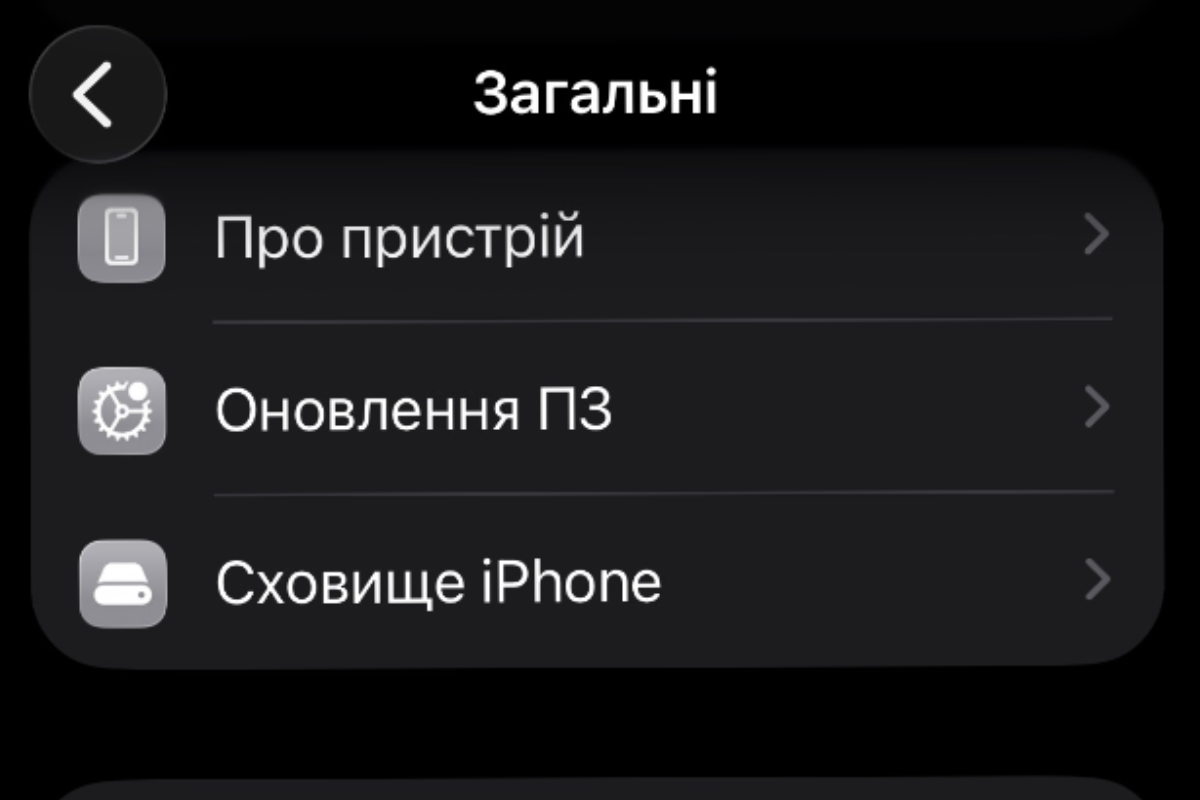
- Check for carrier settings updates in Settings – General – About.
- If you experience issues with calls or mobile data, contact your carrier to confirm compatibility.
These steps take only a few minutes but significantly reduce the risk of unstable iPhone behavior after the update. This is especially important for users with eSIM and 5G, where carrier parameters play a critical role. Skipping this step often leads to complaints about network and battery performance, even though the issue is not iOS 26.2 itself.
New iOS 26.2 features that truly change everyday use
With iOS 26.2, Apple continues to refine visual elements and quick-access scenarios, making the system more flexible. Some of the new features may seem minor at first glance, but with proper configuration they noticeably improve usability.
This version places special focus on the lock screen, reminders, and gaming features. These changes are designed not for demonstration, but for real daily use.
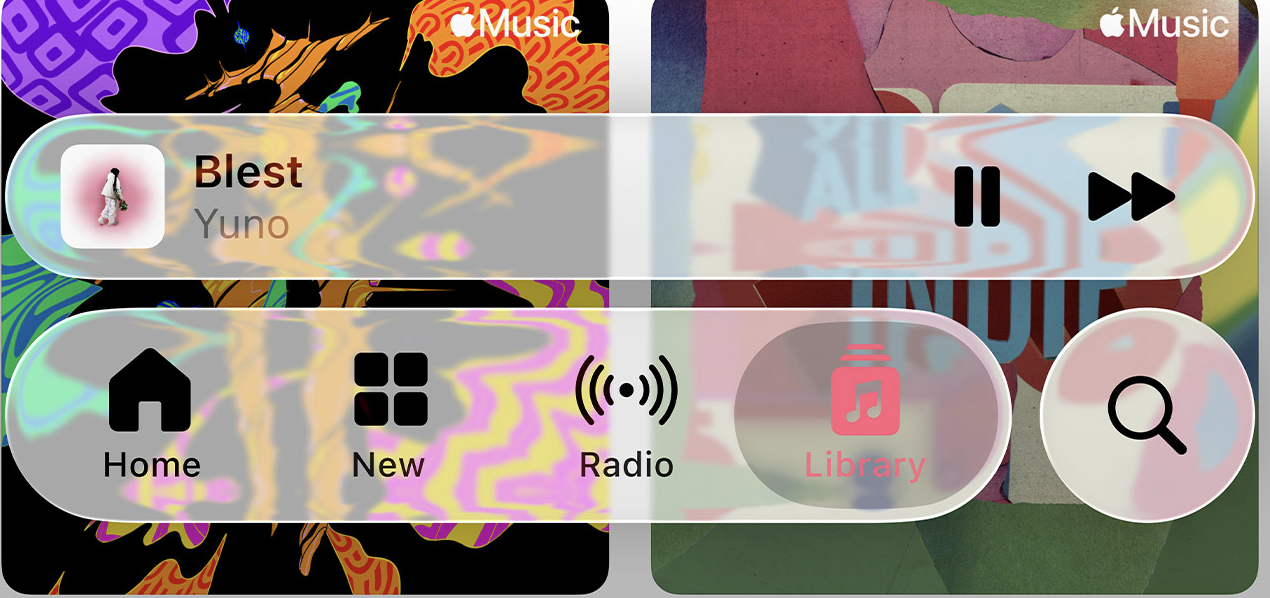
- adjusting the glass effect intensity of the clock on the lock screen via the editor to improve readability;
- enabling urgent reminders in the Reminders app, which behave like an alarm;
- replacing the snooze button with complete for urgent notifications in reminder settings;
- sorting games by controller support in the Games app to quickly find compatible titles;
- replacing Siri with GMN in Apple Intelligence and Siri settings for users in Europe.
These features make iOS 26.2 more adaptable to different scenarios — from work and personal tasks to gaming and smart time management. The urgent reminder logic is especially useful, as it helps eliminate the habit of ignoring important tasks. Lock screen visual settings also make it easier to adapt the interface to any wallpaper.
Privacy and background processes in iOS 26.2: what to check manually
After every major iOS update, some privacy settings may be re-enabled automatically. iOS 26.2 is no exception, particularly when it comes to background updates and location services.
Apple strengthens security, but sometimes at the cost of battery life and user control. That is why it is important to review these settings manually instead of relying on system defaults.
- check the list of excluded websites for password saving in password settings;
- enable device visibility for known contacts in AirDrop without keeping it permanently active;
- review the background security improvement option in privacy settings;
- open system location services and make sure compass and motion calibration are not enabled unnecessarily.
These parameters directly affect power consumption and background activity on your iPhone. It is especially important to review system location services, which are often re-enabled automatically after updates. Managing these settings helps maintain a balance between security and battery life without sacrificing functionality.
Battery and performance in iOS 26.2: what actually changed
One of the main expectations for iOS 26.2 was performance optimization, and in this regard the update delivers. The system feels smoother, and several long-standing interface-related bugs have been fixed.
However, to get the maximum benefit, users should check battery health and the new charging algorithms. Without this, iOS cannot properly adapt power usage to individual usage patterns.
- Check battery health in the battery settings.
- Make sure adaptive charging based on artificial intelligence is enabled.
- Evaluate animation smoothness and widget behavior after the update.
iOS 26.2 significantly improves animation performance, especially when moving interface elements. The system feels faster even on older devices. At the same time, adaptive charging genuinely helps reduce battery wear over long-term use.
Additional iOS 26.2 features worth paying attention to
Beyond visible interface changes and system settings, iOS 26.2 introduces several features that may not be obvious at first glance but can significantly affect everyday iPhone use. These additions are especially relevant for users who frequently share files, listen to music offline, or rely on AirPods while traveling.
Some of these features focus on security and communication, while others expand the Apple ecosystem across different regions. This type of practical functionality often increases interest in Google Discover, as it reflects real-world usage rather than purely visual updates.
- AirDrop for non-contacts using a one-time code, allowing file sharing with people outside your contact list, with the code remaining valid for a limited period;
- offline lyrics in Apple Music, enabling song lyrics to be displayed even without an internet connection;
- Enhanced Safety Alerts for users in the US and Live Translation features for the EU, adding new layers of safety and real-time translation when using AirPods.
These additions make iOS 26.2 more versatile across different regions and everyday scenarios. They require little to no manual configuration but noticeably expand how the system can be used in practice. This highlights that iOS 26.2 is not only about visual refinement, but also about meaningful improvements to real-life functionality.
Why regular iPhone restarts matter after an update
Despite iOS stability, restarting remains a simple and effective way to keep the system running smoothly. In iOS 26.2, background processes are used more actively and can accumulate over time.
Regular restarts help clear temporary processes and reduce the likelihood of minor glitches. This is particularly important in the first weeks after an update, while the system continues optimizing in the background.
Restart your iPhone at least once every one or two weeks to reset background processes.
This simple step often resolves overheating issues, fast battery drain, and occasional interface stutters. It requires no special knowledge but noticeably improves the overall experience of using iOS 26.2.
iOS 26.2 is not just another update, but a version focused on usability, privacy, and system adaptability. With proper configuration, your iPhone becomes more stable, lasts longer on a single charge, and better adapts to your habits. Spending 15–20 minutes reviewing key settings can help avoid most issues users face after updates. This approach allows you to fully unlock the potential of iOS 26.2 and make everyday use truly comfortable.
Більше новин в телеграмі