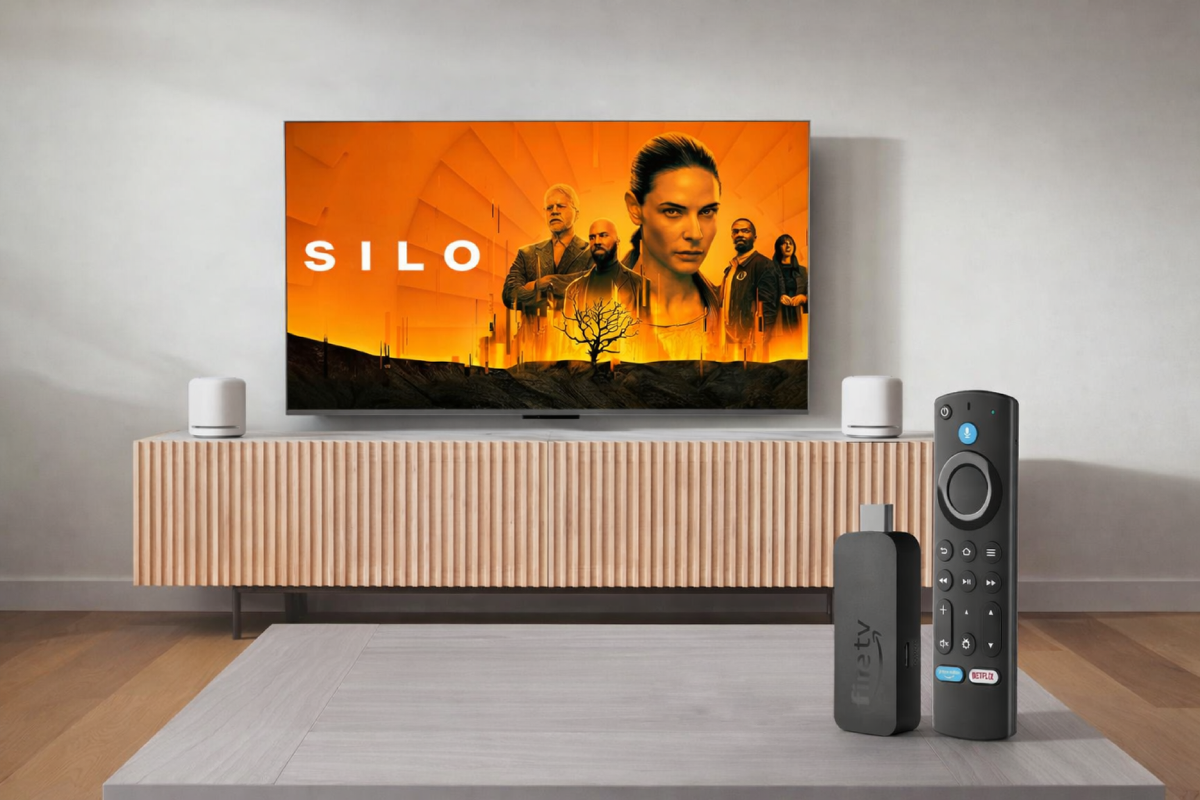
For a long time, I thought TV streaming sticks were only for people with very old TVs. If you already had a Smart TV, why add another device, right? That assumption didn’t really survive long-term use. After a few years, most built-in Smart TV systems slow down, updates stop arriving regularly, and apps start behaving unpredictably. That’s where the idea of a TV stick starts to make sense, even if your TV technically isn’t “old.”
A streaming stick like the Fire TV Stick 4K Max isn’t about adding features you didn’t have before. It’s about making everyday things smoother: opening apps without lag, switching between services without waiting, and not fighting the interface every time you want to watch something. In practice, it becomes less about specs and more about reducing friction.
What a TV Streaming Stick Actually Does in Daily Use
If you look up “what is a TV stick” or “what does a Fire TV Stick do,” most explanations sound overly technical. In real life, it’s simpler. A TV streaming stick replaces the software brain of your TV without replacing the screen itself. You still use the same TV, same HDMI port, same internet connection — but the experience changes.
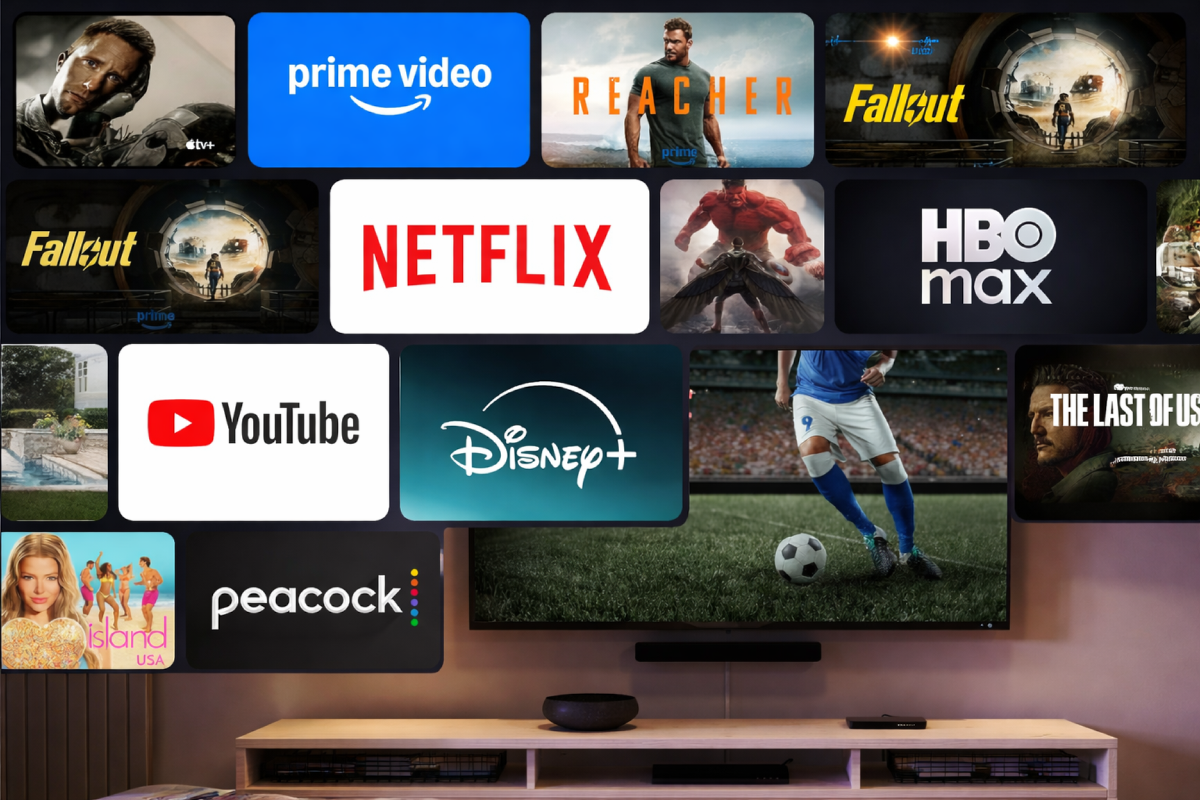
With a Fire TV Stick, the interface is consistent across TVs. Whether you plug it into a newer OLED or an older LED panel, apps behave the same way. Netflix, Prime Video, Hulu, Disney+, YouTube — all load faster than on many built-in Smart TV platforms. That consistency matters more than it sounds, especially if you’ve ever owned multiple TVs from different brands.
Another common question is whether you need a streaming stick if you already have a Smart TV. In my experience, the answer depends on patience. If you’re fine with occasional lag, delayed updates, or apps randomly signing you out, then maybe not. But if you expect your TV to behave more like a modern device and less like firmware frozen in time, a TV stick becomes an easy workaround.
Using Fire TV Stick 4K Max to Upgrade an Older or Slower TV
One of the strongest use cases for the Fire TV Stick 4K Max is upgrading an older TV. This doesn’t mean a non-smart TV only. Many “smart” TVs from four or five years ago struggle today. Menus stutter, storage fills up quickly, and clearing cache becomes a routine chore.
The Fire TV Stick 4K Max addresses that mainly through storage and network stability. With more internal storage than earlier Fire TV Stick models, it handles multiple streaming apps without constantly forcing you to delete something. This is especially noticeable if you use more than just the big three services.
Wi-Fi 6E support also matters more than spec sheets suggest. In a household with many connected devices, a streaming stick that can maintain stable bandwidth reduces buffering and resolution drops. This is one of those features you don’t actively think about — you just notice that streams don’t randomly degrade during peak hours.
Streaming Quality, Picture, and Sound in Real Conditions
Most modern streaming sticks support 4K, HDR, and surround sound formats, so on paper they look similar. In practice, the Fire TV Stick 4K Max handles Dolby Vision and Dolby Atmos reliably across major platforms. If your TV and audio system support those formats, you’ll actually see and hear the difference without tweaking settings every time.
This doesn’t magically turn a basic TV into a home theater. But it does ensure that your TV isn’t the bottleneck. The stick delivers what the streaming service provides, instead of limiting output due to weak processing or outdated firmware.
Cloud Gaming Without a Console: More Practical Than It Sounds
Cloud gaming is often treated as a gimmick, but on a Fire TV Stick it’s surprisingly straightforward. Services like Xbox Game Pass and Amazon Luna run directly on the device. You don’t install games locally; everything streams from the cloud.
This isn’t a replacement for a gaming console if you care about latency-sensitive competitive play. But for casual gaming, story-driven titles, or trying games without buying hardware, it works better than expected. All you need is a decent internet connection and a Bluetooth controller.
For many people, this alone changes how the TV is used. It stops being just a passive screen and becomes a shared entertainment hub without additional boxes under the TV.
This article contains affiliate links. If you purchase a product through these links, we may earn a commission at no additional cost to you.
Ambient Mode and When the TV Is “Off”
One small but noticeable feature is Ambient Experience. Instead of a black screen, the TV can display artwork, photos, or basic information like weather and time. It doesn’t change how you watch content, but it changes how the TV fits into the room.
This matters more in living spaces where the TV is always visible. It feels less like a powered-down device and more like a neutral part of the environment when not actively in use.
Alexa Integration and Smart Home Control
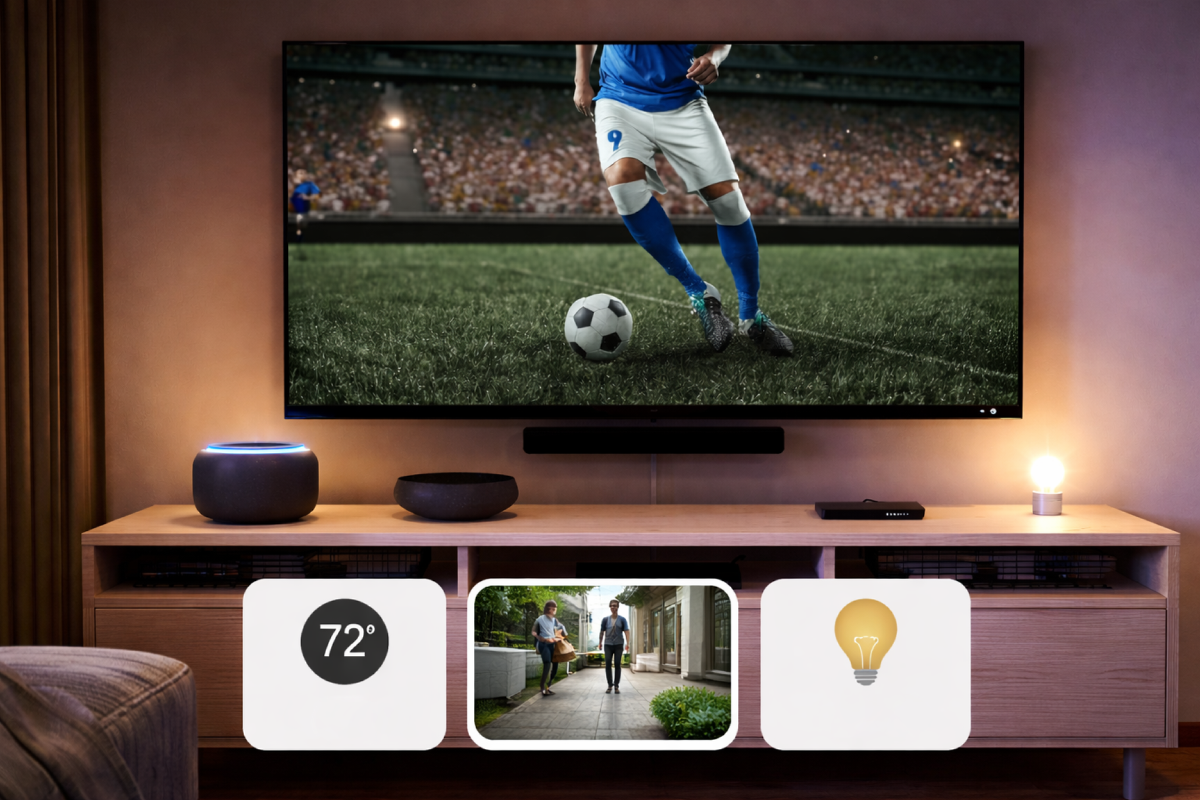
If you’re already using Alexa, Fire TV Stick integration feels natural. Voice search works across apps, not just within a single service. You can search by actor, genre, or even vague descriptions instead of exact titles.
Smart home controls are secondary but useful. Viewing camera feeds, adjusting lights, or checking basic status without reaching for another device turns the TV into a lightweight smart home dashboard. It’s not essential, but it’s convenient once you get used to it.
Is Fire TV Stick Worth It Compared to Other Streaming Devices?
Comparisons like Fire TV Stick vs Roku, Fire TV Stick vs Chromecast, or Fire TV Stick vs Apple TV usually come down to ecosystem preference. Fire TV Stick fits best if you already use Amazon services or Alexa. Roku focuses on simplicity. Chromecast integrates tightly with Google services. Apple TV targets users deeply invested in Apple’s ecosystem.
The Fire TV Stick 4K Max sits in the middle: flexible enough, powerful enough, and not locked into a single type of usage. It doesn’t try to be invisible or premium — it just works consistently.
Final Thoughts from Daily Use
A TV streaming stick isn’t exciting technology. And that’s exactly why it works. Fire TV Stick 4K Max doesn’t change what you watch — it changes how often the TV gets in your way. If your Smart TV feels slower than the rest of your devices, a TV stick is often the simplest fix.
For anyone asking what a TV stick is used for, the answer is straightforward: fewer delays, fewer compromises, and fewer reasons to replace a perfectly fine TV screen just because the software aged badly.
Більше новин в телеграмі